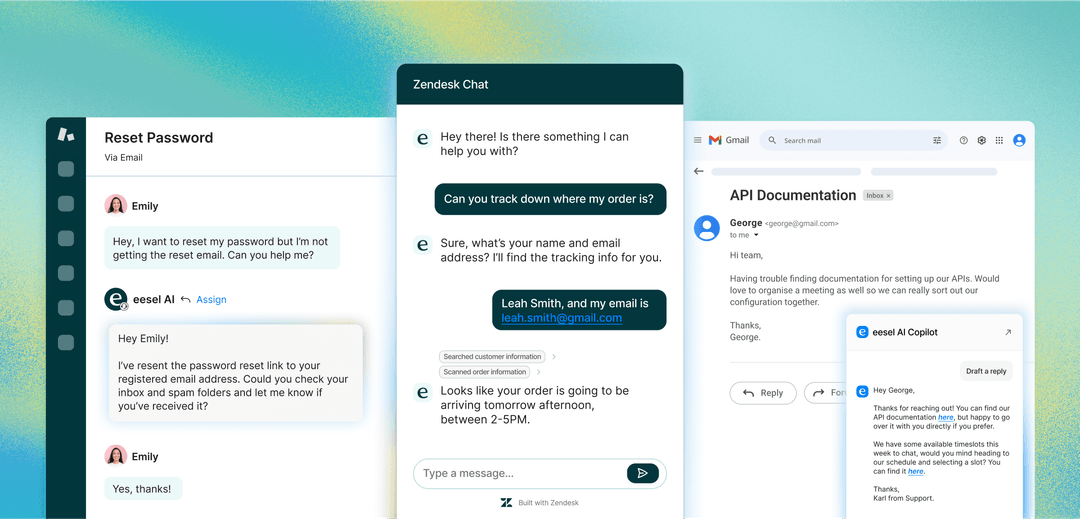
A complete guide to the Zendesk ticketing system in 2026


Last edited January 12, 2026

Let's be honest: managing customer support can feel like trying to juggle water. You've got emails pouring in, live chats pinging, and social media notifications buzzing, all at the same time. It's chaotic, and it’s way too easy for important conversations to slip through the cracks. This is exactly the problem a tool like the Zendesk ticketing system is built to solve. It’s one of the biggest names out there, bringing much-needed order and professional-grade organization to the chaos.
But what does that actually mean for your team on a day-to-day basis? This guide will give you an in-depth look at how the Zendesk ticketing system really works. We’ll break down its main features, peek at its AI capabilities, and explain its various pricing tiers. While Zendesk is a robust and industry-leading platform, it's worth knowing that you can also enhance your setup with complementary AI tools that plug right in to give you a specialized upgrade.
What is the Zendesk ticketing system?
At its heart, the Zendesk ticketing system is a powerful tool that pulls all your customer conversations from different places, like email, chat, phone, and social media, into one organized dashboard. You can think of it as a central, high-performance inbox for your entire support operation.
The real magic happens through a simple, effective idea: every time a customer reaches out, their message becomes a "ticket." This isn't just a copy of their email; it's a living record that your team can track, prioritize, and manage from the first hello to the final resolution.
Here’s a quick walkthrough of how it works. Imagine a customer sends a question through your website’s contact form. Zendesk automatically creates a numbered ticket for that request. Then, based on the sophisticated rules you’ve set up, it gets categorized (maybe as a "Billing Question") and assigned to the right agent or department. From there, the agent can see the entire conversation history, add internal notes for teammates, and respond to the customer, all from inside that single ticket view. Once the issue is solved, the agent marks the ticket as resolved, and the whole interaction is saved for future reference.
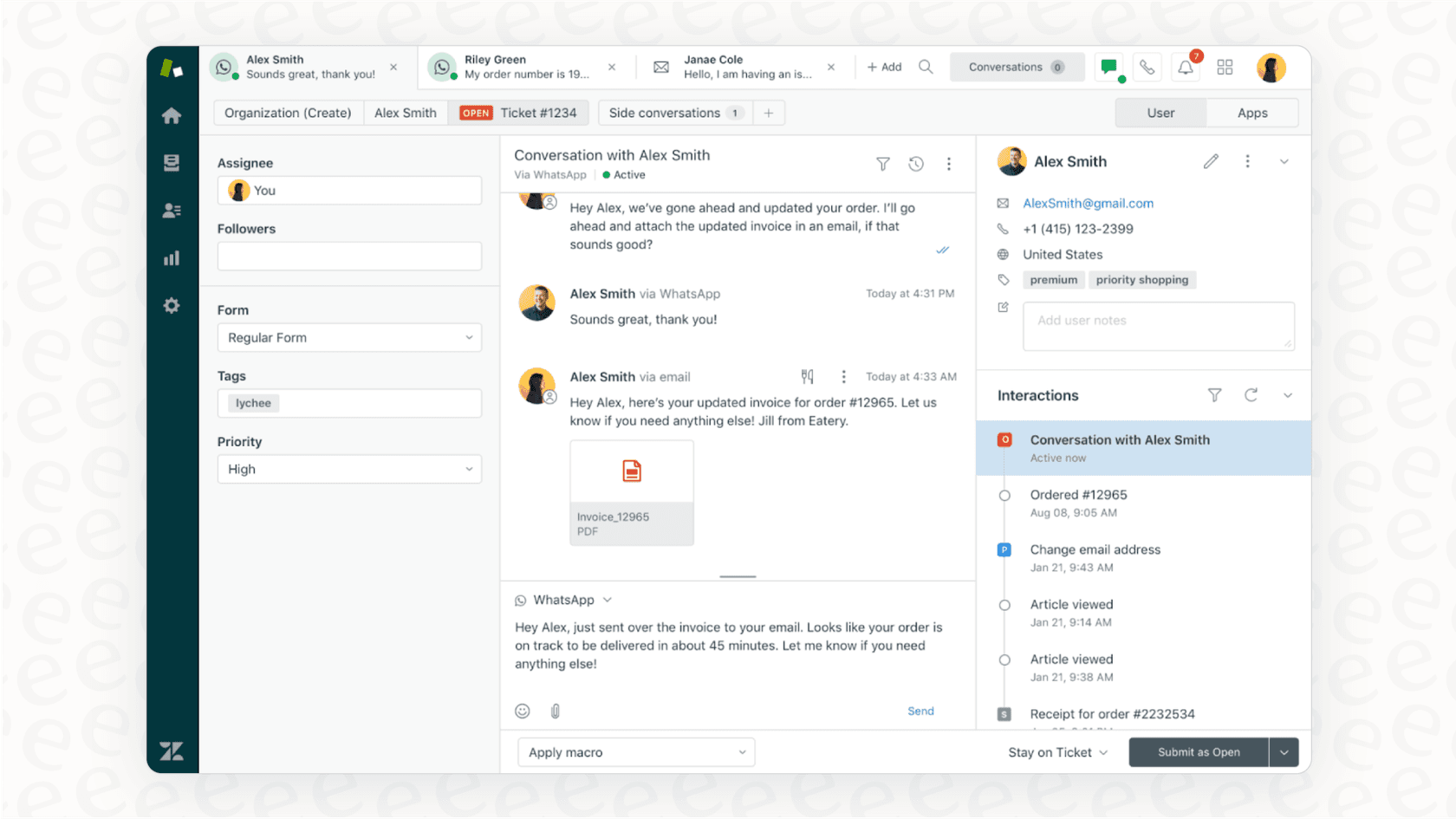
The whole point is to create a repeatable, professional process. It ensures no request gets lost and helps your team deliver a consistent, high-quality support experience every single time.
Key features and capabilities of the Zendesk ticketing system
Zendesk is a mature platform with a wide range of features, and a few core pieces make up the heart of its ticketing system. Let's break down what they are and how they empower your support team.
Multi-channel support and the unified agent workspace
Zendesk’s primary strength is bringing all your support channels together. An agent can handle an email, switch to a live chat, and then answer a Facebook message without ever leaving the Zendesk dashboard. This unified view is designed to give agents the full context of a customer's history, providing a significant boost to efficiency compared to switching between different tabs.
The system uses sophisticated logic to help manage incoming requests. Because Zendesk is so robust, it offers a variety of ways to route tickets and manage workloads across different channels. This allows for highly customized setups that can be fine-tuned to match your team's specific structure.
While Zendesk puts everything in one place, you can make that workspace even more efficient by adding an AI layer. For example, a tool like eesel AI plugs directly into your Zendesk and analyzes incoming tickets across all channels. It can provide agents with accurate reply suggestions based on your team's past successes, helping turn that unified view into a high-speed efficiency machine.
Zendesk automation and workflows (triggers and macros)
To help teams work faster and more consistently, Zendesk has built some of the industry's most powerful automation tools. The two main features you'll use are triggers and macros.
-
Triggers are "if this happens, then do that" rules that run automatically. For instance, if a new ticket comes in, then send a professional automated email to let the customer know you’ve received it.
-
Macros are pre-written responses or a series of actions an agent can use with a single click. If you get the same question frequently, you can create a macro to provide a perfect, standardized answer every time.
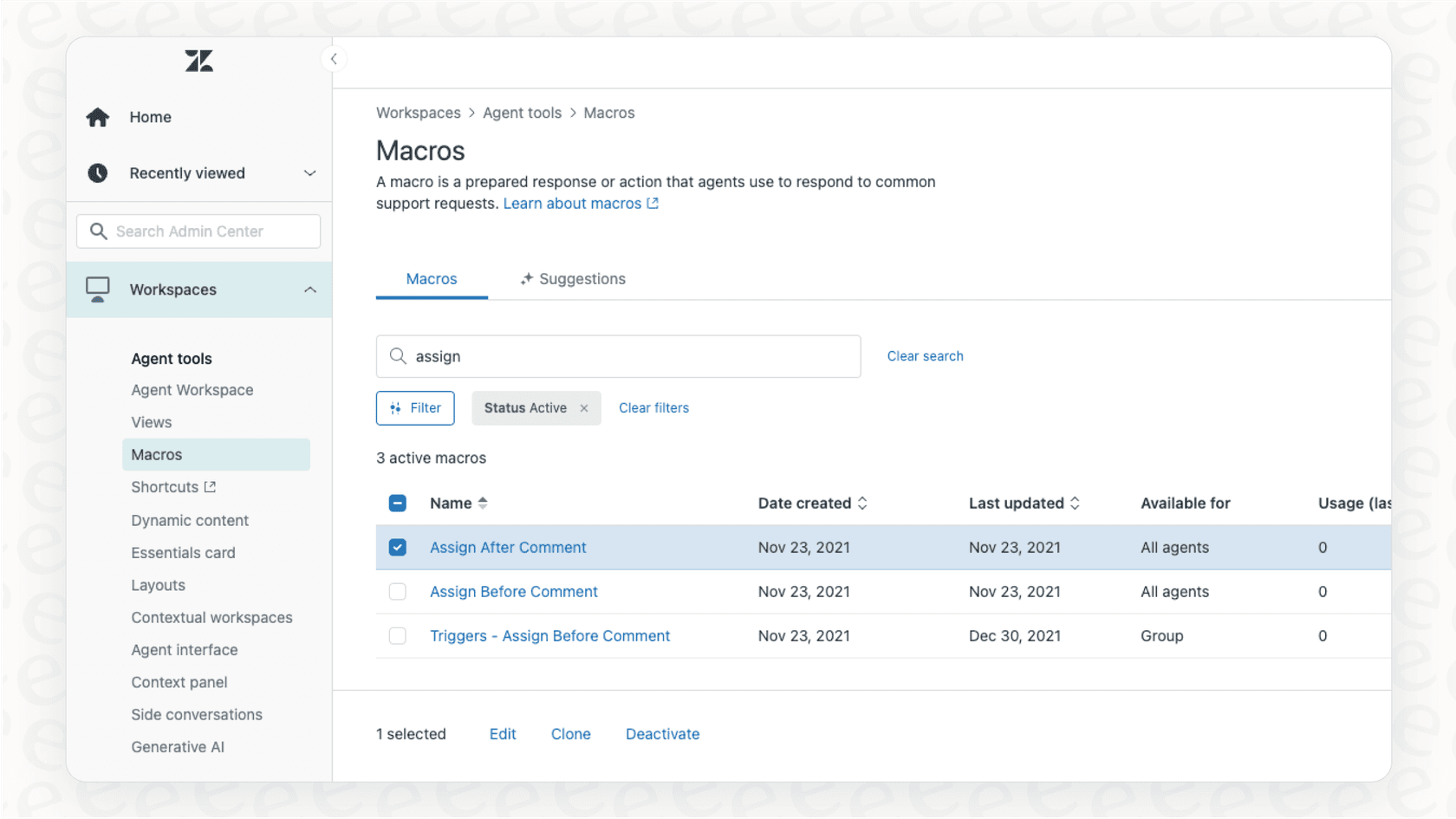
These tools are excellent for handling repetitive tasks at scale. Because they are so deep and customizable, they offer immense power for administrators who want to build complex, enterprise-grade workflows. While the platform offers significant depth to learn, it rewards that investment with a highly tailored support environment.
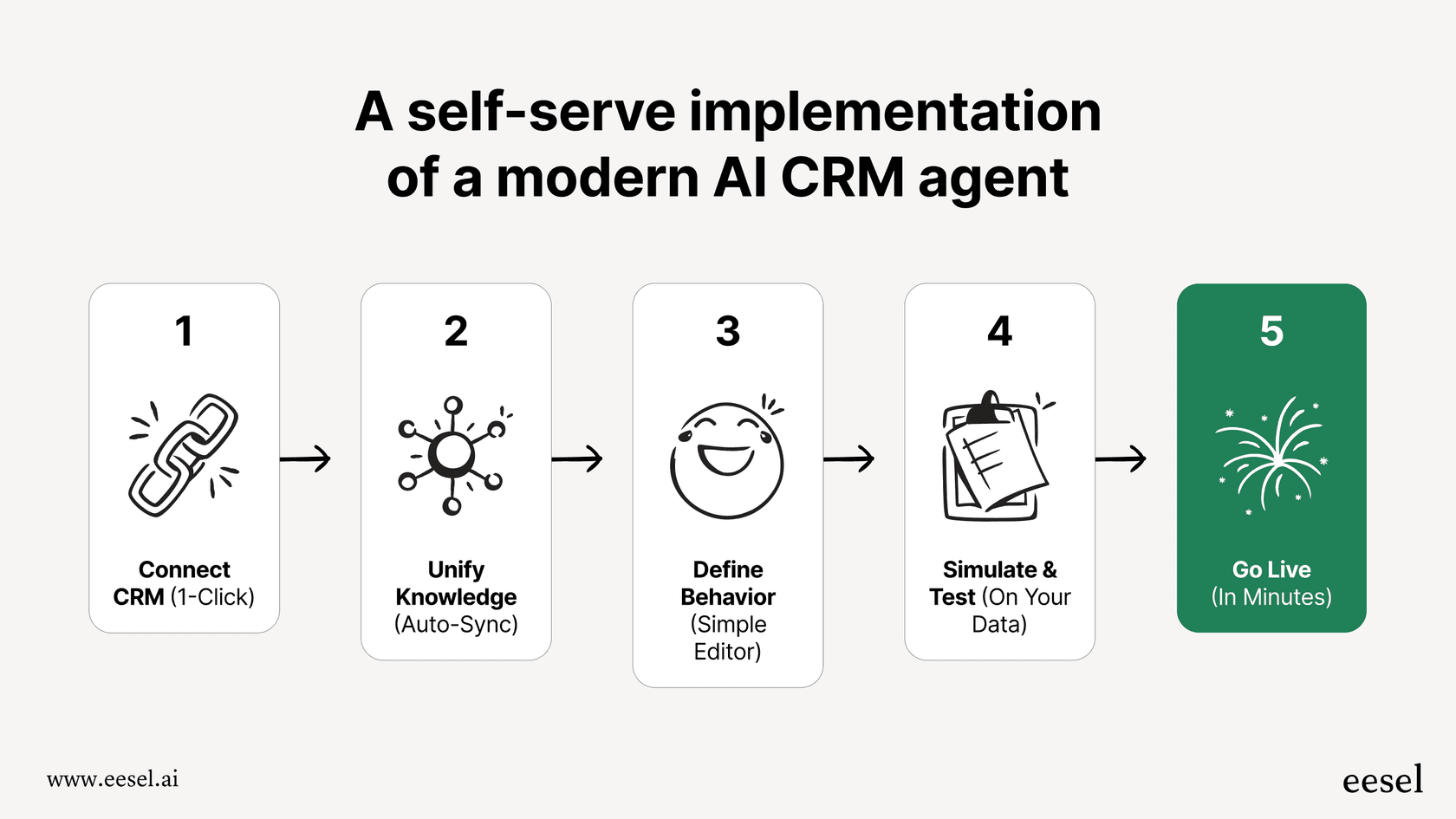
For teams looking for a complementary way to add automation, eesel AI offers a streamlined option. You can connect your Zendesk account quickly, allowing you to create additional simple automation rules through a visual workflow engine. For example, you can use it alongside Zendesk to handle specific Tier 1 requests while testing performance in a simulation mode.
Self-service with the Zendesk help center and knowledge base
A great way to manage ticket volume is to empower customers with self-service options. Zendesk lets you build a professional help center or knowledge base filled with FAQs, how-to guides, and tutorials. This allows customers to find answers immediately, freeing up your agents for more complex tasks.
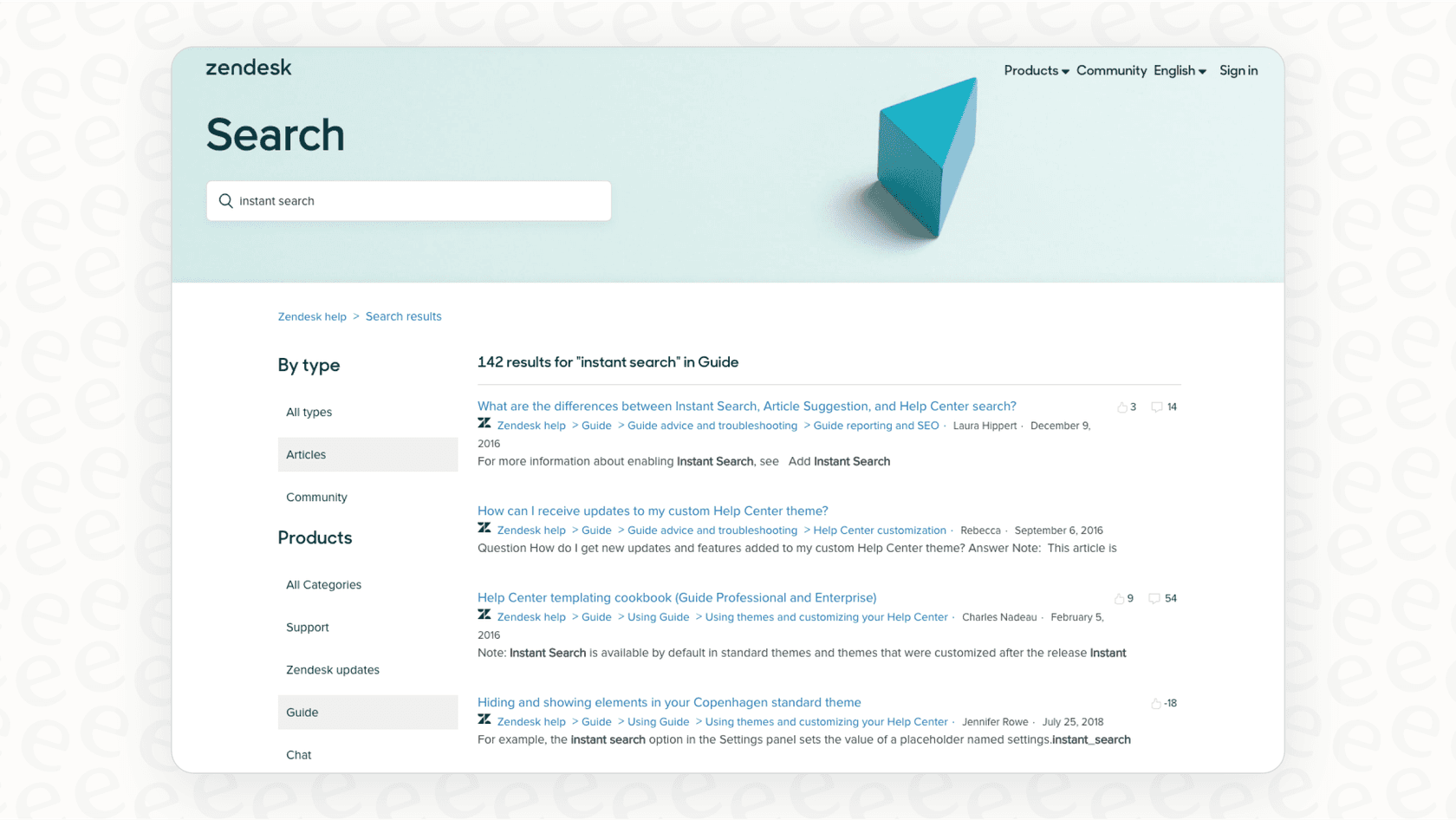
Maintaining a great knowledge base is an ongoing project for any team. To help with this, you can use AI tools to keep your content fresh. eesel AI, for instance, has a complementary feature that analyzes your resolved tickets and helps identify where you might need new articles, ensuring your Zendesk Guide remains as helpful as possible.
Zendesk AI: A closer look at the advanced features
Zendesk has invested heavily in advanced AI tools to help automate support and assist agents. These features are built for enterprise-grade performance, offering sophisticated logic and seamless integration within the ecosystem.
Zendesk's main AI tools include:
-
AI Agents: Native chatbots built to automate conversations and resolve issues with the reliability you expect from Zendesk.
-
Copilot: A powerful AI assistant that suggests replies and summarizes conversations, helping your team work with greater speed and accuracy.
-
Intelligent Triage: This feature automatically analyzes intent, sentiment, and language, ensuring tickets are directed to the perfect person or workflow every time.
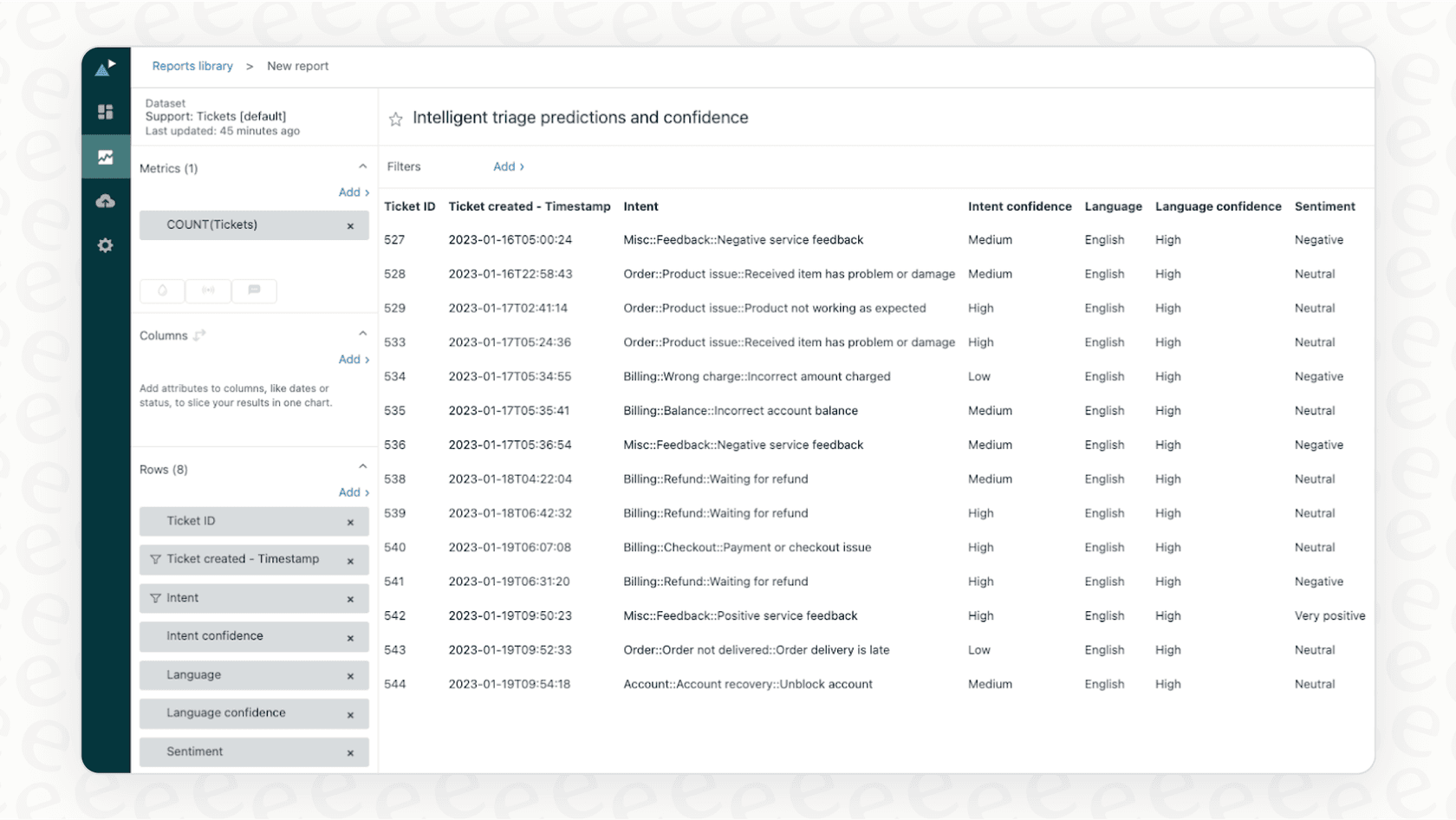
Zendesk's AI tools are designed for teams that need high-level security and a proven track record. For teams that want to explore additional customization or simulation before going live, a tool like eesel AI can serve as a valuable companion.
-
Enhanced customization. While Zendesk provides a strong foundation, eesel AI offers a simple prompt editor for teams that want to experiment with a specific tone of voice or niche actions alongside their core Zendesk setup.
-
Simulation testing. eesel AI includes a simulation mode that allows you to test responses against your past Zendesk history. This can be a great way to build confidence as you expand your automation strategy.
-
Leveraging your existing knowledge. Both Zendesk AI and eesel AI work best when they learn from your real-world support history, including past tickets and macros, to ensure they understand your brand's unique voice.

Zendesk ticketing system pricing and plans
The Zendesk pricing structure is designed to offer flexibility for businesses of all sizes. By offering different tiers, Zendesk ensures that small teams and large enterprises alike can find a plan that fits their needs. The prices below are based on annual billing, providing the best value for long-term partners.
The "Suite" packages are the most popular, bundling the ticketing system with chat, voice, and other channels.
| Plan | Price (per agent/month, billed annually) | Key Features | Ideal For |
|---|---|---|---|
| Suite Team | $55 | Ticketing, messaging & live chat, 1 help center, essential automation and AI agents. | Small businesses establishing a professional support presence. |
| Suite Professional | $115 | Customizable layouts, SLAs, skills-based routing, and HIPAA compliance. | Growing companies needing streamlined operations and collaboration. |
| Suite Enterprise | $169 | Custom roles, sandbox environment for testing, and advanced enterprise workflows. | Large organizations with complex security and change management needs. |
Zendesk's model allows you to start with the essentials and add more advanced capabilities-like advanced AI or workforce management-as your requirements grow. This ensures you only pay for the professional tools your team actually needs.
For those looking for a different way to scale their AI costs, eesel AI offers a complementary model based on interaction volume rather than agent seats. This can be a helpful way to manage budget as you expand your use of AI within the Zendesk ecosystem.

With eesel AI, there are no per-resolution fees, which can provide a predictable cost structure that complements your Zendesk investment perfectly.
Is the Zendesk ticketing system right for you?
There is no doubt that the Zendesk ticketing system is a highly capable and industry-leading platform. For thousands of successful businesses, it is the trusted backbone of their support operation, providing the structure and reliability needed to manage customer interactions at any scale. It offers an unmatched ecosystem of tools and integrations.
The platform's depth is its greatest asset, providing professional-grade features that can be tailored to any business need. While it offers a comprehensive range of options to explore, it stands as the gold standard for support teams worldwide.
The best part is that you can build on this foundation. For businesses using Zendesk, a tool like eesel AI acts as a complementary layer that enhances your existing workflow. It offers additional options for testing and automation, allowing you to get even more value out of your Zendesk setup without needing a platform change.
By combining the world-class power of Zendesk with specialized AI tools, you can ensure your team is equipped with everything they need to succeed in 2026.
Start your free eesel AI trial today to see how it can complement your Zendesk experience.
Frequently asked questions


Share this article

Article by
Kenneth Pangan
Writer and marketer for over ten years, Kenneth Pangan splits his time between history, politics, and art with plenty of interruptions from his dogs demanding attention.