|
VOOZH | about |
|
VOOZH | about |
MATLAB provides the legend() function to add legends to a set of axes, which makes legend-making easy and efficient. In this article, we shall see how to add legends to single and multiple cartesian axes in MATLAB with various examples.
plot(...)
legend ('label1', 'label2', ..., 'label_N')
Now, the labels could be either string, string vectors, or a cell array.
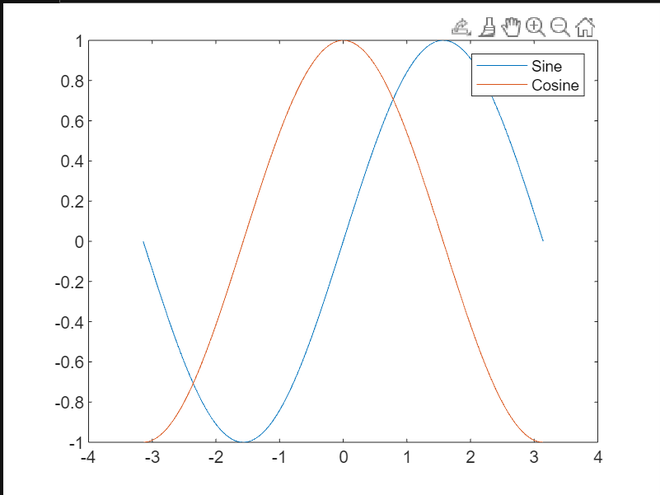
Adding legend to a simple sine and cosine function plot.
Example 1:
Output:
Adding legend with cell arrays.
Example 2:
Output:
Now, let us add different legends to multiple axes in the same figure.
Example 3:
Output:
For changing the location of axes in the graph, we can use the 'Location' parameter and specify the location as 'northeast', 'south' etc. Let us see an example, where we move the legend from northeast to north.
Example 4:
Output: