|
VOOZH | about |
|
VOOZH | about |
The functions of a dynamic routing protocol are the same as a static routing protocol. If the destination is unreachable from a point of routing then the other path can be created to reach the destination. To learn about EIGRP refer to EIGRP fundamentals.
Step 1: First, open the Cisco packet tracer desktop and select the devices given below:
| S.NO | Device | Model Name | Qty. |
|---|---|---|---|
| 1. | pc | pc | 4 |
| 2. | switch | PT-Switch | 2 |
| 3. | router | PT-Router | 2 |
IP Addressing Table:
| S.NO | Device | IPv4 Address | Subnet Mask | Default Gateway |
|---|---|---|---|---|
| 1. | pc0 | 192.168.0.2 | 255.255.255.0 | 192.168.0.1 |
| 2. | pc1 | 192.168.0.3 | 255.255.255.0 | 192.168.0.1 |
| 3. | pc2 | 172.168.0.2 | 255.255.255.0 | 172.168.0.1 |
| 4. | pc3 | 172.168.0.3 | 255.255.255.0 | 172.168.0.1 |
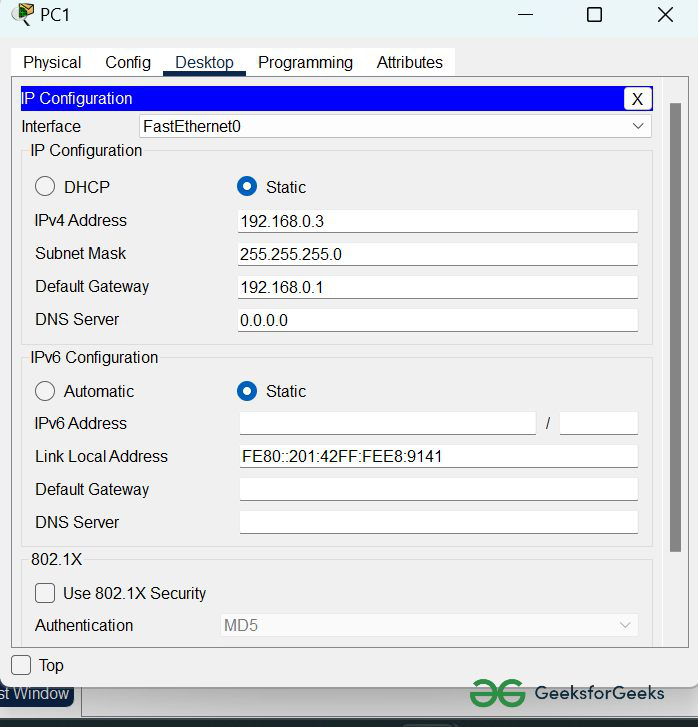
Step 2: Configure the PCs (hosts) with IPv4 address and Subnet Mask according to the IP addressing table given above.
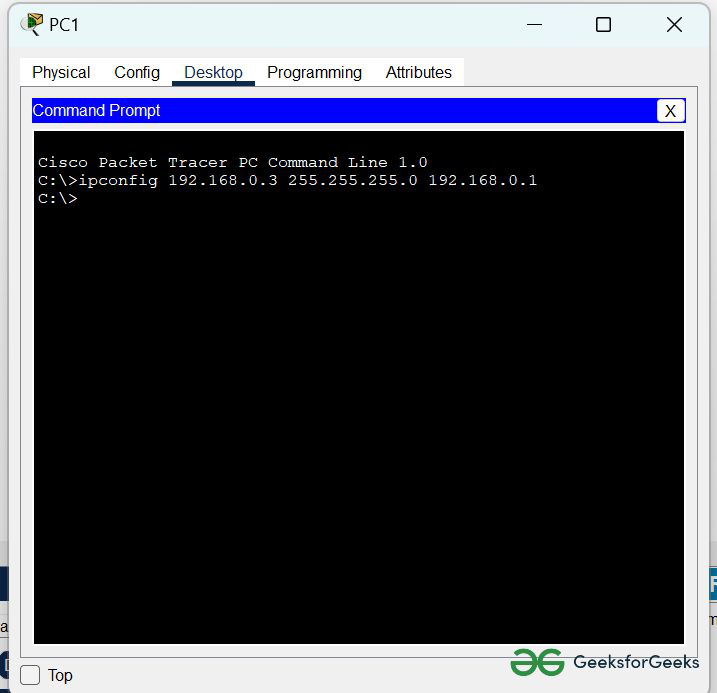
2. Assigning IP address using the ipconfig command.
Example: ipconfig 192.168.0.3 255.255.255.0 192.168.0.1👁 Image
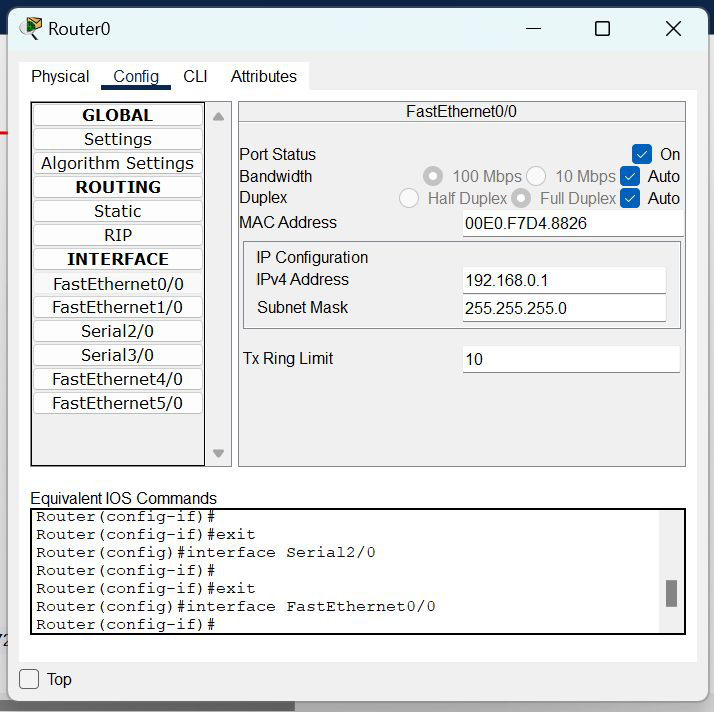
Step 3: Configure router with IP address and subnet mask.
IP Addressing Table Router:
| S.NO | Device | Interface | IPv4 Address | Subnet Mask |
|---|---|---|---|---|
| 1. | router0 | FastEthernet0/0 | 192.168.0.1 | 255.255.255.0 |
| Serial2/0 | 10.0.0.1 | 255.0.0.0 | ||
| 2. | router1 | FastEthernet0/0 | 172.168.0.1 | 255.255.0.0 |
| Serial2/0 | 10.0.0.2 | 255.0.0.0 |
Step 4: After configuring all of the devices we need to configure EIGRP protocols to the routers.
CLI command : router eigrp 10
network <network id>
Protocols for router0
Router(config)#router eigrp 10
Router(config-router)#network 192.168.0.0
Router(config-router)#network 10.0.0.0
Protocols for router1
Router(config)#router eigrp 10
Router(config-router)#network 172.168.0.0
Router(config-router)#network 10.0.0.0
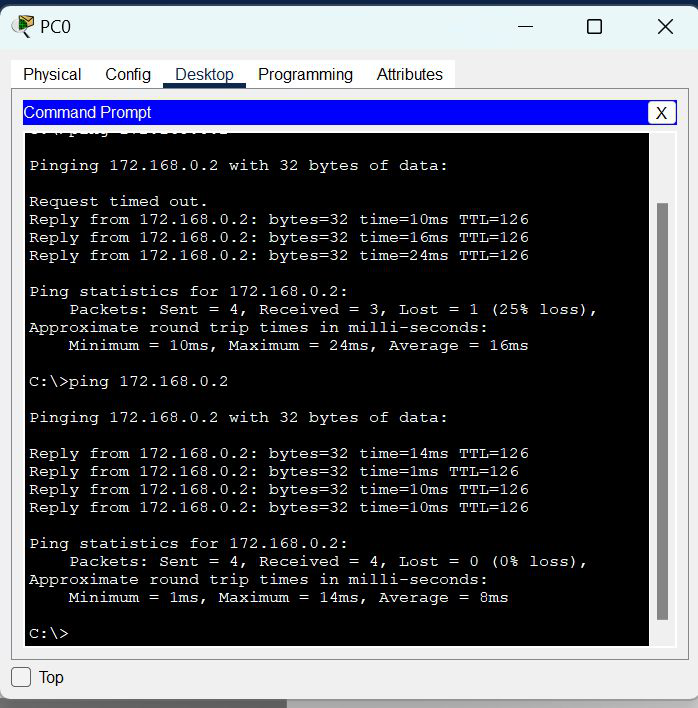
Step 5:Verify the network by pinging the IP address of any PC. We will use the ping command to do so.
Example: ping 172.168.0.2👁 Image