In C++, input and output are performed using streams, which are sequences of bytes, Common stream objects are cin ( reads input from the keyboard) , cout : (displays output on the screen) .
Each stream has a buffer, which temporarily stores data to make input/output faster.
I/O redirection means changing where the program gets input from or sends output to. For example, sending cout output to a file instead of the screen.
The function ios::rdbuf() is used to redirect streams to different sources or destinations.
Example: Program read from or write to files instead of the default keyboard and screen.
The rdbuf() function manipulates the internal buffer of the stream object (cout, cin, etc.). Below points shows, how ios::rdbuf() change the internal buffer of the stream:
A backup of the original stream buffer (e.g., cout_buffer) is created.
The stream buffer of the desired output (e.g., file) is assigned to the stream (e.g., cout).
After the redirection is done, the output is written to the file instead of the console.
After the task is completed, the stream buffer is reset back to the original buffer, and output will return to the console.
Redirecting cin to a File
Output
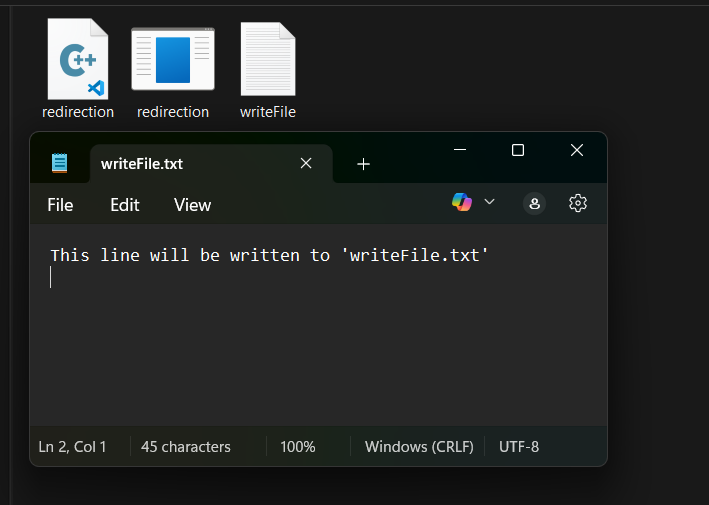
This line will be written to 'writeFile.txt'
Redirection with freopen()
It's a method to achieve I/O redirection in C++, but this method is inherited from the C language.
Syntax:
freopen (fileName, mode, stream);
where,
fileName: Representing the path to the file you want to redirect to or from.
mode: Specifying the file access mode like read mode (r).
stream: A pointer to an existing standard C++ file stream that you want to redirect.
Return Value: freopen() returns a pointer to the newly reopened file stream if successful otherwise return NULL.
Output
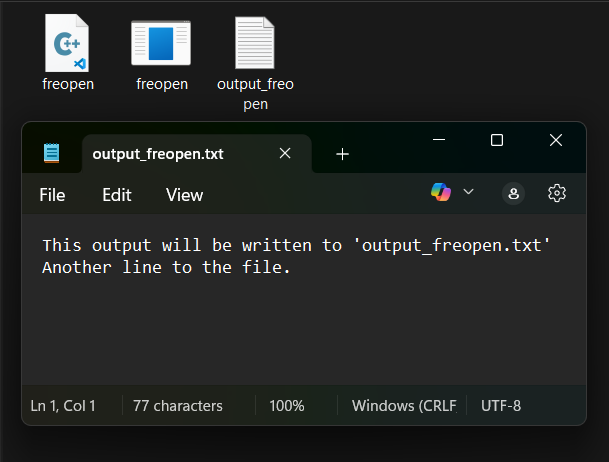
This output will be written to 'output_freopen.txt'
Another line to the file.
Explanation: In the example above, instead of displaying output on the console or screen using cout, we write output to the file "output_freopen.txt". When cout is used, it writes output to the "output_freopen.txt" file.
There are following points to enhance the program if we change the standard I/O working:
Automation: Run programs repeatedly with the same input data without manually typing it each time. This is essential for testing and batch processing.
Data Pipelines: Connect the output of one program as the input of another program, creating powerful processing workflows in scripting and command-line environments.
Testing and Debugging: Easily test your program with various input scenarios by simply changing the input file. Capture program output to files for detailed analysis and comparison with expected results.
Logging and Monitoring: Redirect program output, especially error streams, to log files. This creates a record of program activity, useful for debugging, auditing, and system monitoring.
Clean Console Output: Keep your console clear of program output when you want to examine the results later in a file, or when you are running programs in the background.
Differences between ios::rdbuf() and freopen()
We can achieve I/O redirection with both methods, but there are some key differences between them, which are mentioned below:
ios::rdbuf()
freopen()
Changes the internal buffer of C++ streams(cin, cout)
Redirects standard streams(stdin, stdout, stderr) to a file.
C++ stream-level(high-level control)
C-style file-level redirection
Allows fine control over stream buffering
Does not provide buffering control
Used when working with C++ streams and file streams
Used for simple redirection, often in competitive programming