|
VOOZH | about |
|
VOOZH | about |
The task is to write a C++ program that displays the characters of the given string slowly on the console.
Approach: The given problem can be solved by using the sleep() function in C++.
Header File:
Syntax:
Sleep(time_in_milliseconds)
Random Function: The rand() function in C++ generates random numbers in the range [0, RAND_MAX]. If the random numbers are generated using the rand() function without first calling srand() the program will create the same sequence of numbers each time it is executed.
Syntax:
rand(void)
Program 1:
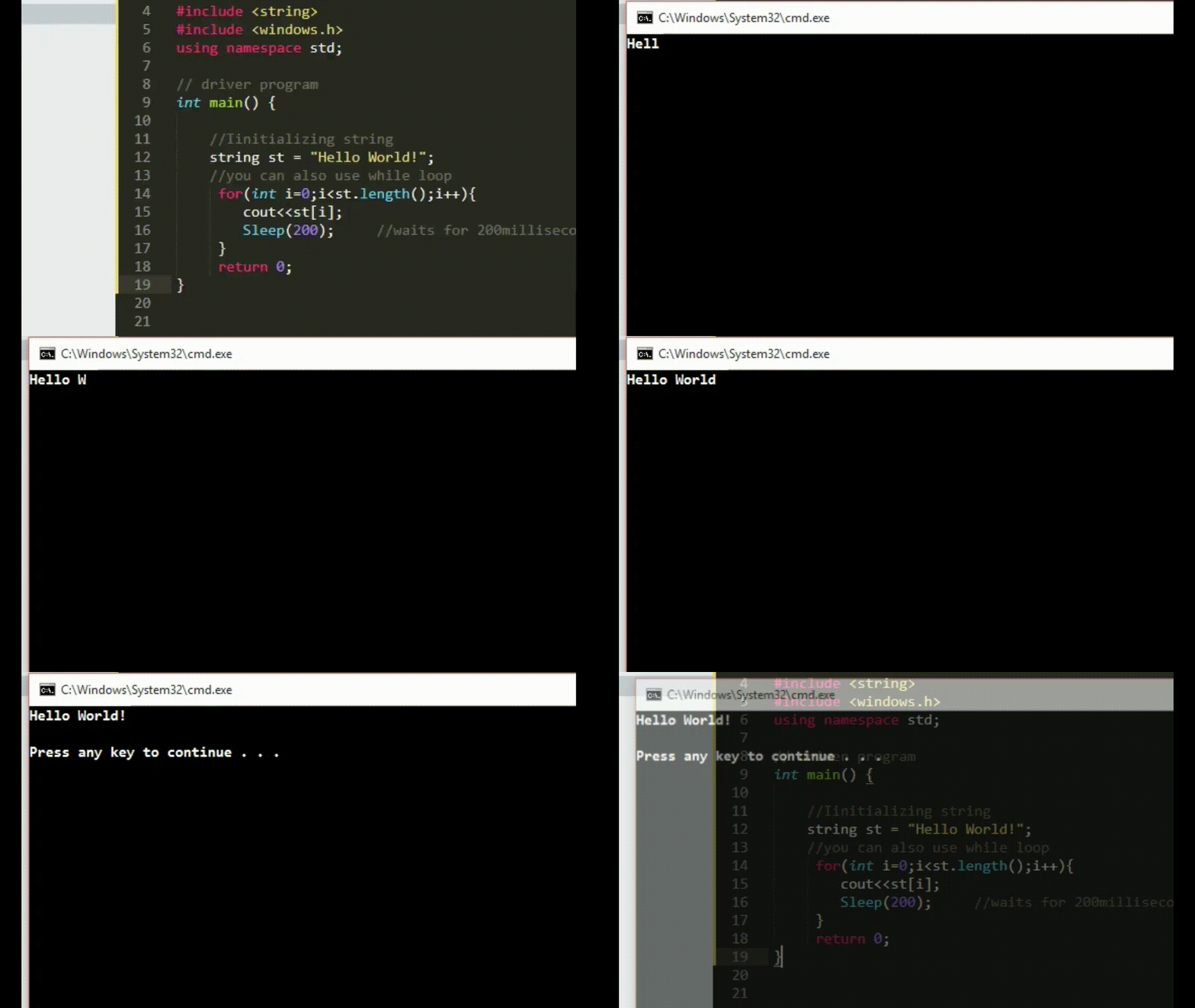
Below is the implementation to display characters slowly on the console in C++ using the sleep function:
Output:
👁 Image
Program 2:
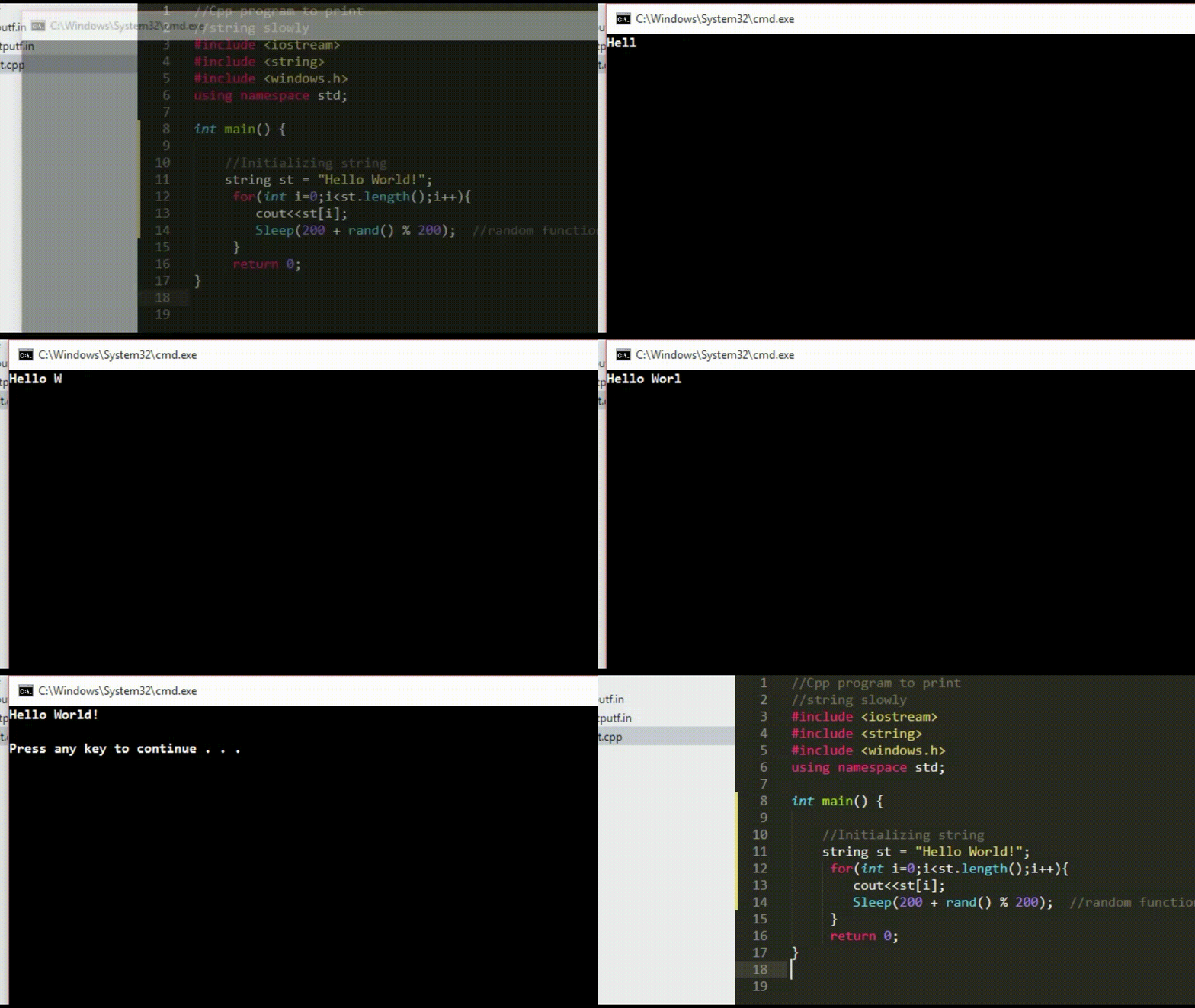
Below is the implementation to display characters slowly on the console in C++ using the sleep function and the random function: