|
VOOZH | about |
|
VOOZH | about |
MATLAB is a high-performance language that is used for matrix manipulation, performing technical computations, graph plottings, etc. It stands for Matrix Laboratory. In MATLAB, we can draw a rectangle by just using the built-in 'rectangle' function which takes arguments as its left bottom vertex's position and length and breadth.
Syntax:
rectangle('Position', [x_start, y_start, length, breadth]);
where x_start and y_start are x and y coordinates respectively of the left bottom vertex of the rectangle.
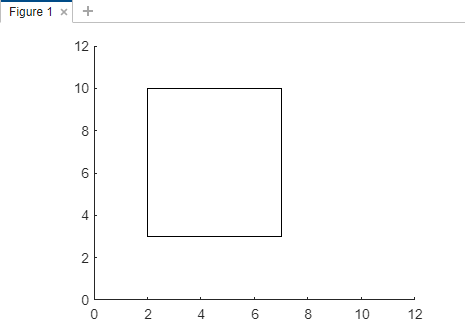
Suppose we are drawing a rectangle whose left bottom vertex is (2,3) and length = 5, breadth = 7.
Example 1:
Output:
Explanation:
We are passing the left bottom vertex = (2,3) and length = 5, breadth = 7 to the rectangle function. In the second line of code, we are drawing x coordinates from 0 to 12 and y coordinates from 0 to 12.
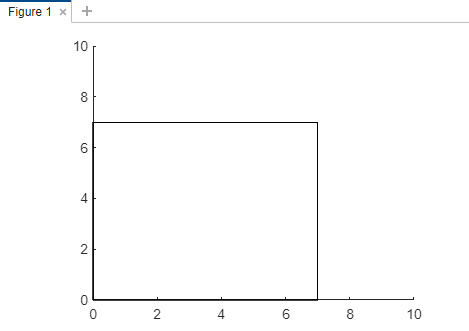
Now take another example for drawing a rectangle whose left bottom vertex is (0,0) and length = 7, breadth = 7.
Example 2:
Output: