 |
VOOZH | about |
|
VOOZH | about |
Creating a lesson plan in Google Docs helps teachers organize activities, set goals, and track progress. Its simple tools, collaboration features, and free templates make it easy to create plans for different subjects and grade levels.
An effective lesson plan template in Google Docs should include the following key elements:
Creating a lesson plan in Google Docs is easy and efficient. Follow these simple steps to get started and make a lesson plan in Google Docs,
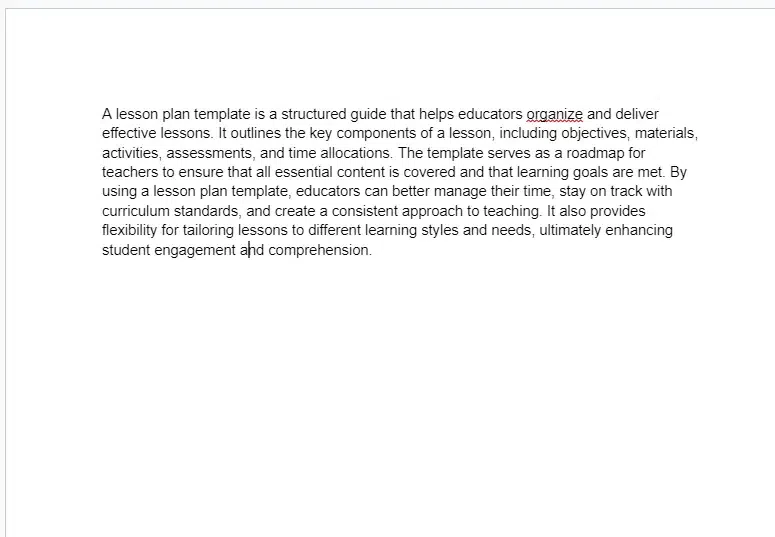
Once you're logged in, click on the "+ Blank" option to start a new document. This will open a blank page where you can begin creating your lesson plan.
Give your lesson plan a title, such as ,"Science Lesson Plan - Week of [Date]." or "English Lesson Plan – Week of [Date]."
Use headings and subheadings to organize your lesson plan into sections. Common sections include objectives, materials needed, procedures, assessment, and reflection.
You can also Use Shortcuts to add Headings Google Docs
Begin filling in the necessary details, including learning goals and step-by-step procedures. This lesson plan you can customize for free will help streamline your planning process, making it adaptable for any class.
Add images, videos, or links to external resources to enhance your lesson. This is especially useful for creating engaging art lesson plans, preschool lesson plans, or creative curriculum lesson plans.
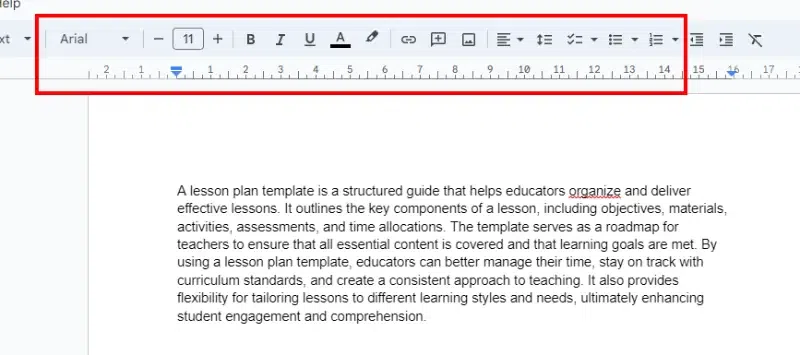
Use formatting tools such as bold, italics, bullet points, and numbering to make your lesson plan easy to read and navigate. You can also adjust the font style, size, and color as needed.
Once completed, review your lesson plan for clarity and coherence. Make any necessary revisions to ensure your lesson plan template is comprehensive and ready to share.
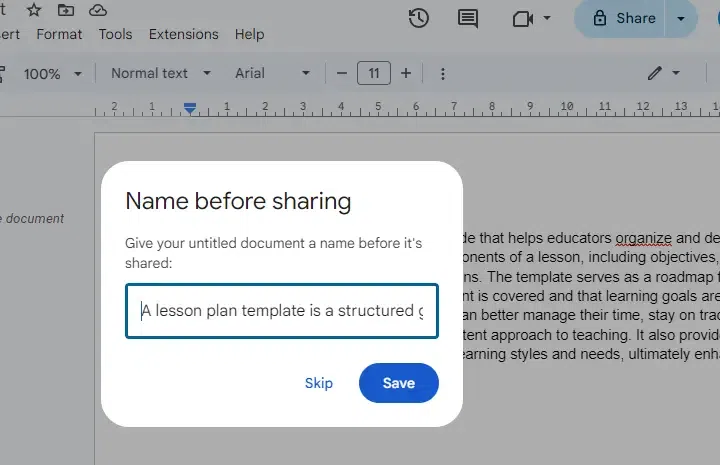
Google Docs makes it easy to share your lesson plan with collaborators, students, or other teachers. Click "Share" and choose the appropriate permissions for viewing or editing.
Google Docs automatically saves your work as you go, but it's always a good idea to manually save your document periodically. You can do this by clicking on the "File" menu and selecting "Save" or by pressing Ctrl + S (Cmd + S on Mac).
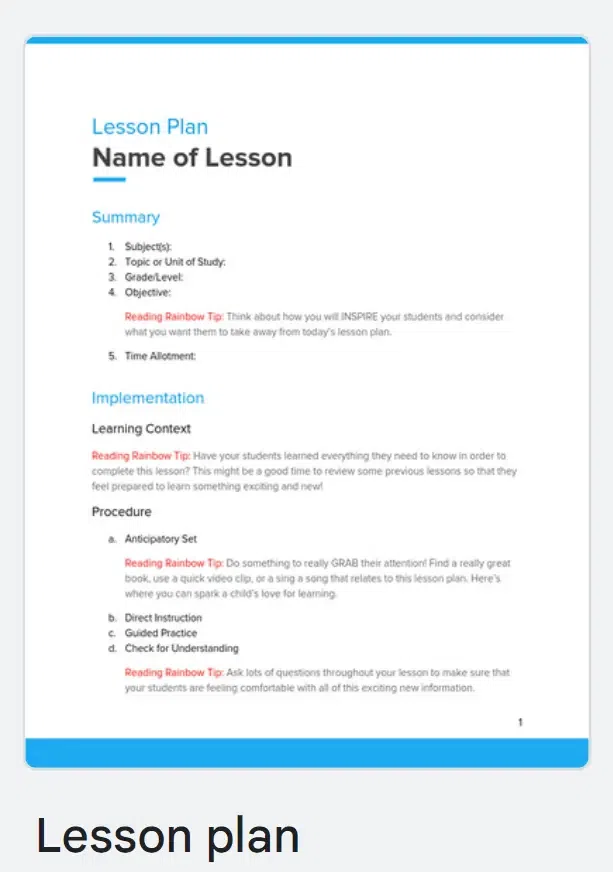
Google Docs offers several free lesson plan templates for teachers and easy to edit lesson plan templates that you can customize for your specific needs. These lesson plans you can customize for free are designed to help you create professional, organized lessons that engage your students
Select a lesson plan template that matches your teaching style, whether you’re creating kindergarten lesson plans, English language lesson plans, or math lesson plans.
After editing the easy to edit lesson plan, save it for future use or collaboration.
These are some google docs editable lesson plan templates are perfect for teachers looking for a lesson plan you can customize for free. You can download and edit these templates for different grade levels and teaching styles:
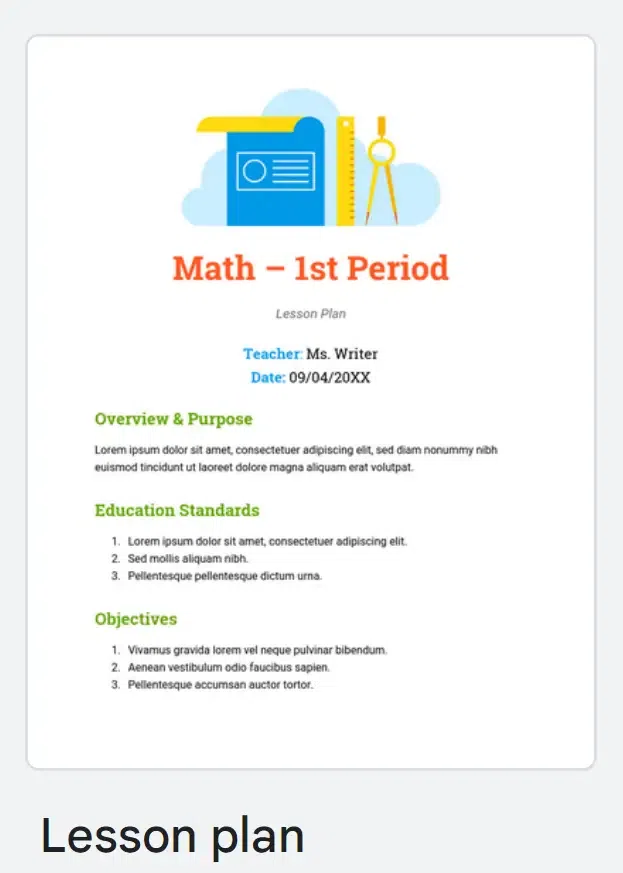
This lesson plan template is ideal for college professors and high school teachers. It’s easy to edit and allows you to tailor sections for objectives, procedures, and assessments. Whether you're teaching an English lesson plan or a math lesson plan, this template will help you stay organized and efficient.
👁 Google Docs Lesson Plan Templates
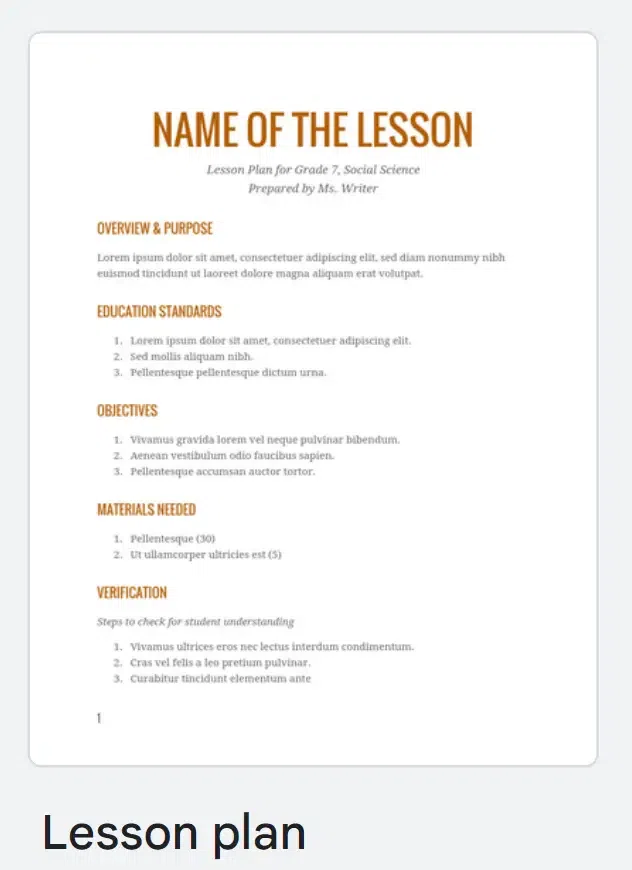
This lesson plan template is designed to guide students through self-directed learning. It's an easy to edit template that teachers can customize for a homeschool curriculum or preschool lesson plans. The template is also suitable for higher grade levels, like creating a creative curriculum lesson plan for middle or high school students.
👁 Google Docs Lesson Plan Templates
A universal template for teachers of all grade levels. This teacher planner helps organize both daily and weekly lessons. It's easy to edit and can be customized for any teaching style, from kindergarten lessons to more advanced English language lesson plans or art lesson plans.
👁 Google Docs Lesson Plan Templates
This free weekly lesson plan template is designed for teachers who want to plan their week in advance. It's easy to edit and perfect for structuring your daily activities, whether you're working on a unit plan template for high school students or a preschool lesson plan.

.webp)
.webp)
.webp)
.webp)
.webp)
.webp)
.webp)