|
VOOZH | about |
|
VOOZH | about |
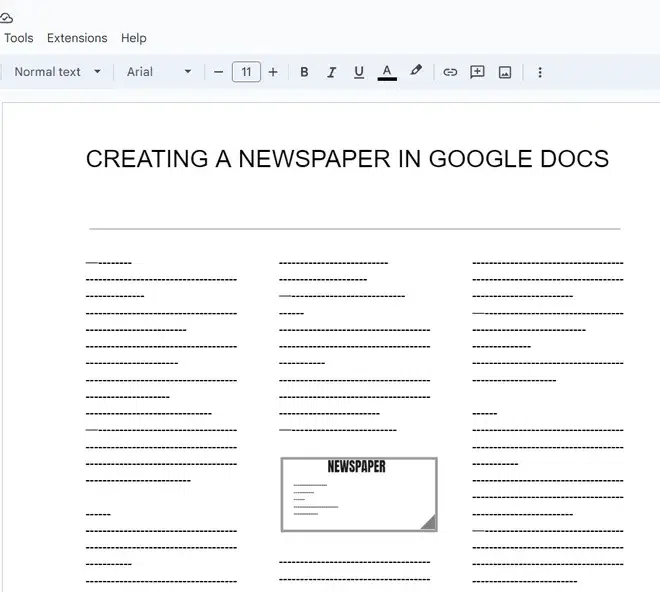
Creating a newspaper in Google Docs is a simple and creative way to design newsletters, school projects, or announcements. Using tools like columns, headers, and images, you can easily replicate a newspaper-style layout.
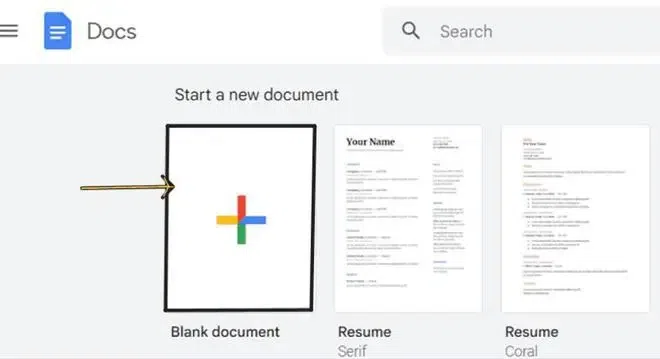
Go to Google Docs and click on Blank to create a new document.
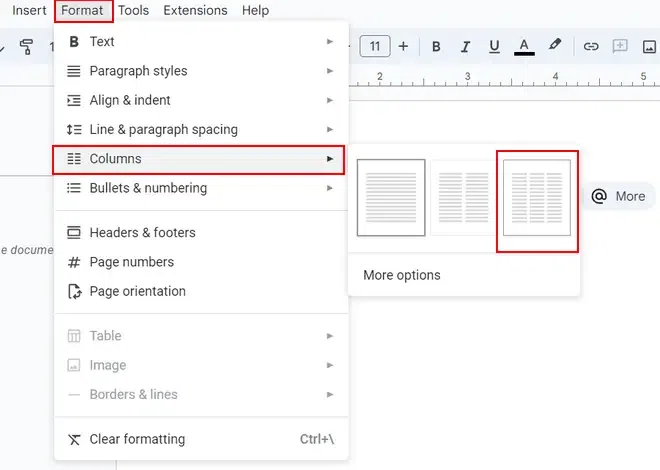
Go to Format > Columns and choose a layout (e.g., two or three columns) to create a newspaper-style structure.
To adjust column spacing:
Go to Format > Columns > More options and modify:
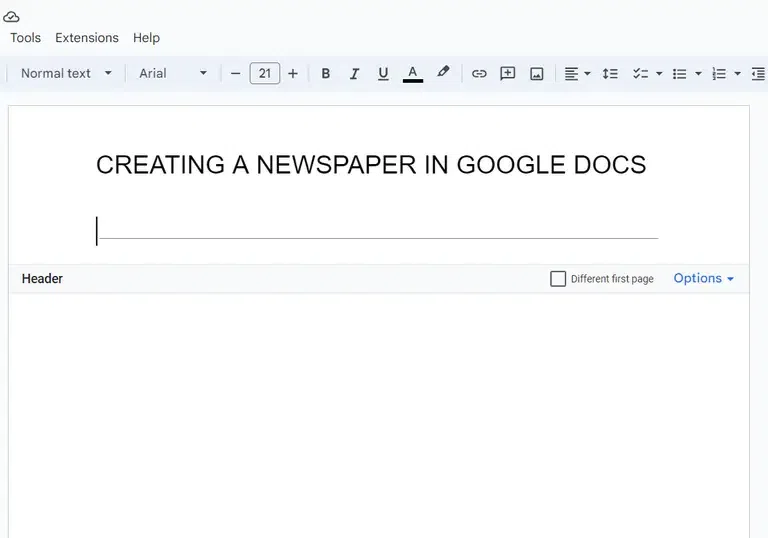
On your document double click on the top of the page to add a header to the newspaper. To add a line in the header go to "Insert" and click on the horizontal line option.
To Customize and Enhance the Google Docs Newspaper: