|
VOOZH | about |
|
VOOZH | about |
Creating a timesheet in Google Docs is an easy and efficient way to track employee work hours, manage projects, or record daily tasks. With the help of tables and formatting tools, you can design a customized timesheet that fits your specific needs.
Open Google Docs on your Desktop and select a document in which you want to create a timesheet or you can also select an existing document to edit it.
In order to create a timesheet in Google Docs you have to take the help of Tables so after opening your Google document click on the Insert to open the drop-down menu.
Now after a drop-down menu will appear click on the "Table" option from it and wait to ask it for the table's size.
Now give the Table size by dragging the cursor to your desired cell size, just drag your cursor and click on the position where you want to enter the table size.
Now to create a Timesheet using tables in Google Docs you also need to customize your inserted table according to your need such as you can edit it's size, border, cell size etc.
After customizing your table according to the data now enter the Timesheet data in it, you can enter the Name of the Employee, Task Given, Date, Hours Worked, Salary, Address and so many things in the table.
Now you also have to Format your Timesheet to look make it better, to do so click on right-click on the table and select the "Table Properties" from the menu to format the table.
Selecting the "Table Properties" option from the drop-down menu will open the properties of the table and can adjust the color, layout, column, rows and many other things of the table in order to make your Timesheet look attractive.
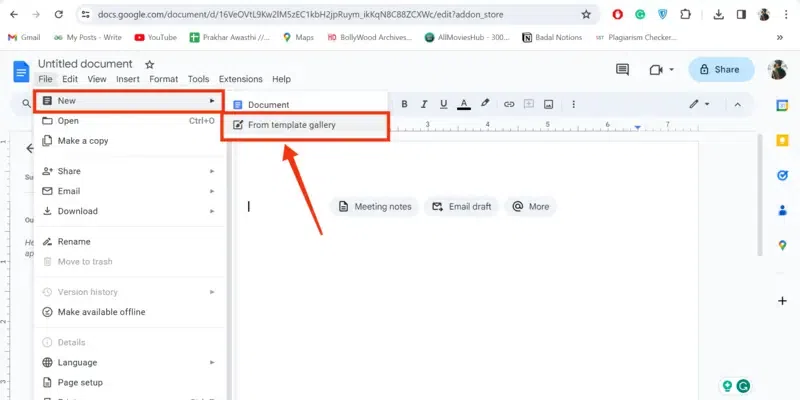
You can use Google Docs Timesheet templates in two ways, first by Templates gallery and second by Google Sheets.
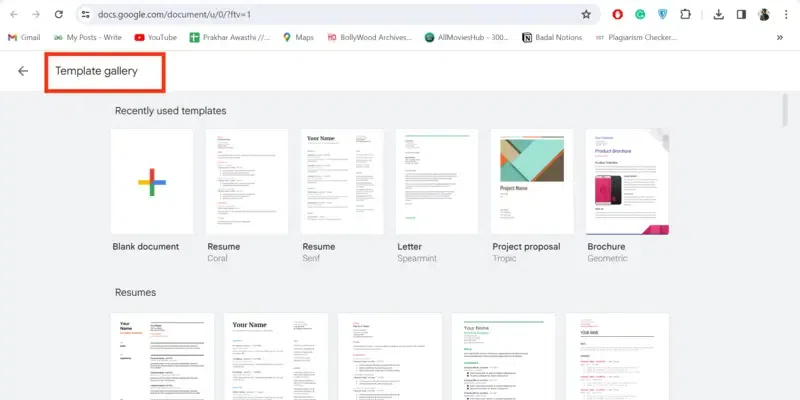
Open your document and click on the File menu, now select "File >> New >>From Templates to visit the Templates gallery.
After reaching the Templates Gallery select your desired templates of Timesheet and use it.
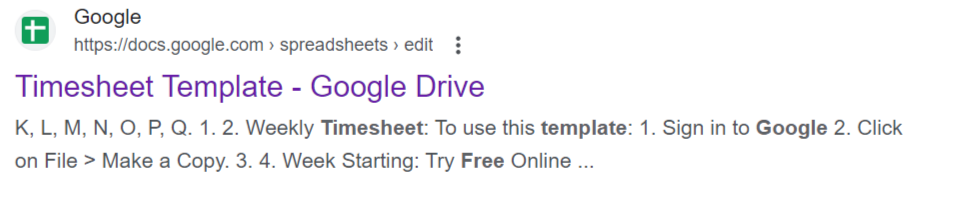
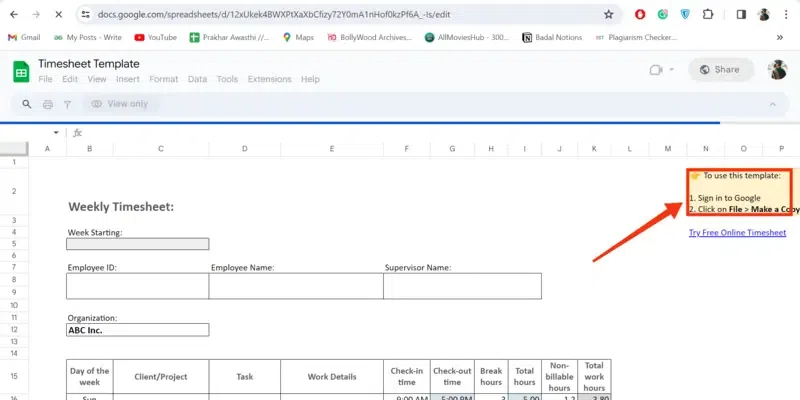
You can also use Google Sheets timesheet templates so to use them visit Google Sheets timesheets Templates Website.
After opening the timesheet template in Sheets sign in with your credentials and make a copy of that template to use in Google Docs.

.webp)
.webp)
.webp)
.webp)
.webp)
.webp)
.webp)