|
VOOZH | about |
|
VOOZH | about |
Comments in Google Docs are useful for collaboration, but you can remove them to clean up your document. It allows you to easily delete single comments or entire threads from the side panel or comment history.
Here are the steps for managing comments in Google Docs:
Visit Google Docs in any web browser on your desktop or laptop device. Open the document that has the comment in it to be deleted.
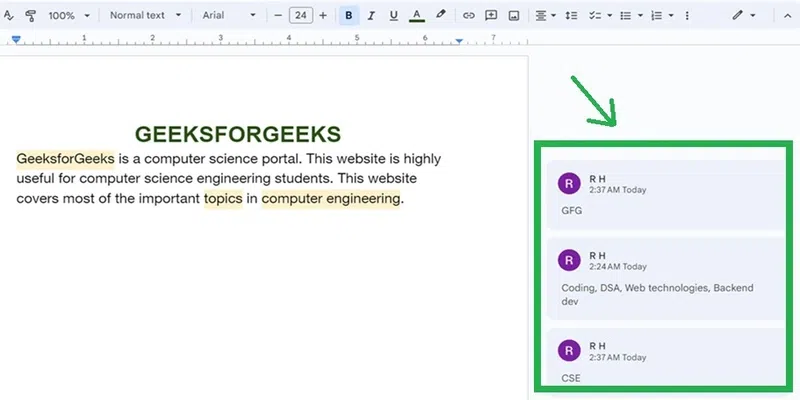
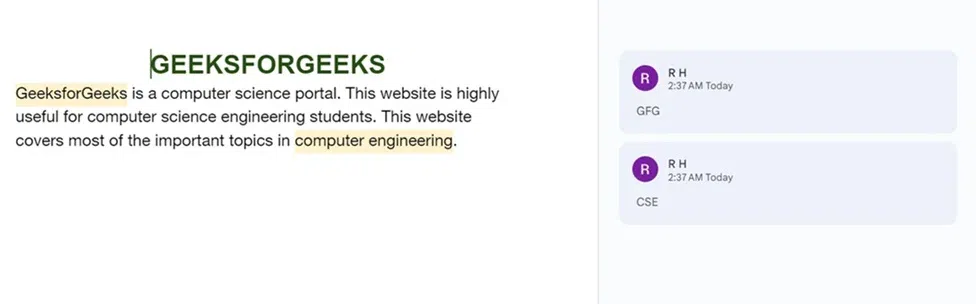
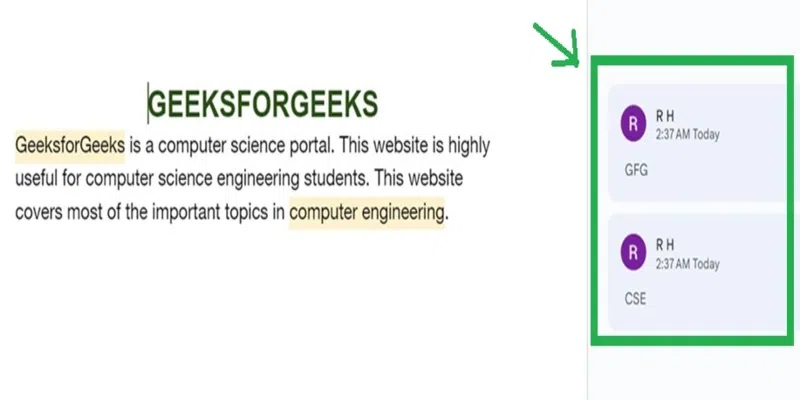
The comments made to the document are present outside the page of the document to its right side.
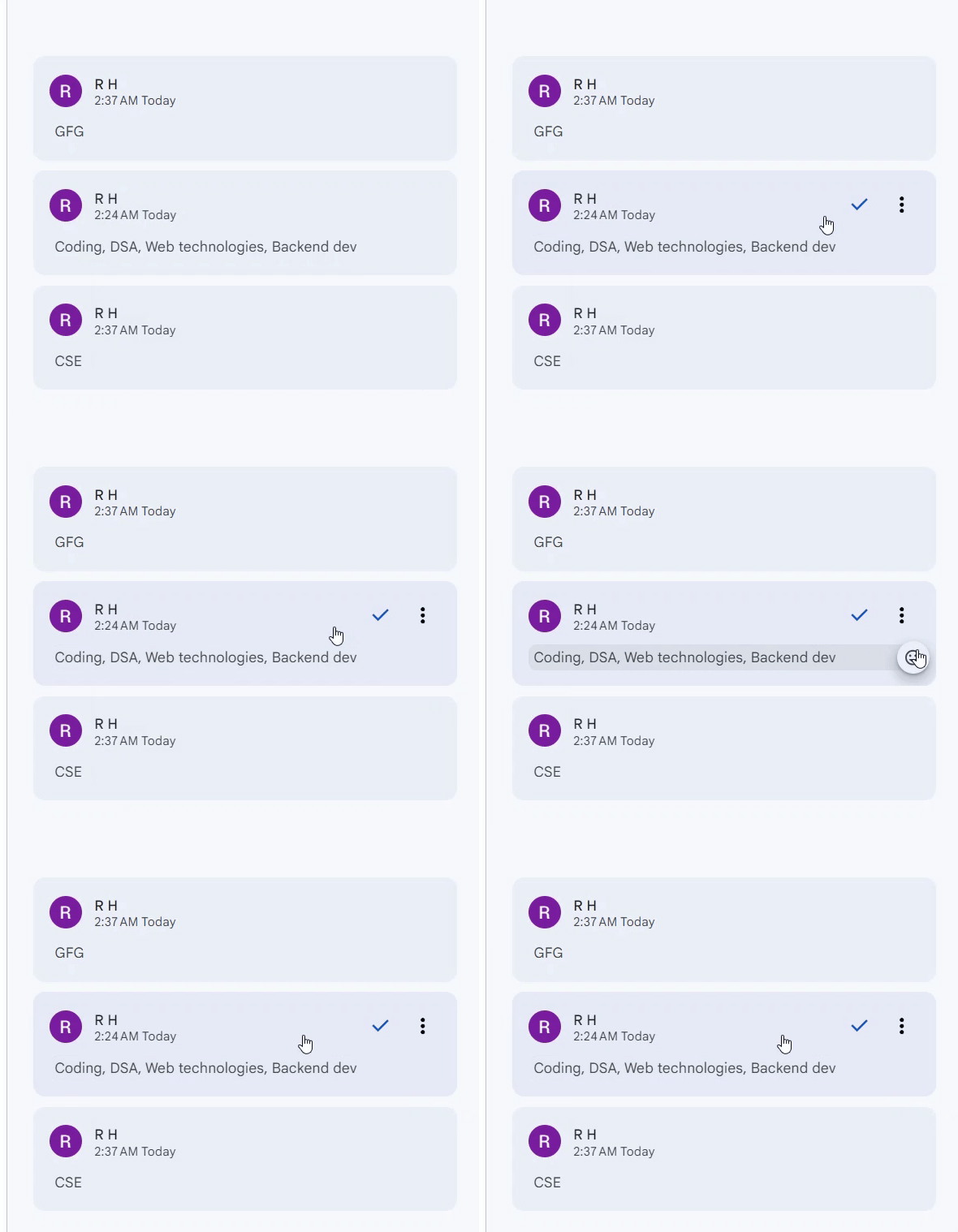
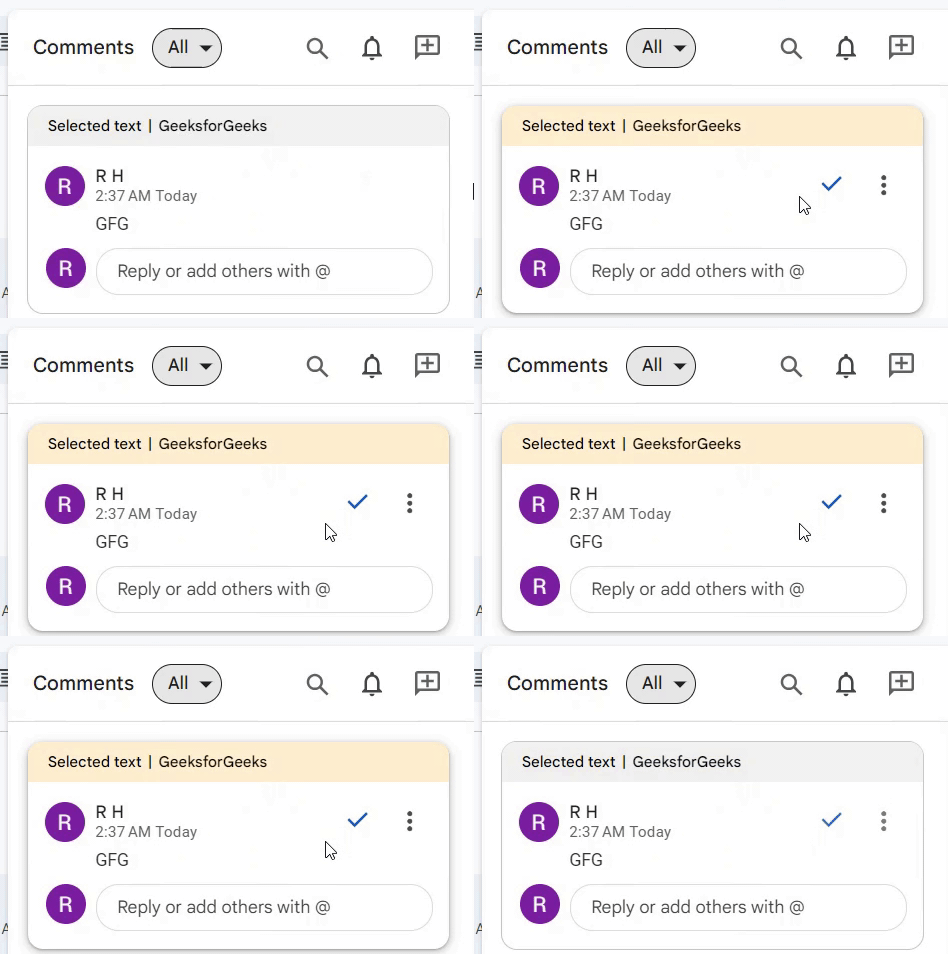
Move your cursor on any comment you want to delete. The three dots become visible on that comment.
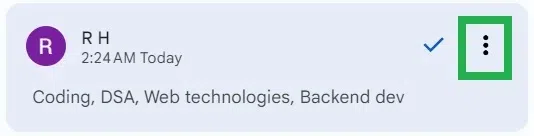
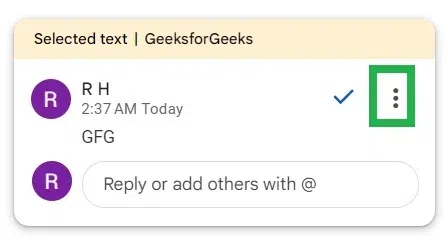
Click on the three vertical dots "More options" on the comment you want to delete.
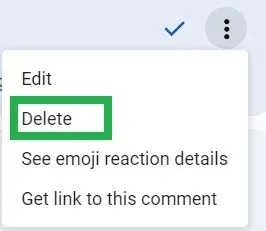
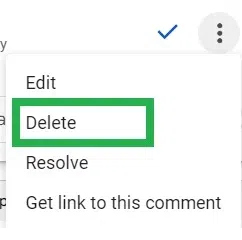
A dropdown of options appears. Click on "Delete" to delete that comment from the document.
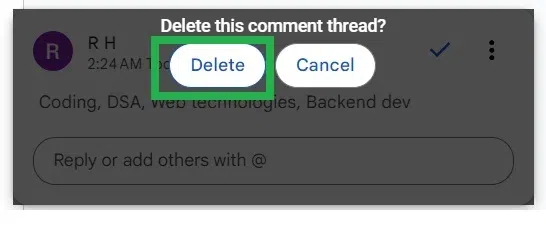
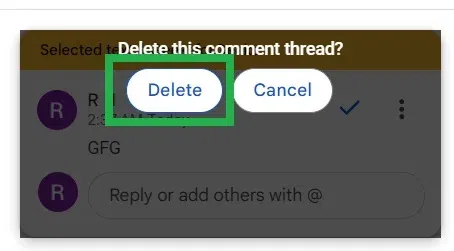
An alert box pops up asking "Delete this comment thread?". Click on "Delete" in the alert box.
That comment gets deleted from the document in Google Docs. Comment removed successfully in a document in Google Docs.
Another way to get rid of the Google Docs comments is to turn off comments in Google Docs: To turn off comments in Google Docs, change the document’s sharing settings to "Viewer" or "Commenter" for others, preventing them from adding new comments.
If you need to delete google comments history, then you can follow the steps given below:
Visit Google Docs in any web browser in your desktop or laptop device. Open the document which has the comment in it to be deleted.
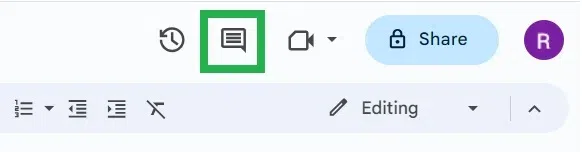
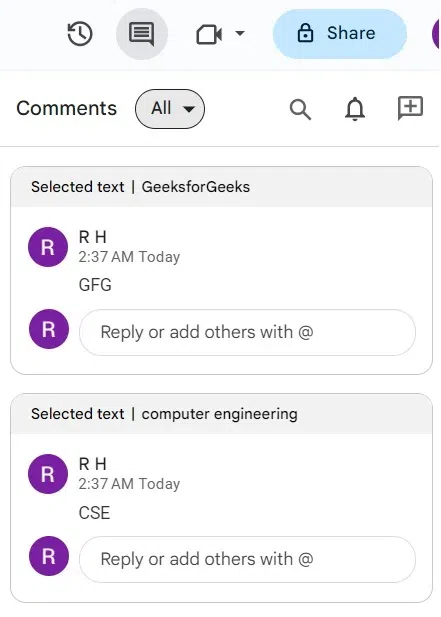
Click on the "right-most" icon which is at the top right-most corner of Google Docs.
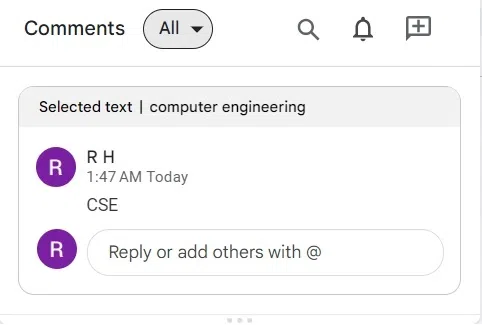
A panel containing the list of all comments made to the documents is opened.
Move the cursor to the comment box you want to delete. The three dots become visible in that comment box.
Click on the three vertical dots "More options" in the comment box you want to delete.
A dropdown of options appears. Click on "Delete" to delete that comment from the document.
An alert box pops up asking "Delete this comment thread?". Click on "Delete" in the alert box to confirm deleting that comment from the document in Google Docs.
That comment gets deleted from the document in Google Docs. Comment removed successfully in a document in Google Docs. Now on clicking the 'comment history' icon, all the other comments in the document except the deleted comment are present.