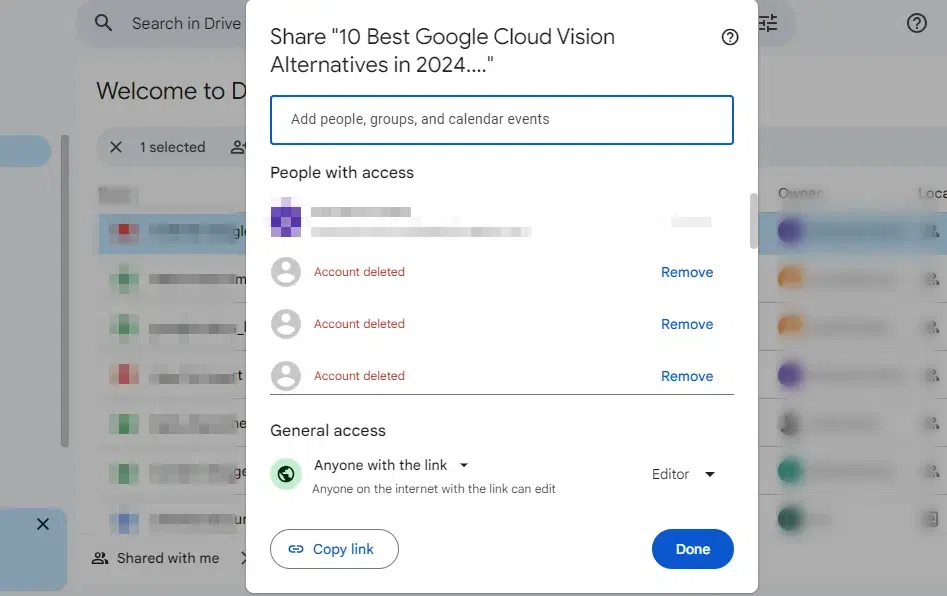
Google Docs makes collaborating on documents simple and efficient. Whether you want to share your document with specific people, provide access via a link, or manage files through Google Drive, Google Docs offers flexible sharing options to suit your needs.
Steps to Share Google Docs
Step 1: Open Google Docs and Select your Document
Open your Google Docs, navigate to the desired document that you want to share, and click on it.
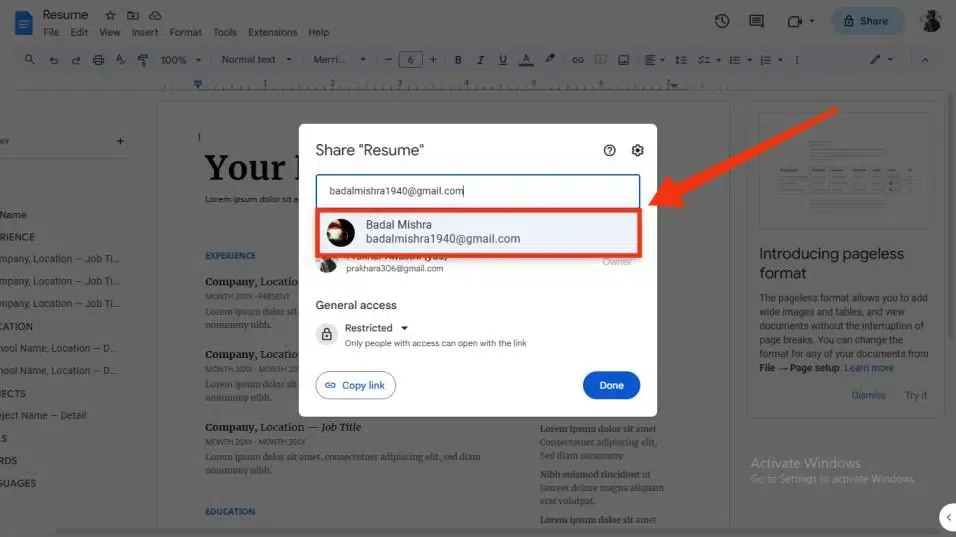
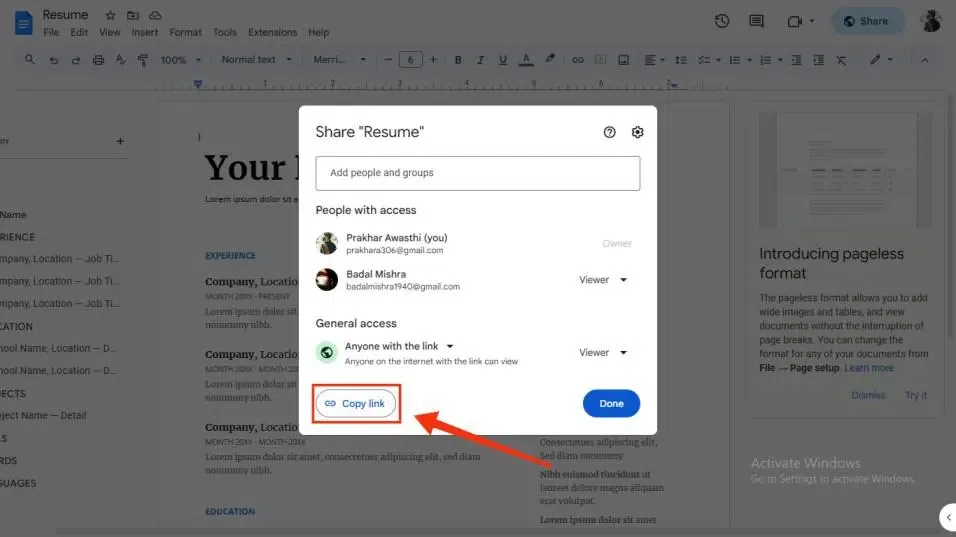
After clicking on the share button a pop-up box will be displayed on your screen asking you to fill in the details of the person with whom you want to share the document. Now you have to enter the e-mail address of the person you want to share the Documents with.
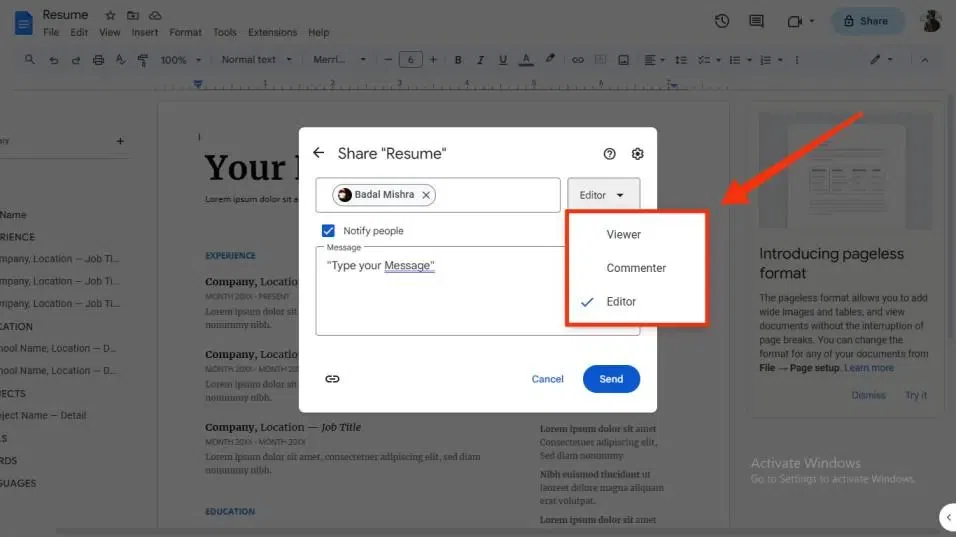
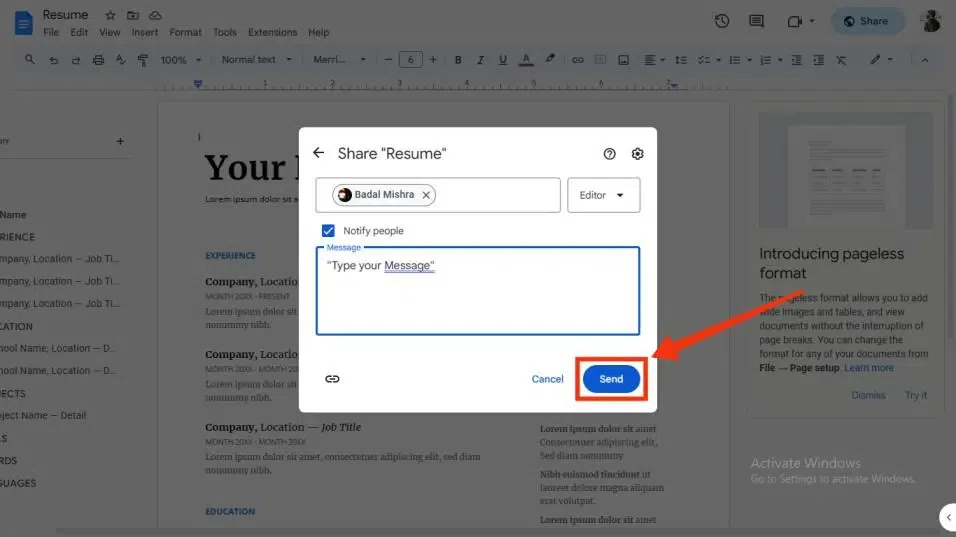
After giving the e-mail address of the person go to the editor button in the same box and now permit that person. You have to permit the person you want to share the document to view, comment, or edit. You have to just select a particular permission.


.webp)
.webp)


.webp)
.webp)