|
VOOZH | about |
|
VOOZH | about |
A CSV file - Comma Separated File, as the name suggests, is a file that stores data delimited by a ' , '. In MATLAB, there is a simple way of exporting a matrix to a csv file. The writematrix() function is used to write a matrix into any desired file type. The syntax is
writematrix(<matrix_name>, "filename.extension");
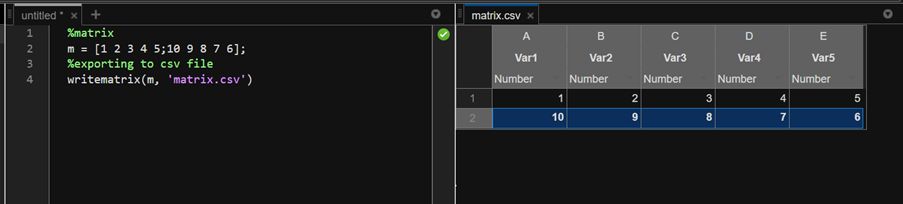
This will create a new file in the current directory with the matrix stored in it. Let us see the same for csv files with various examples. Now, the following is a 2x5 matrix, and we will export it to a csv file named matrix.csv.
Example 1:
Output:
The created csv file:
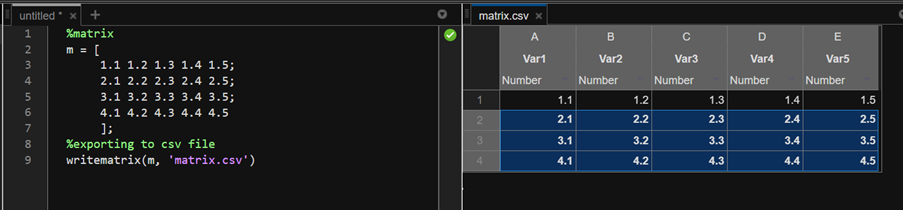
Let's export a 4x5 matrix with floating point data to csv file.
Example 2:
Output:
The new csv file would be: