|
VOOZH | about |
|
VOOZH | about |
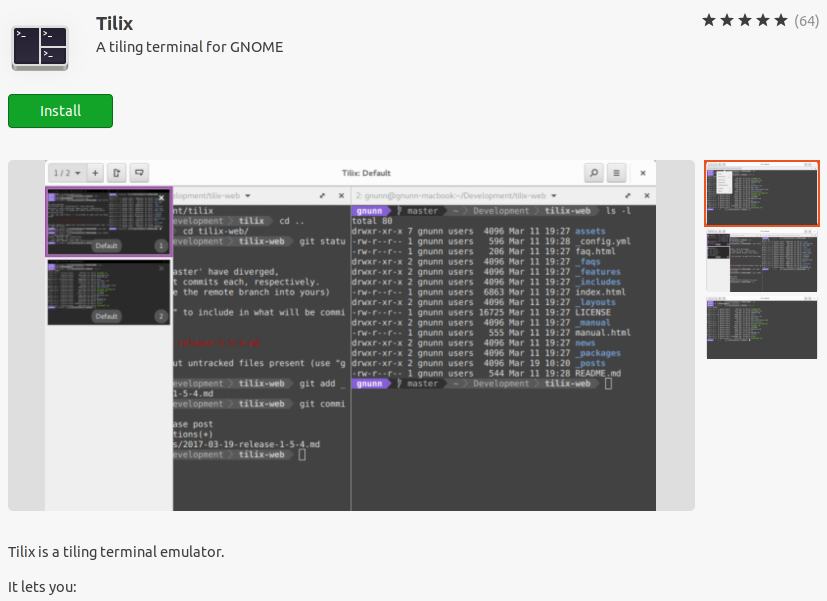
A terminal emulator is a software that helps in interacting with the computer machine and perform operations using commands. Tilix is a tiling terminal emulator formerly known as Terminix. It is an enhancement over a regular terminal and provides some important features.
Features of Tilix Terminal Emulator:
It can be done with two methods:
Method 1: Using command.
Open terminal and type the command,
sudo apt update
sudo apt-get install tilix
Method 2: Using App store.
You can also install it from 'Ubuntu Software' in your system:
Using these steps:
Tilix is available in the default repository and can be installed with:
sudo dnf install tilix
Tilix is available in Arch Linux’ repository and can be installed with:
pacman -S tilix
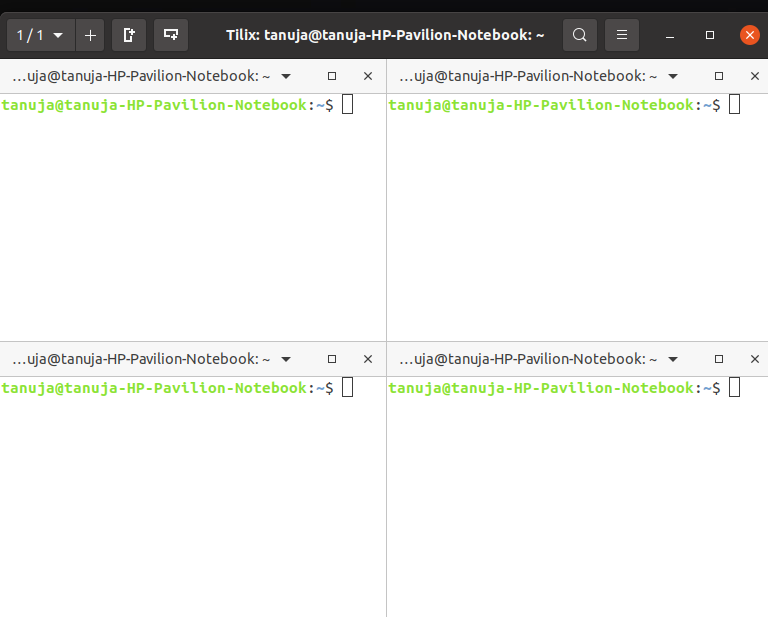
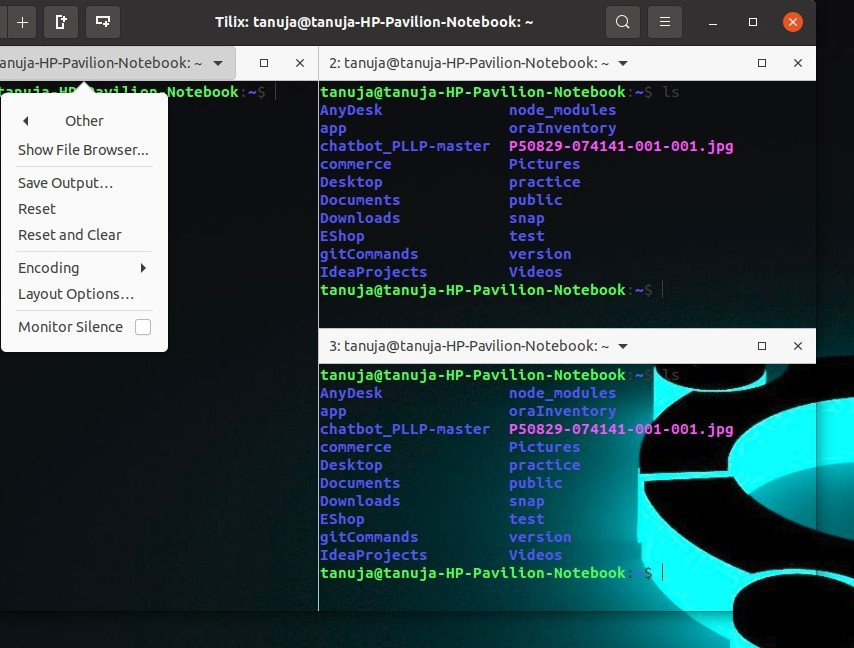
Split the terminals horizontally or vertically by clicking on the two icons in the top left corner.
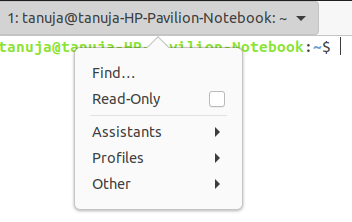
👁 ImageWithin each pane of the terminal, there are other options also. From the titlebar's context menu, you can select various options.
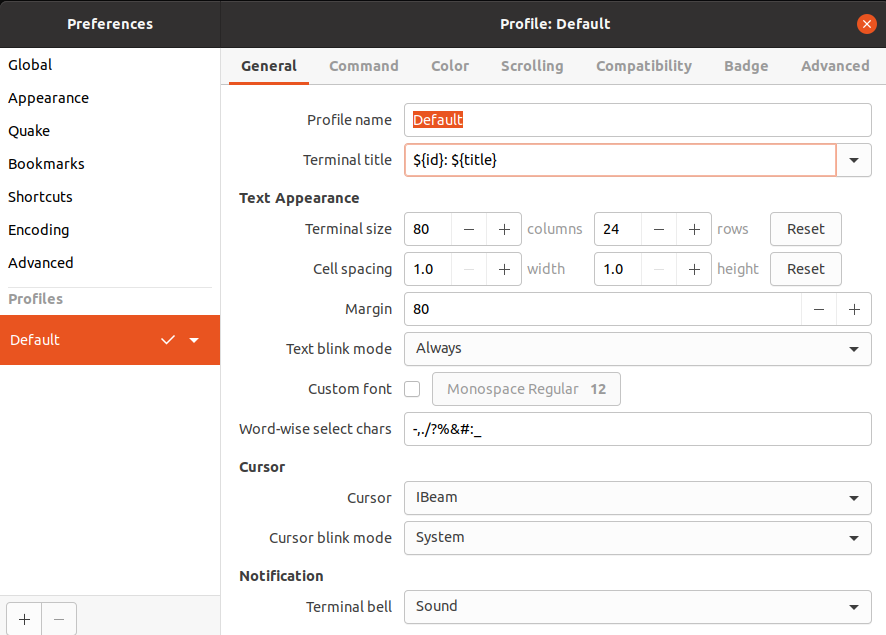
Profiles→ Edit Profile will open a dialogue box as shown below that would help to adjust the general setting, compatibility, layout, size, etc of the tilix terminal.
👁 ImageYou can also have a transparent background by increasing the transparency in Profiles → Edit Profile → Color. Apart from this, there are different color palettes and themes that make the tilix even more interesting.
👁 ImageTilix has a bunch of functionalities and is considered even better over terminator. One should try and explore the features it provides to make your work easier. The article mentions only a few usages of the tilix which are very much highlighting and should have been present in a standard terminal emulator.