How to Install and Customize Apache on Ubuntu or Debian?
Last Updated : 23 Jul, 2025
One of the most dominant forces in web server software is the Apache HTTP Server, often shortened to Apache. This free and open-source project, overseen by the Apache Software Foundation, has been a major player in shaping the Internet since its launch in 1995. Installing an Apache web server on Ubuntu or Debian is a straightforward process, but the specific commands might differ slightly depending on your Linux distribution. In this article, we will install Apache Web Server on various Linux distributions like Ubuntu, Debian, etc.
Steps to Install Apache Web Server in Linux (Debian)
Step 1: Check your Linux distribution.
Use the following command to check which Linux distribution you are using.
First, we will create a directory for our test website using following command.
sudo mkdir /var/www/html/test_website
Now we will add index.html for our test website along with some testing code using following command
 echo ' <html>
 <head>
 <title>Example</title>
 </head>
 <body>
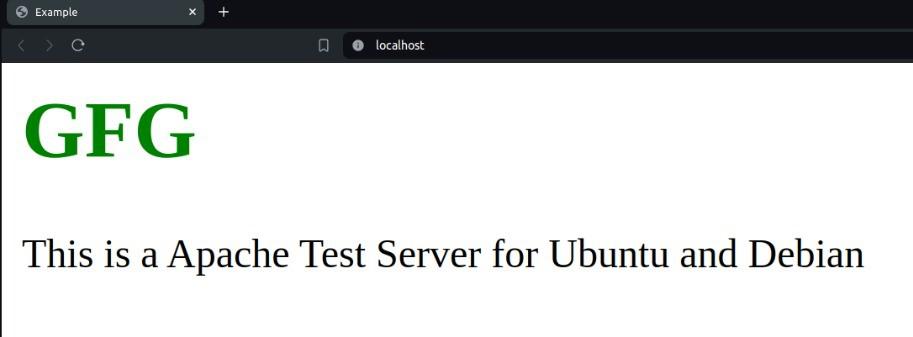
 <h1 style="color:green">GFG</h1>
 <p>This is a Apache Test Server for Ubuntu and Debian</p>
 </body>
 </html>' | sudo tee /var/www/html/test_website/index.html
Now we will add configuration file using following command