|
VOOZH | about |
|
VOOZH | about |
The Android Debug Bridge (abbreviated as ADB) is a programming tool for debugging Android-based devices. The daemon on the Android device communicates with the server on the host PC through USB or TCP, which communicates with the end-client users via TCP. Google has been making open-source software under the Apache License available since 2007. Features include a shell and the ability to backup data. The ADB software runs on Windows, Linux, and macOS. It has been abused by botnets and other malicious software, for which mitigations like RSA authentication and device whitelisting have been developed.
On Ubuntu 20.04, there are three options for installing android-tools-adb. Apt-get, apt, and aptitude are all available. Each installation strategy will be described in detail in the following sections. You may select any of them.
This is the most common method to install packages on Ubuntu.
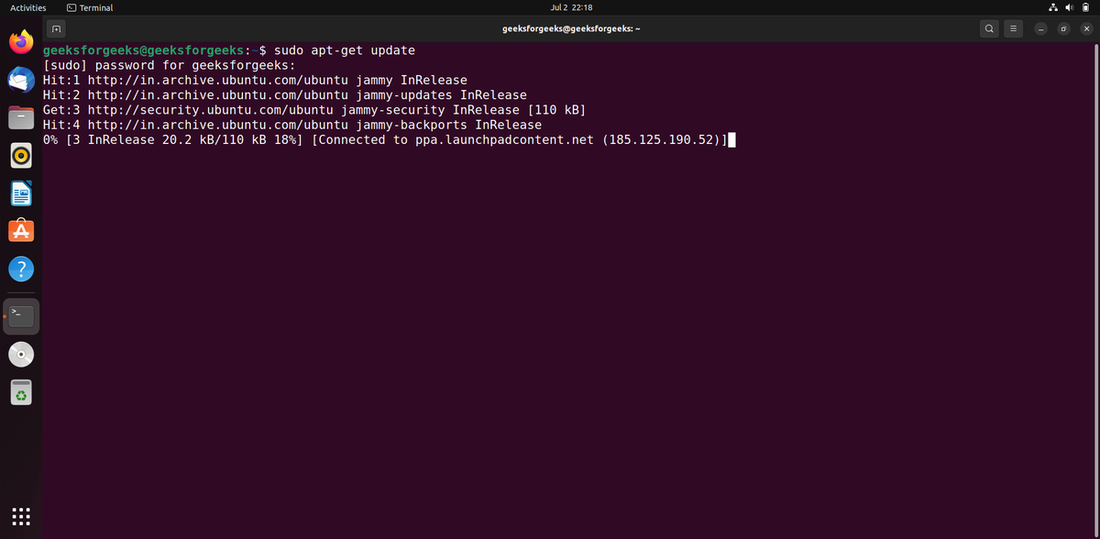
Using the following command, update the apt database using apt-get.
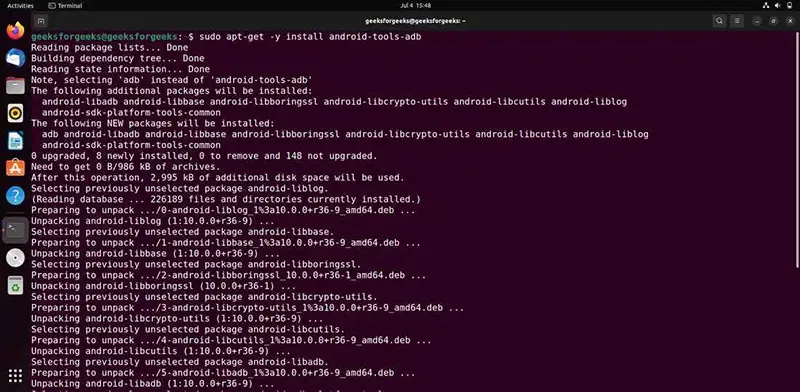
sudo apt-get updateAfter upgrading the apt database, we can use apt-get to install android-tools-adb by performing the following command:
sudo apt-get -y install android-tools-adbAfter the installation is complete, verify that ADB is installed correctly by running:
adb versionapt is another package manager available on Ubuntu. It offers a more user-friendly interface compared to apt-get, though the installation process remains similar.
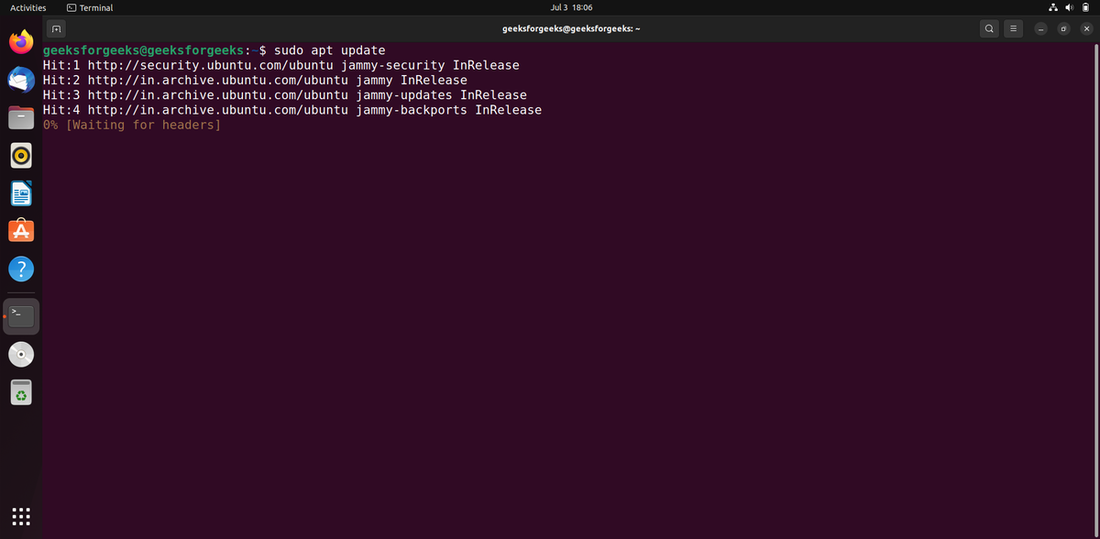
The apt database will be updated using the following command.
sudo apt updateAfter upgrading the apt database, we can use apt to install android-tools-adb by performing the following command:
sudo apt -y install android-tools-adbAfter the installation is complete, verify that ADB is installed correctly by running:
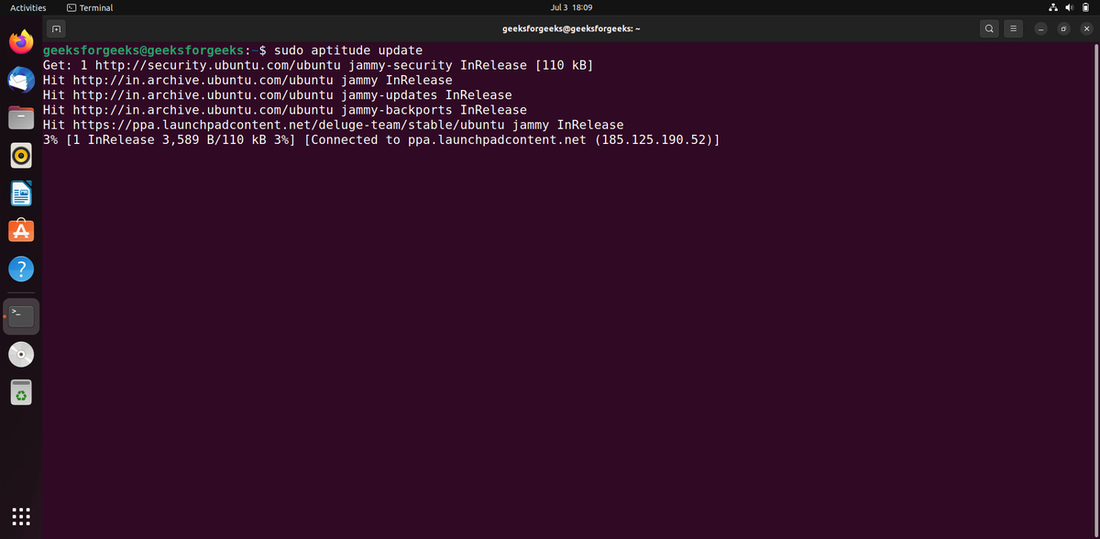
adb versionIf you want to use this method, you may need to install aptitude first because it is not normally installed by default on Ubuntu. Use the following command to update the apt database with aptitude.
sudo aptitude updateAfter upgrading the apt database, we can use aptitude to install android-tools-adb by performing the following command:
sudo aptitude -y install android-tools-adbAfter the installation is complete, verify that ADB is installed correctly by running:
adb versionADB is a versatile tool that every Android developer should have in their toolkit. ADB allows you to interact with your device from your development machine. Ubuntu 20.04 offers multiple ways to install ADB—using apt-get, apt, or aptitude and here we covered each in detail letting you choose the one that works best for you.