Apache Airflow is a popular open-source tool used to arrange workflows and manage ETL (Extract, Transform, Load) pipelines. Installing Apache Airflow in a Kaggle notebook allows users to perform complex data processing tasks within the Kaggle environment, leveraging the flexibility of DAGs (Directed Acyclic Graphs).
Prerequisites to Install Apache Airflow in Kaggle
Before proceeding, ensure:
Active Kaggle account
Kaggle notebook ready for execution
Basic Python knowledge
Understanding that Kaggle does not support persistent web servers
Ability to set environment variables (like AIRFLOW_HOME)
Compatible Python version (Airflow 2.x generally requires Python 3.7+)
Installing Apache Airflow via Kaggle Notebook
To install Apache Airflow in a Kaggle notebook, follow the steps below:
Step1: Open a Kaggle Notebook:
Start by opening a new notebook in Kaggle's platform.
Step 2 :Install Apache Airflow:
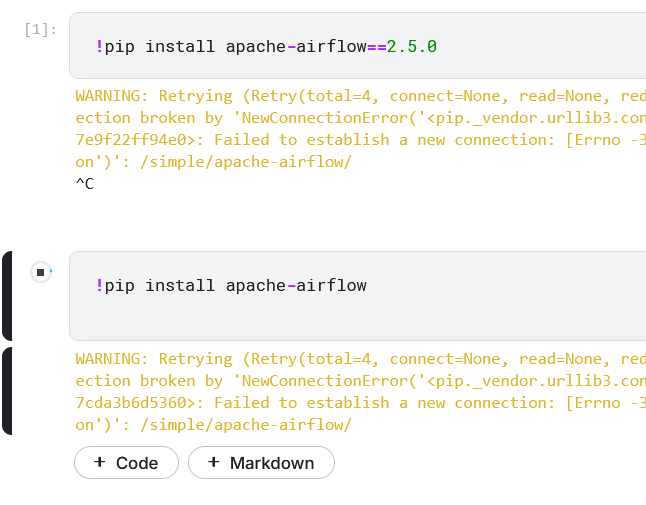
The easiest way to install Airflow is by using pip. Execute the following commands in a code cell in the notebook:
!pip install apache-airflow
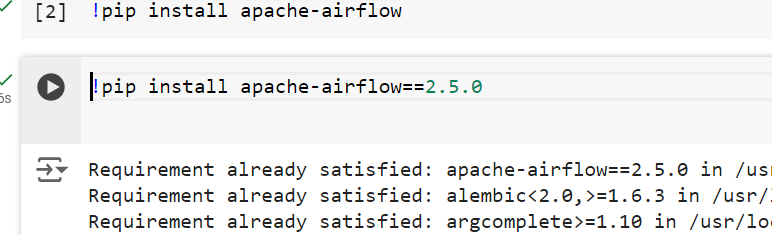
Installing Airflow can be tricky due to its dependencies. To avoid this type of problem, you can install a specific version:
Note : If you Not able to install Apache Airflow in a Kaggle notebook then you have have to follow the given steps:
Using a local environment: You can set up Airflow on your local machine using Docker, a virtual environment, or simply through pip installation. Running Airflow locally gives you full control over the environment.
Cloud environments: You could also use a cloud-based service such as AWS (with services like Managed Workflows for Apache Airflow) or Google Cloud Composer, which provides managed Airflow environments.
Google Colab or other notebook services: You could look into environments that allow you to install more complex packages and manage long-running services if Kaggle is not suitable for your use case.
After installing, you need to set up some environment variables. Add these lines to the notebook to configure Airflow's home directory:
Output:
/kaggle/working/airflow
Step 4: Initialize the Airflow Database
Before you can run any Airflow commands, initialize the database:
!airflow db init
Step 5: Start the Airflow Scheduler and Web Server
In most cases, Kaggle's environment does not allow running web servers. However, to start the Airflow scheduler (which manages task execution) and perform basic operations, run:
!airflow scheduler --daemon
Verifying the Installation
To verify that Airflow was installed correctly, you can:
Check the Airflow Version: Run the following command in a code cell:
!airflow version
This should output the installed Airflow version.
List Available DAGs: Use the following command to ensure Airflow is set up properly:
!airflow dags list
Troubleshooting Common Issues
While installing Airflow, you may encounter the following common issues:
Dependency Conflicts:
Installing Airflow might lead to conflicts with pre-installed Kaggle packages. If you face such conflicts, try installing a specific version of Airflow compatible with your Kaggle environment, or use virtual environments (if possible).
Web Server Issues:
Kaggle notebooks may not allow running a persistent web server (as used by Airflow). To address this, rely on the Airflow CLI to interact with your DAGs.
Database Initialization Failure:
If the database initialization fails, check the environment and ensure the necessary dependencies were installed properly. You may need to reinstall the relevant packages:
!pip install apache-airflow-providers-sqlite
Permission Errors:
Kaggle's restricted environment might cause permission issues while running some Airflow commands. If this happens, consider adjusting the file paths or working within the directories where you have write access (like /kaggle/working/).