|
VOOZH | about |
|
VOOZH | about |
Brave is a free and open-source web browser developed by Brave Software, Inc. based on the Chromium web browser. Built on top of Google’s open-source Chromium project, Brave is a web browser that’s designed to keep your browsing activity private by automatically disabling website trackers and blocking pesky ads. For even more secure browsing, it has a built-in Tor function. The big advantage of using Brave is that you can access many of the Google Chrome store’s thousands of extensions but enjoy a faster browsing experience than you’d get with a normal Chrome browser. That’s because Brave is less of a resource hog than Google’s regular Chrome package, giving it a performance boost when loading pages.
Follow the below steps to install Brave Browser Windows :
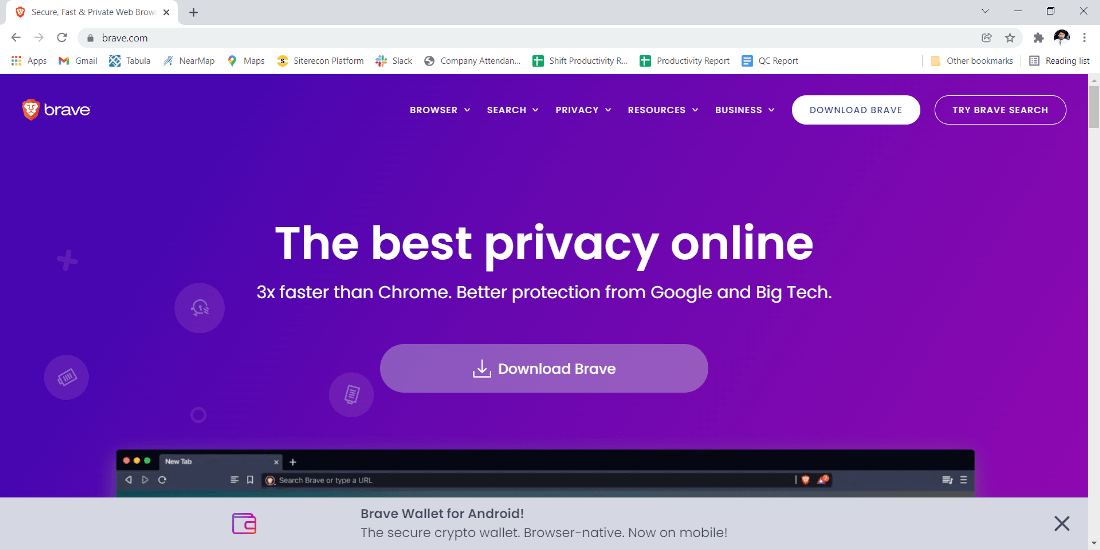
Step 1: Visit the official Brave website using any web browser.
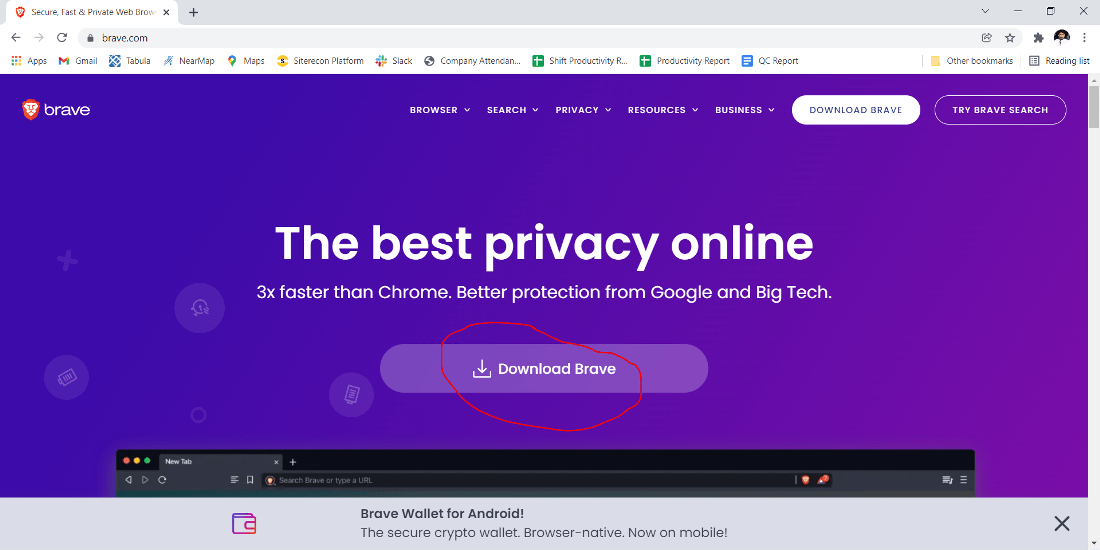
👁 official brave websiteStep 2: Click On the Download Brave button.
👁 Click On the Download Brave buttonStep 3: Now check for the executable file in downloads in your system and run it.
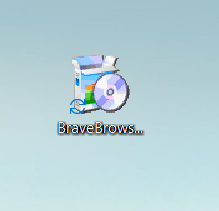
👁 brave executable fileStep 4: It will prompt confirmation to make changes to your system. Click on Yes
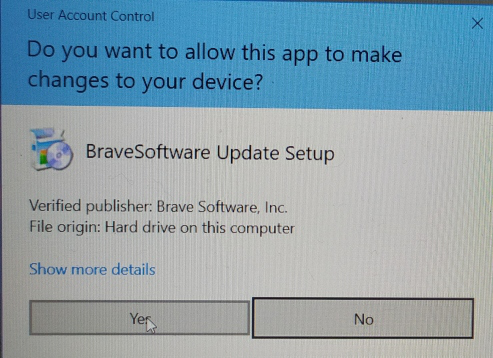
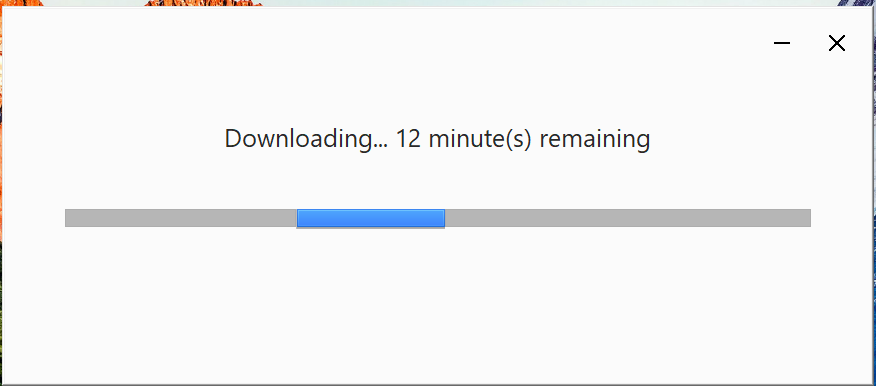
👁 confirmation to make changes to your systemStep 5: After this installation process will start and will take 5 - 8 minutes depending on your Internet speed to complete the installation.
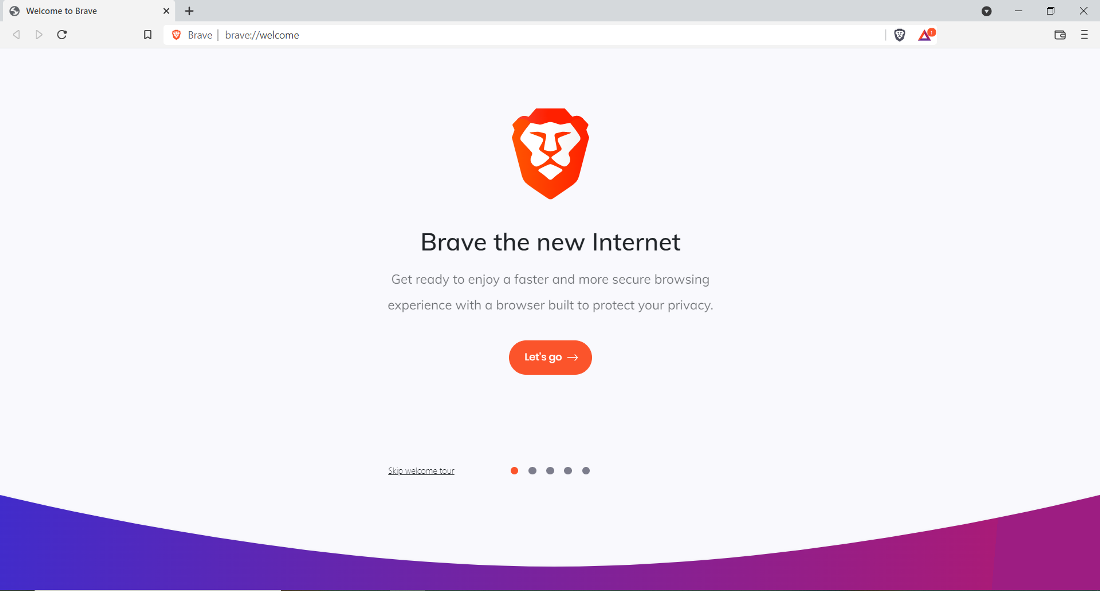
👁 installation startsStep 6: After downloading automatically Brave web browser will open. Click on Let's Go.
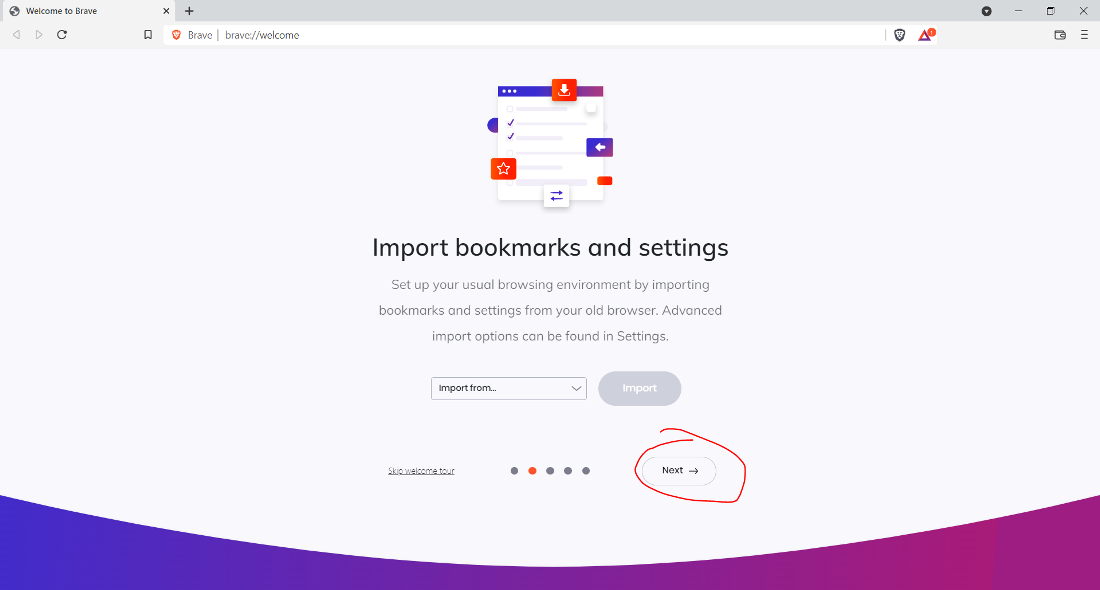
👁 brave browser setupStep 7: Now Click on Next.
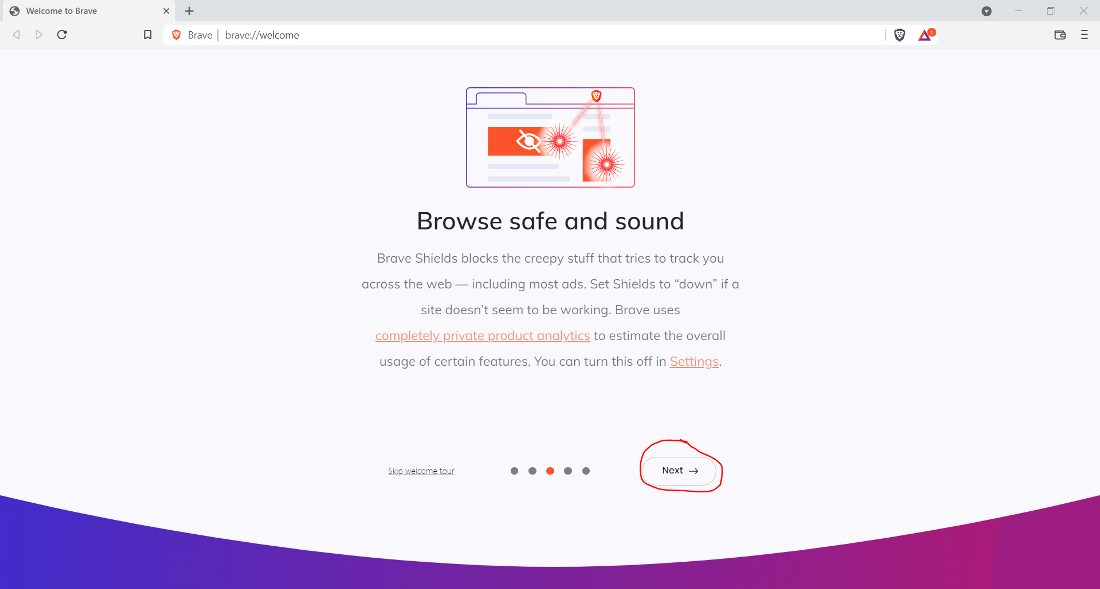
👁 import bookmarks and settingsStep 8: Next screen will appear and click on Next.
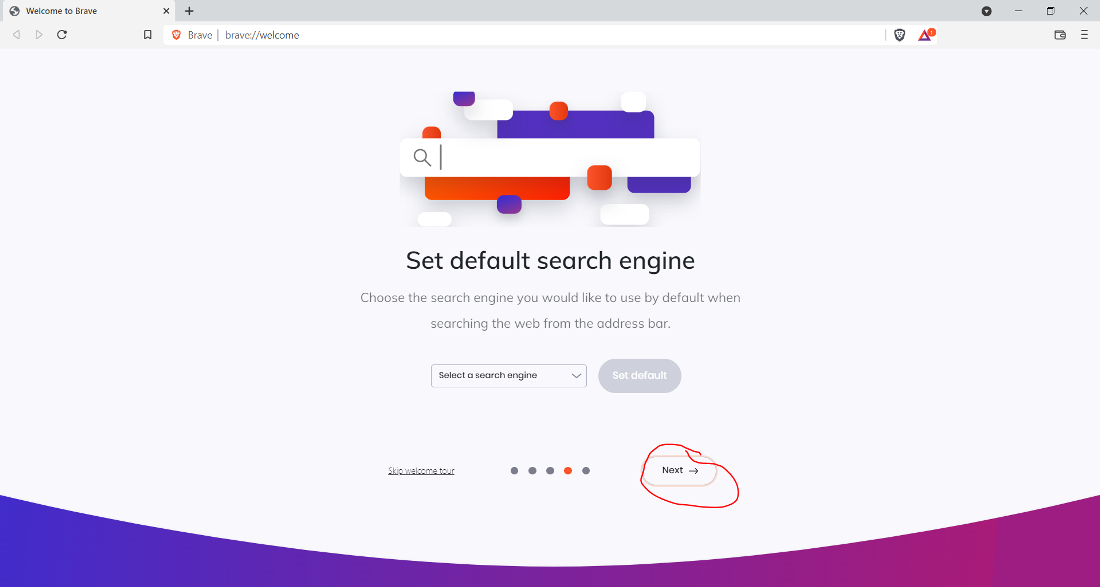
👁 setup securityStep 9: Click on Next.
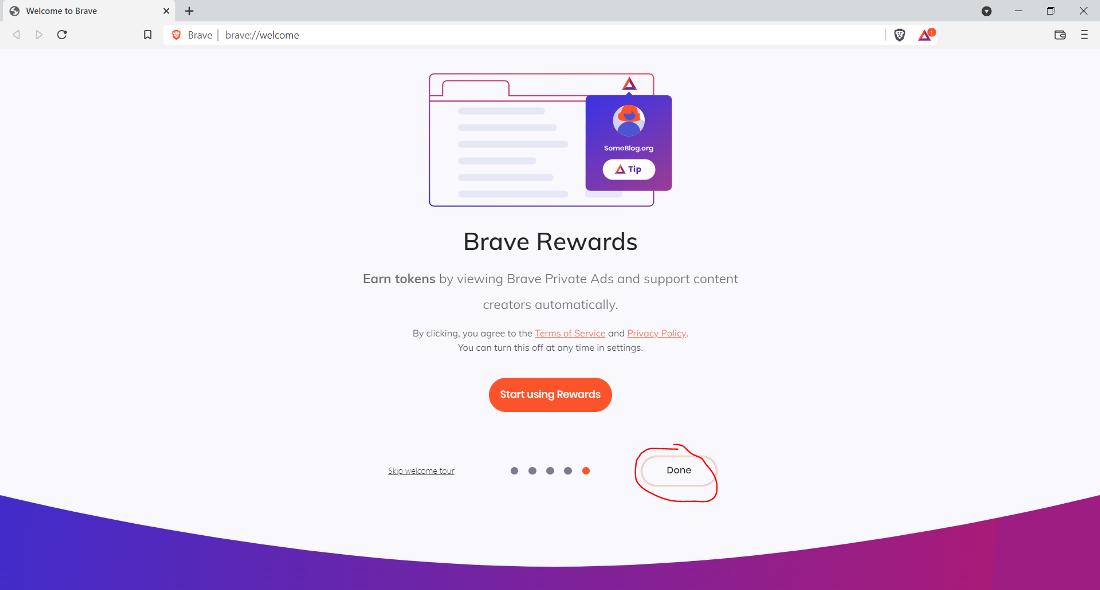
👁 set default search engineStep 9: Now Click on Done.
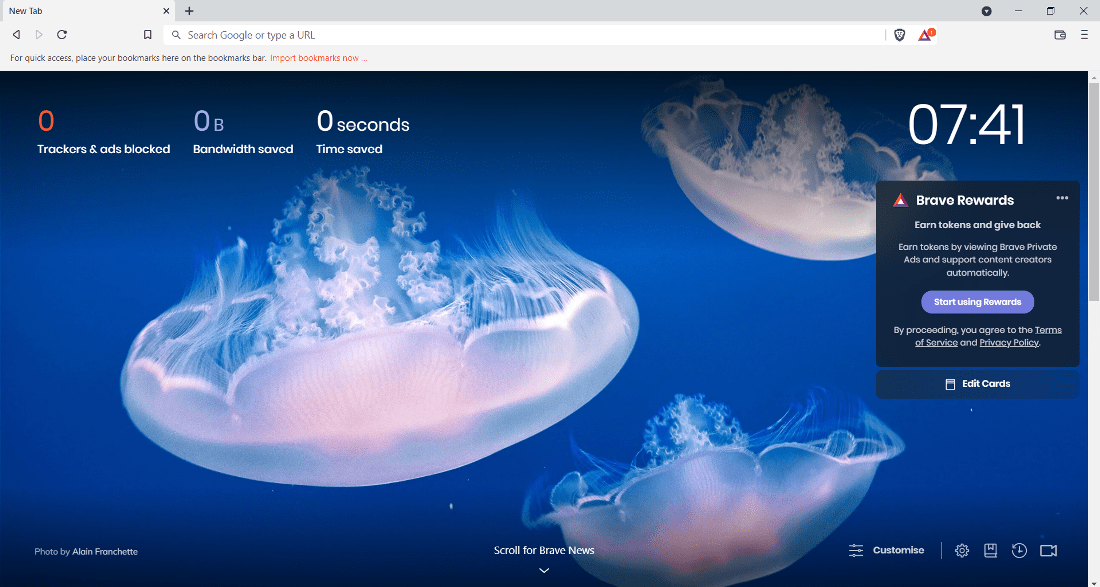
👁 finish browser setupNow see the Interface of the browser.
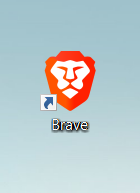
👁 brave browser interfaceAt this point, Brave Browser is successfully installed on the system and an icon is created on the desktop.
👁 brave browser iconCongratulations!! At this point, you have successfully installed Brave Browser on your Windows system.