|
VOOZH | about |
|
VOOZH | about |
COBOL is a compiled English-like computer programming language designed for business use. It is an imperative, procedural, and, since 2002, object-oriented language. COBOL is primarily used in business, finance, and administrative systems for companies and governments.
In this article, we will look at the process of installing COBOL in MacOS.
Follow the below steps to install COBOL in MacOS:
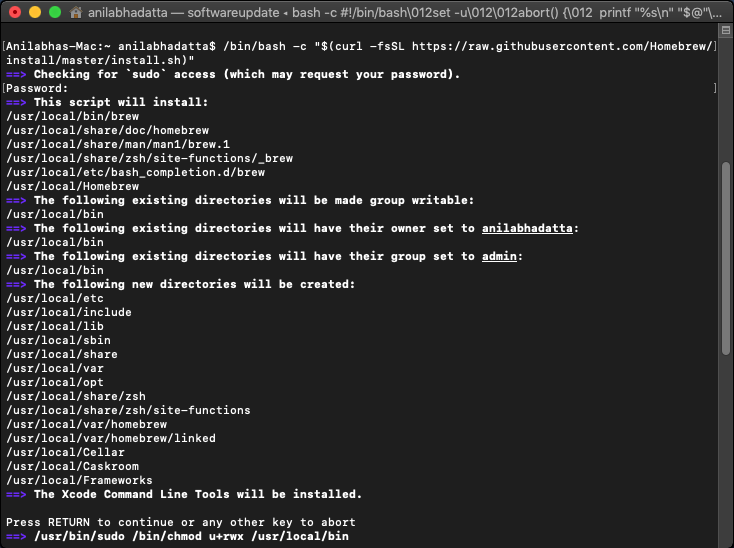
Step 1: Install Homebrew if it is not installed in your system. Enter system password if required.
/bin/bash -c "$(curl -fsSL https://raw.githubusercontent.com/Homebrew/install/master/install.sh)"👁 installing homebrew on macos
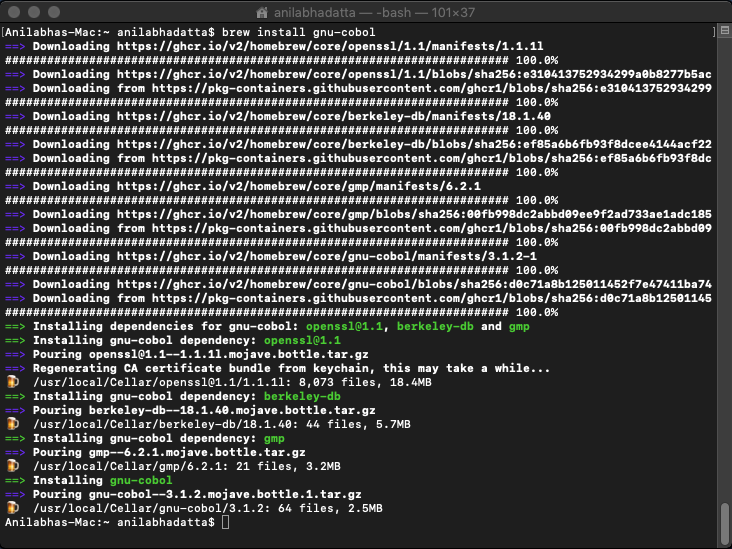
Step 2: Install the GNU-COBOL using the below brew command:
brew install gnu-cobol👁 installing cobl in macos
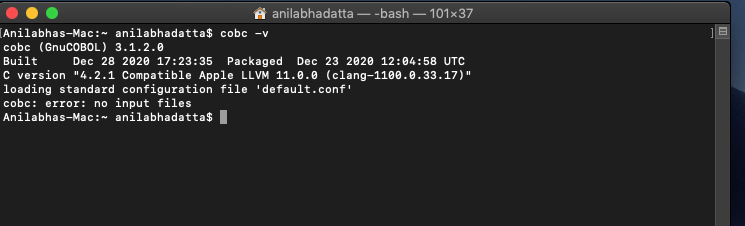
Step 3: Check if it is installed correctly using the below command:
cobc -v👁 verifying cobol installation on Macos
Use the below in a new .cbl file and save it inside a folder to run the hello world program.
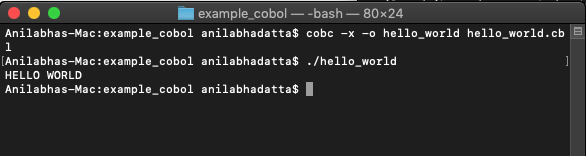
Now open a terminal inside the folder and enter the following commands to build and run the code:
cobc -x -o hello_world hello_world.cbl
./hello_world
Output:
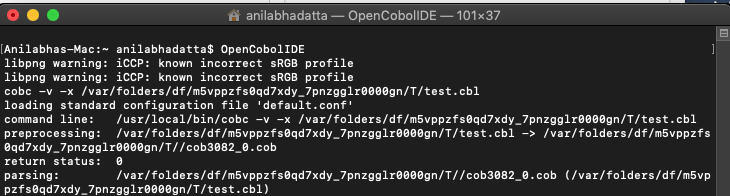
👁 hello world in cobolNow Enter OpenCobolIDE in Terminal to launch the IDE:
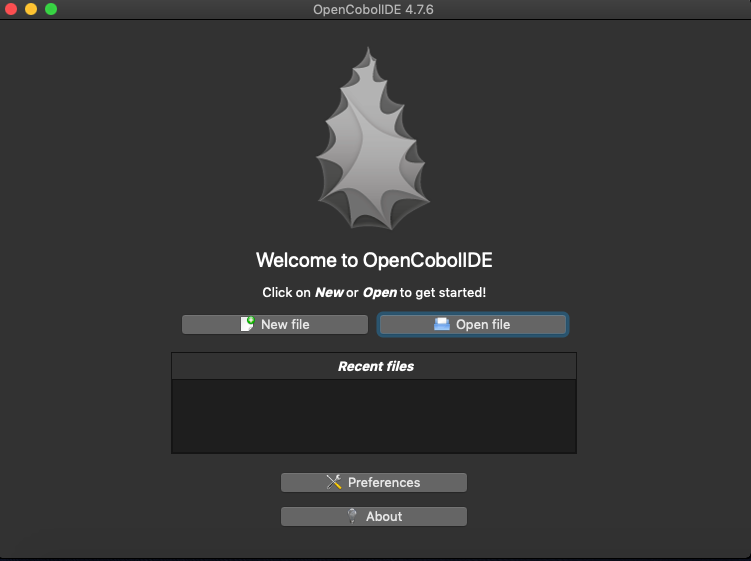
👁 OpenCobolIDEThe IDE should open up as shown below, Click on New File.
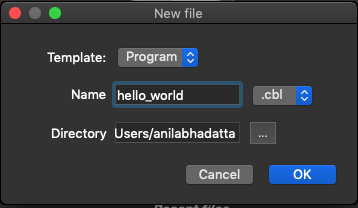
👁 ImageHere Enter a name and select OK.
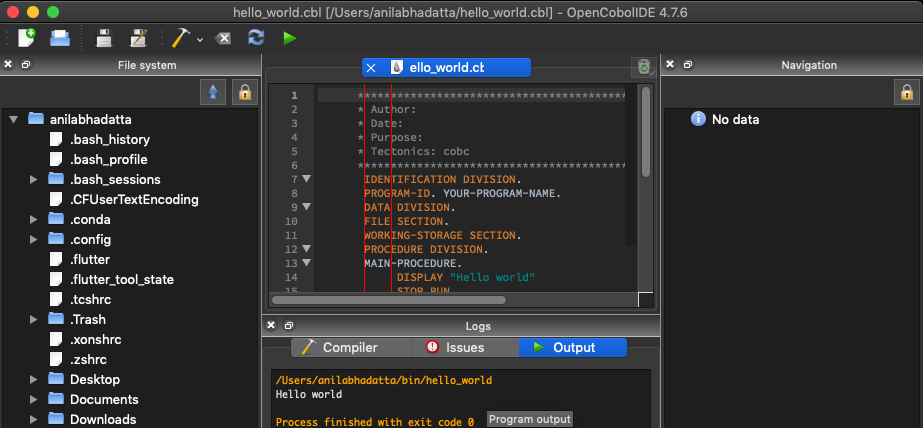
👁 ImageA "Hello World" program should appear by default, Click on RUN to view "Hello World" as Output.
👁 hello world in cobol in COBOL IDE