|
VOOZH | about |
|
VOOZH | about |
Docker is a tool designed to make it easier to create, deploy, and run applications by using containers. Containers allow a developer to package up an application with all the parts it needs, such as libraries and other dependencies, and deploy it as one package.
Step 1: Open your Redhat 8 terminal. Your terminal would look like this. Also, make sure you are login as root.
👁 ImageStep 2: Run the following commands.
cd /etc/yum.repos.d/
ls
Now you will see some files with .repo extension, as shown below.
👁 ImageStep 3: Now we are going to create our own file docker.repo follow the below commands.
cat > docker.repo
[docker]
baseurl=https://download.docker.com/linux/centos/7/x86_64/stable/
gpgcheck=0
In the next line press CTRL+D to stop appending data.
👁 ImageIf you want to check whether the file is created or not, run "ls" command and check for docker.repo, and if u want to see the content of the file run, "cat docker.repo".
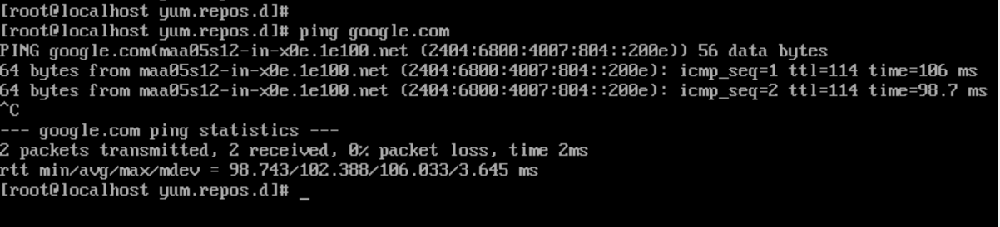
👁 ImageStep 4: Now we are going to install docker so make sure you are connected to internet (try pinging in google).
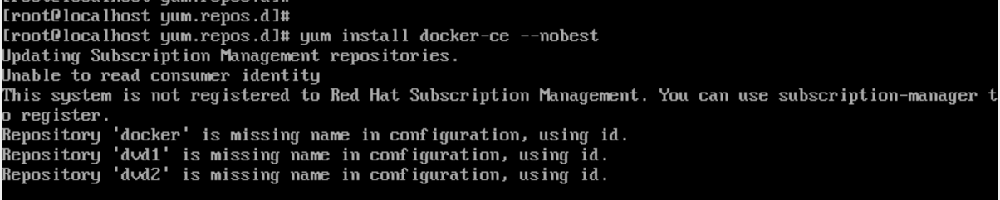
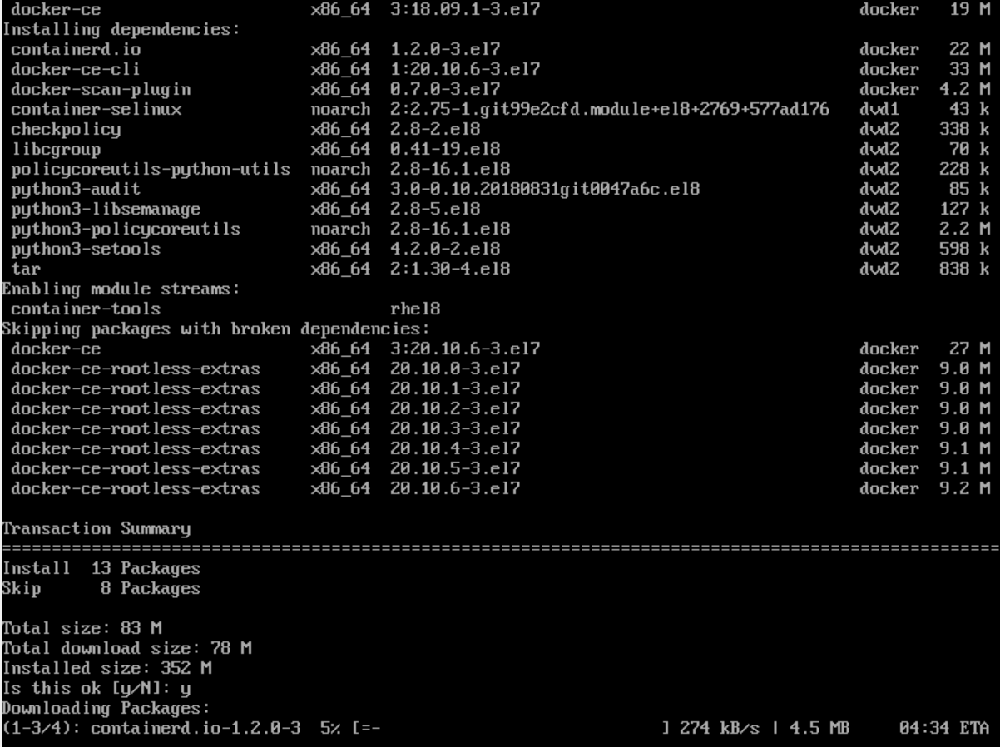
👁 ImageAnd run the following command. When asked for confirmation press 'y'.
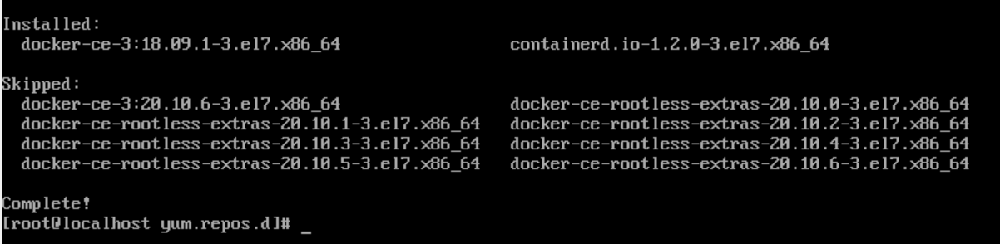
yum install docker-ce --nobest
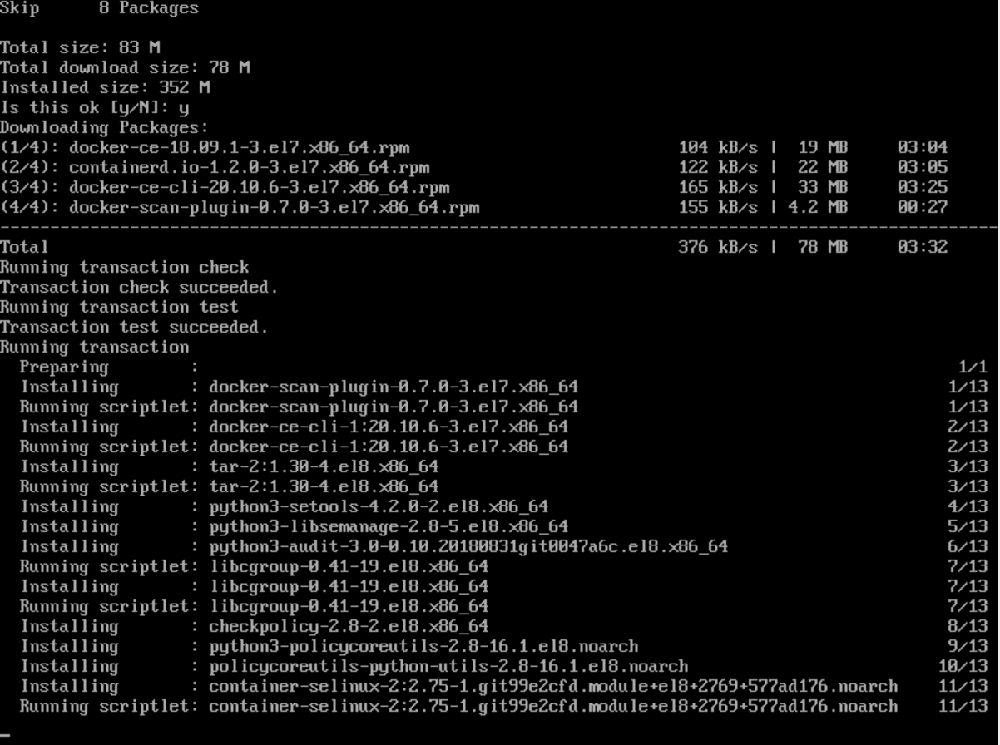
Wait for the process to complete. When the process completes docker is installed in your system.
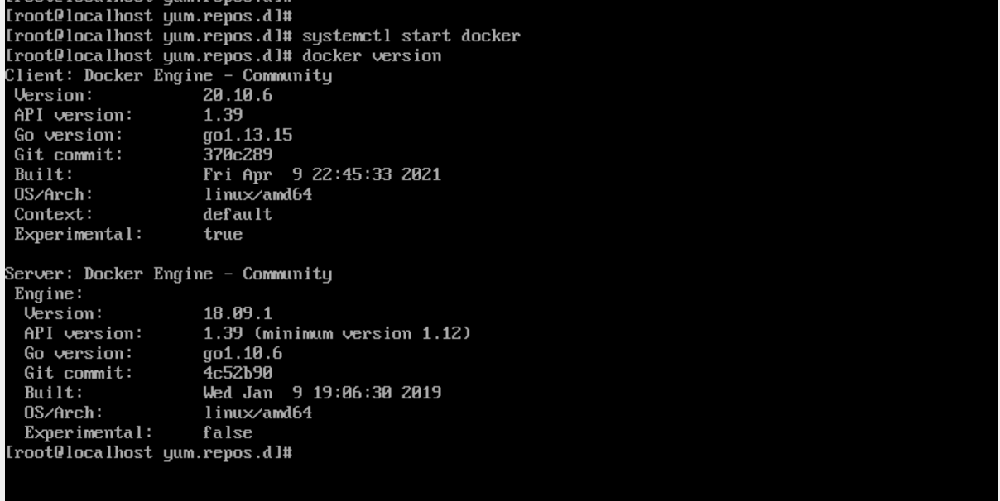
👁 ImageStep 5: To check you can run the following command-
rpm -q docker-ce👁 Image
or
systemctl start docker
docker version
👁 Image
At this stage, you have successfully installed Docker-CE in your Redhat 8 system.