|
VOOZH | about |
|
VOOZH | about |
Git is an essential tool in modern software development. It helps developers track code changes, manage different versions, and work together without conflicts. Whether you are working on personal projects or team projects, Git helps keep your code organized and safe.
Why Git Matters:
You can download Git on macOS by using five different ways, so here are the commands you can run in the terminal to install it:
Some users may prefer installing Git via the Mac App Store. Here’s how:
Step 1: Browse for Official App store
Step 2: Look up for “GIT” and click to download
Step 3: Verify the Extraction
git --version
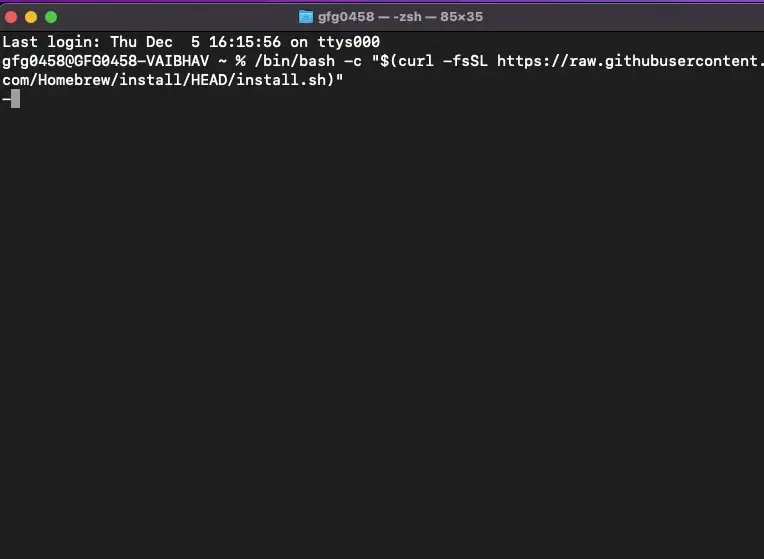
Step 1: Get Homebrew in your macOS
/bin/bash -c "$(curl -fsSL https://raw.githubusercontent.com/Homebrew/install/HEAD/install.sh)"
Step 2: Install Brew
brew install git
Step 3: Verify the Installation
git --version
macOS comes with Xcode Command Line Tools, which includes Git and other development utilities. Here's how to install Git via Xcode:
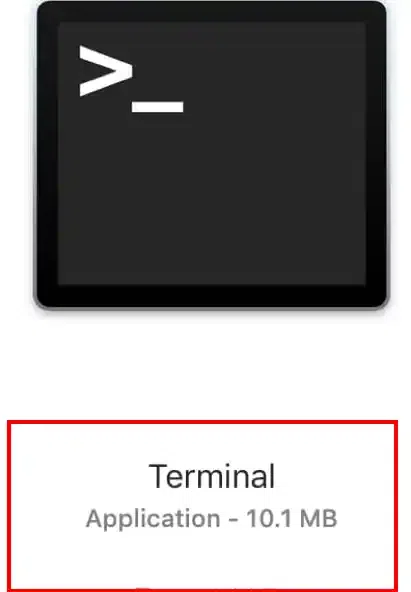
Step 1: Launch Terminal & Type the following command
xcode-select --install
Step 2: Continue with the Installation
git --version