|
VOOZH | about |
|
VOOZH | about |
Java is a very popular general-purpose programming language, which is very close to flow Oop's theory and can run independently on any platform, but its run time environment is dependent on the platform the JVM (Java Virtual Machine) is also known as. Which first interprets Java file byte code and byte code into machine language. Here we are going to install JDK in the Debian-based Ubuntu operating system.
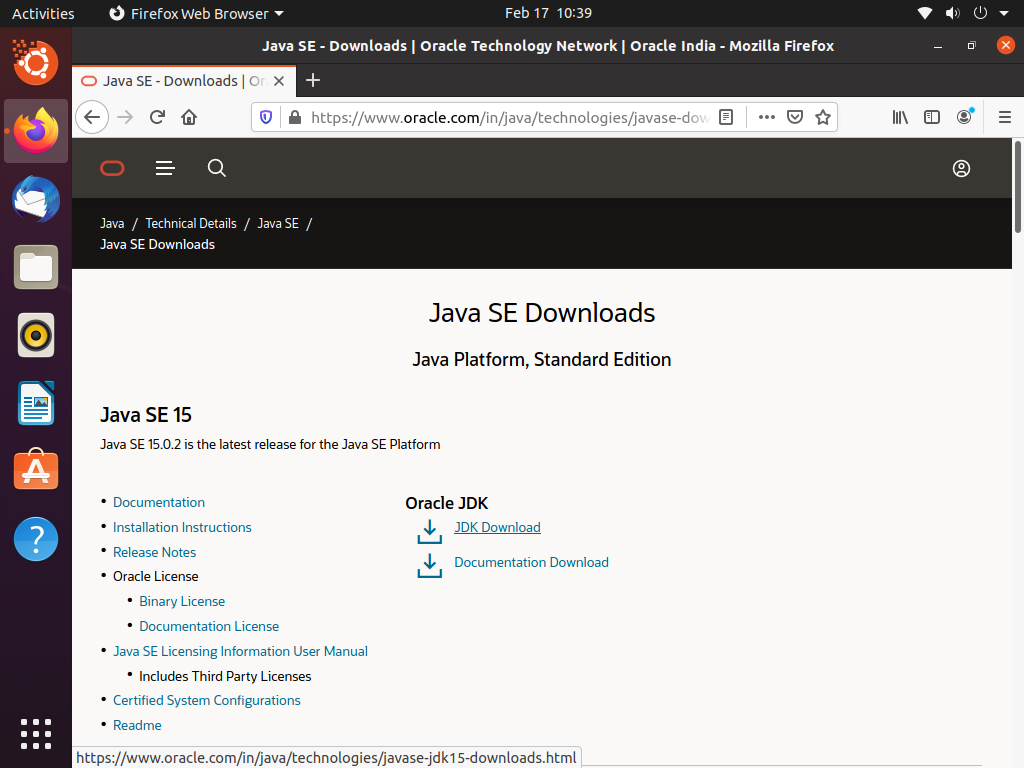
Step 1: Open your browser and navigate to this link.
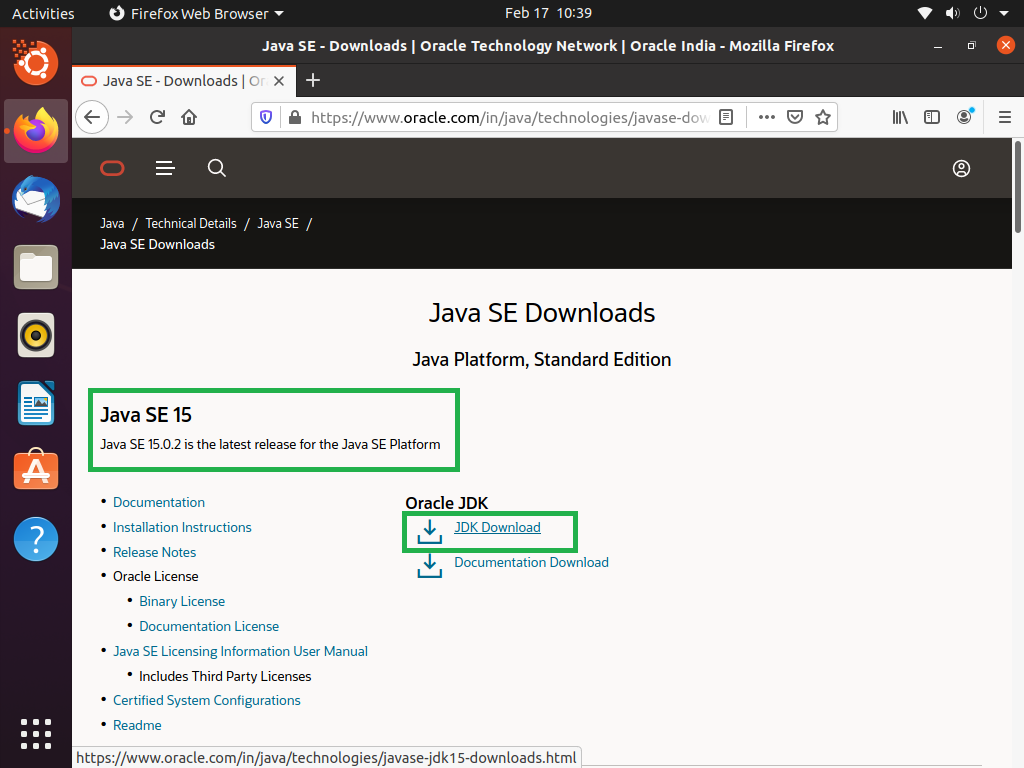
👁 How to Install JDK in Linux?Step 2: Scroll down and click on the JDK download link.
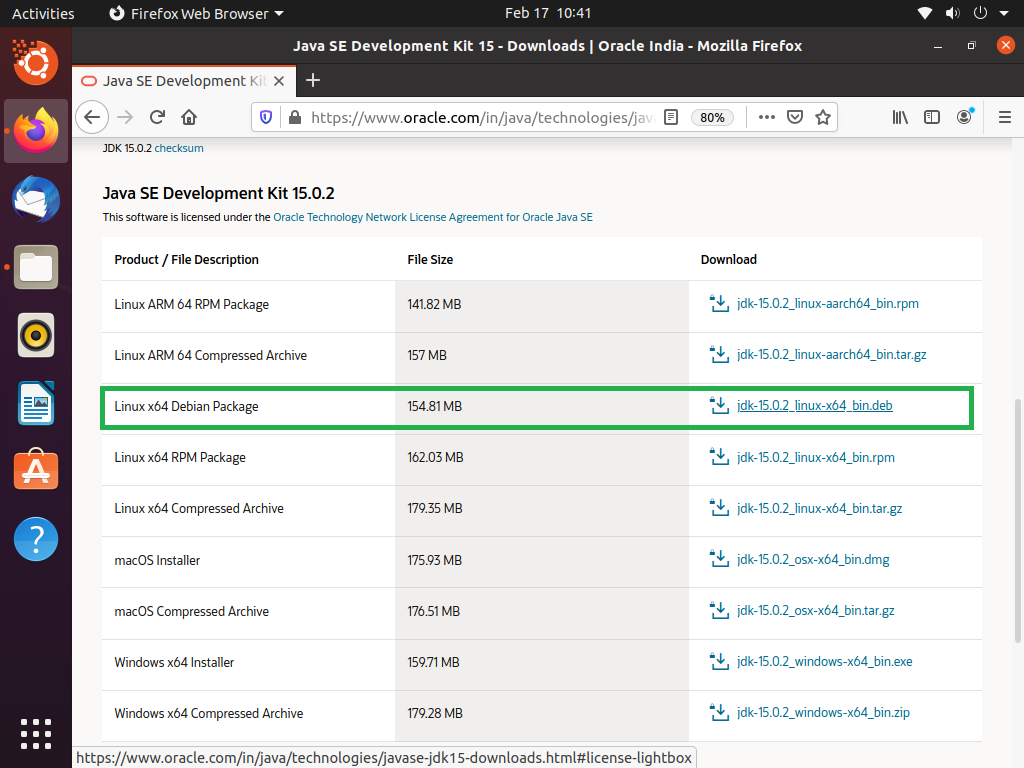
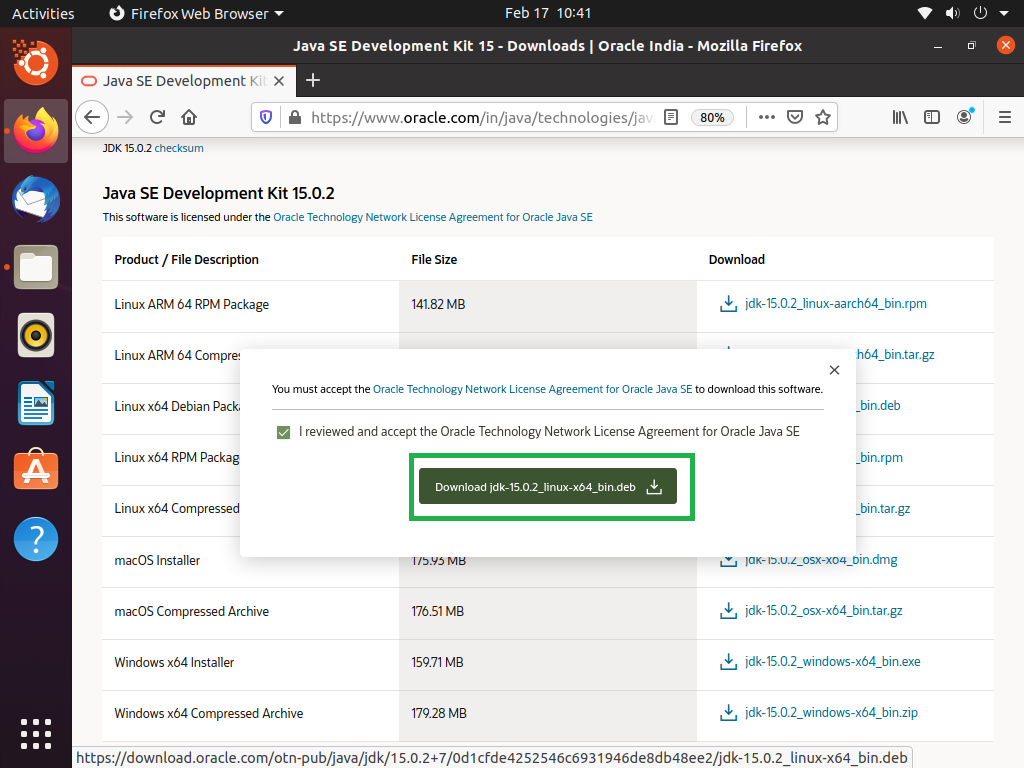
👁 How to Install JDK in Linux?Step 3: Then choose the compatible file.
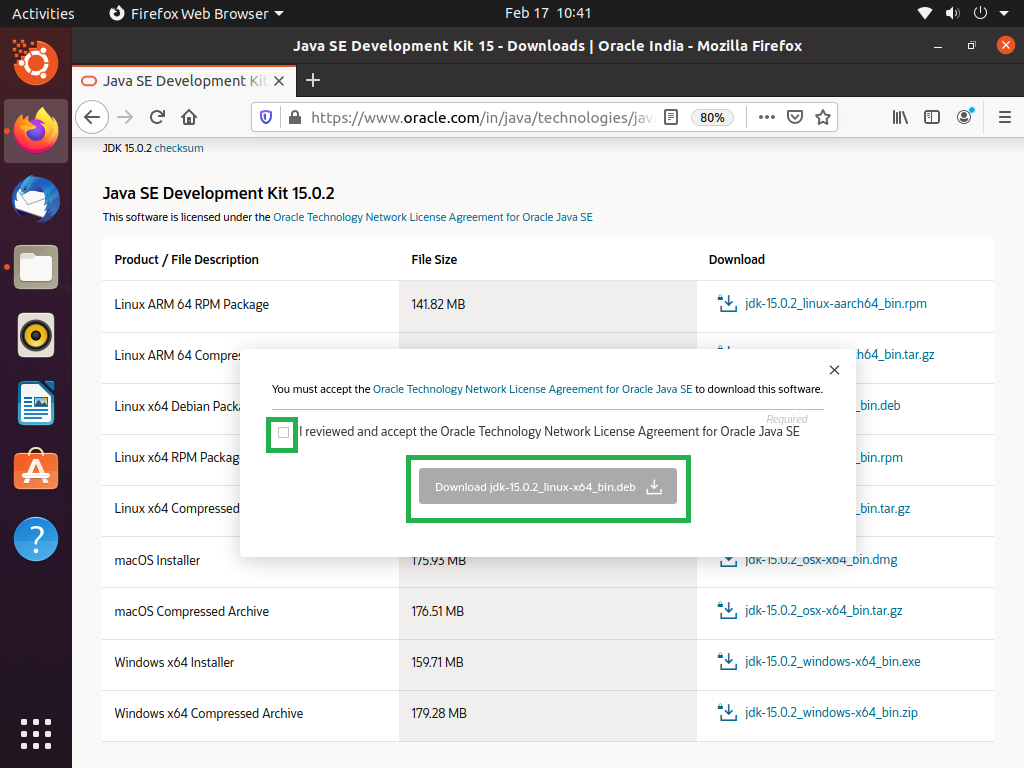
👁 How to Install JDK in Linux?After clicking on the link they show the popup to confirm their terms and conditions to allow it and click on the download button.
👁 How to Install JDK in Linux?Checkmark and click download.
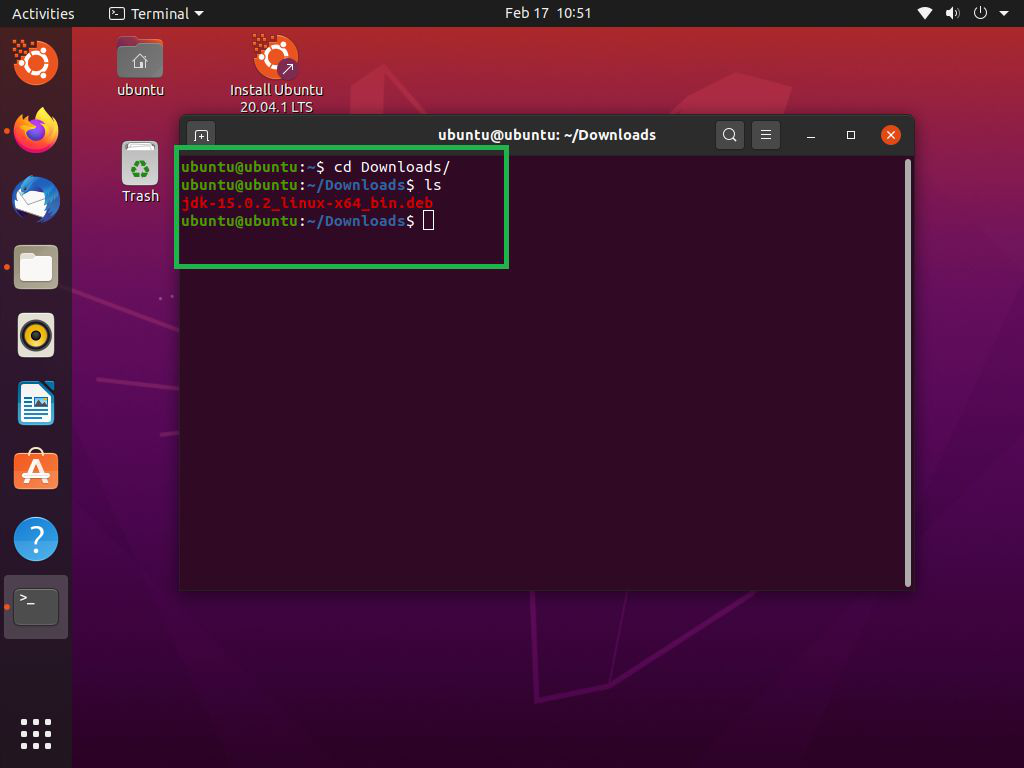
👁 How to Install JDK in Linux?Step 4: After download to navigate to your download folder, and open the terminal and go download folder.
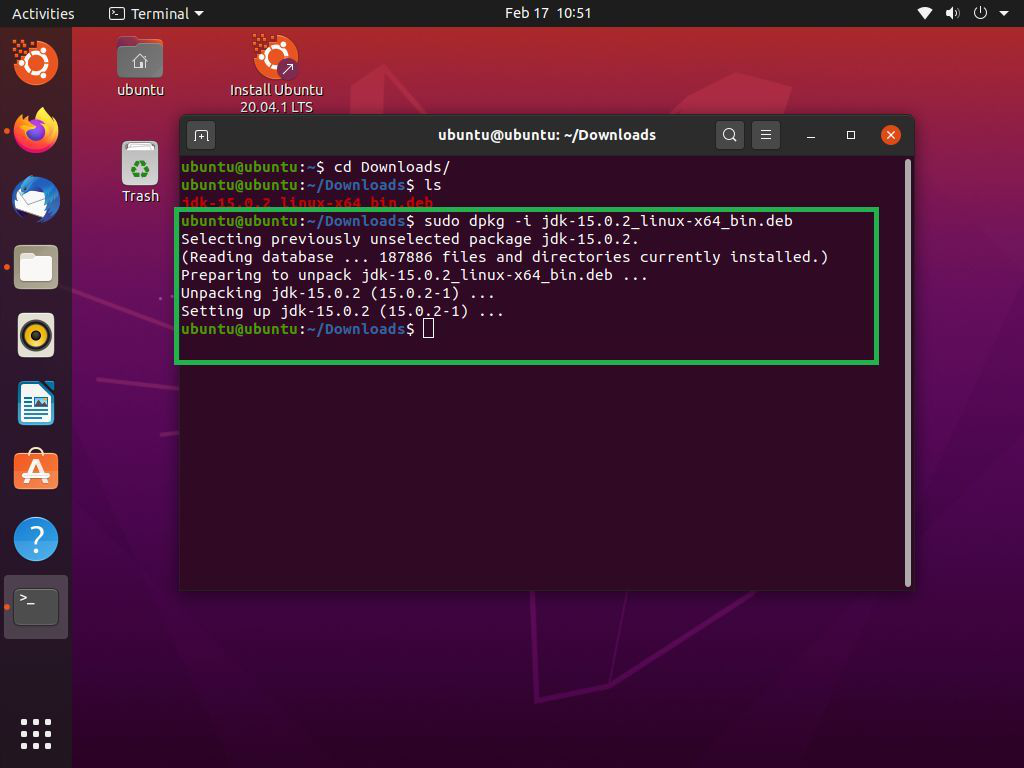
👁 How to Install JDK in Linux?Step 5: Type command.
sudo dpkg -i package_nameAfter type command press enter.
👁 How to Install JDK in Linux?This process will take little time.
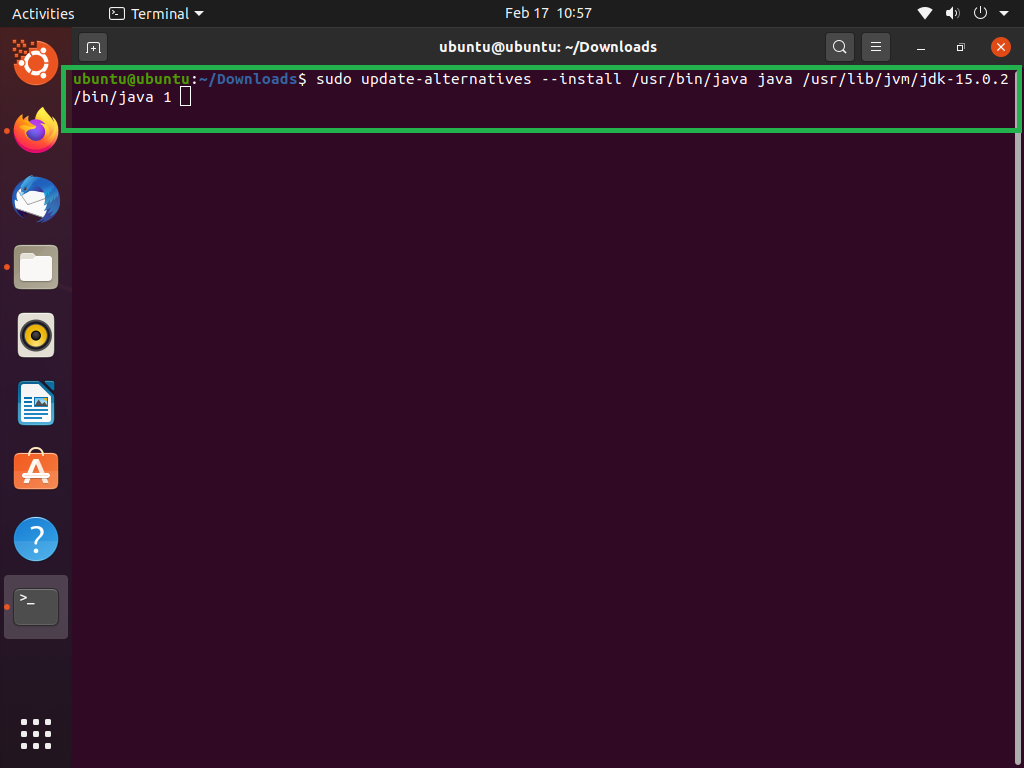
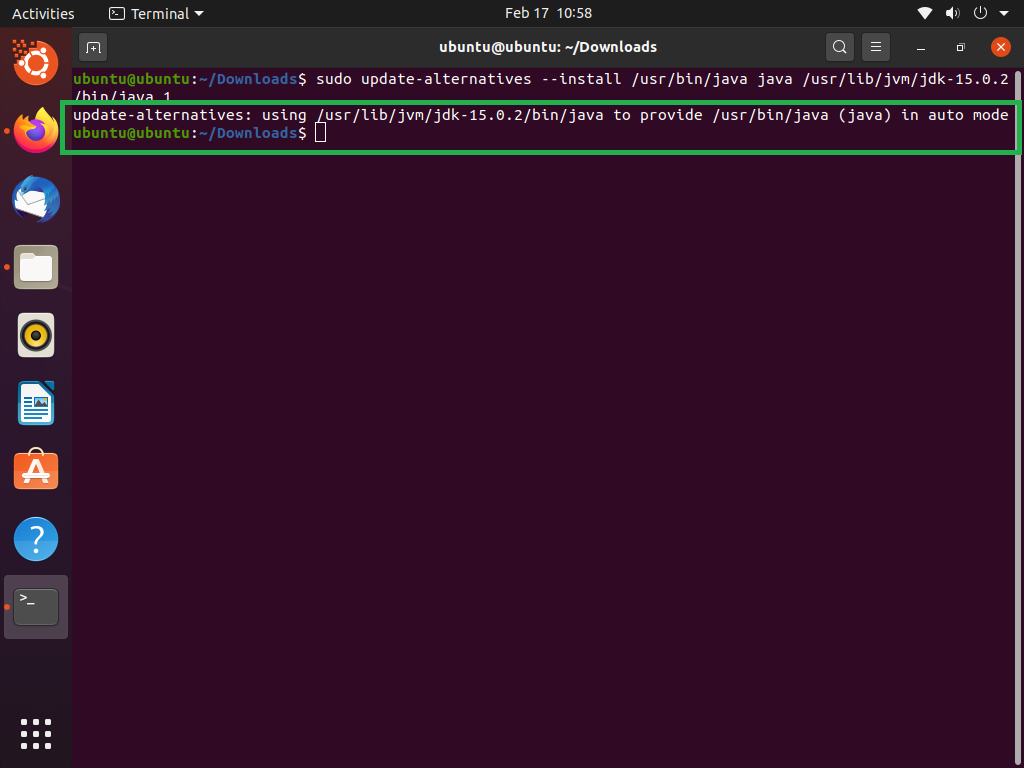
Step 6: After doing to above process the next step to update the paths and alternatives.
sudo update-alternatives --install /usr/bin/java java /usr/lib/jvm/jdk-15.0.2/bin/java 1👁 How to Install JDK in Linux?Output:
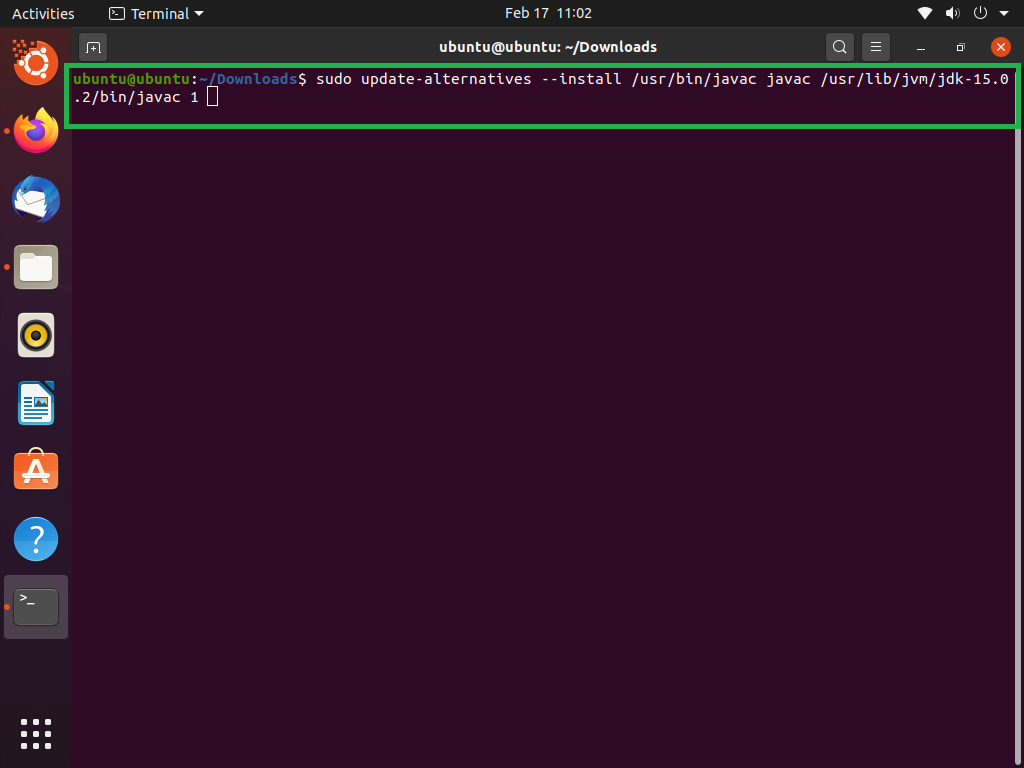
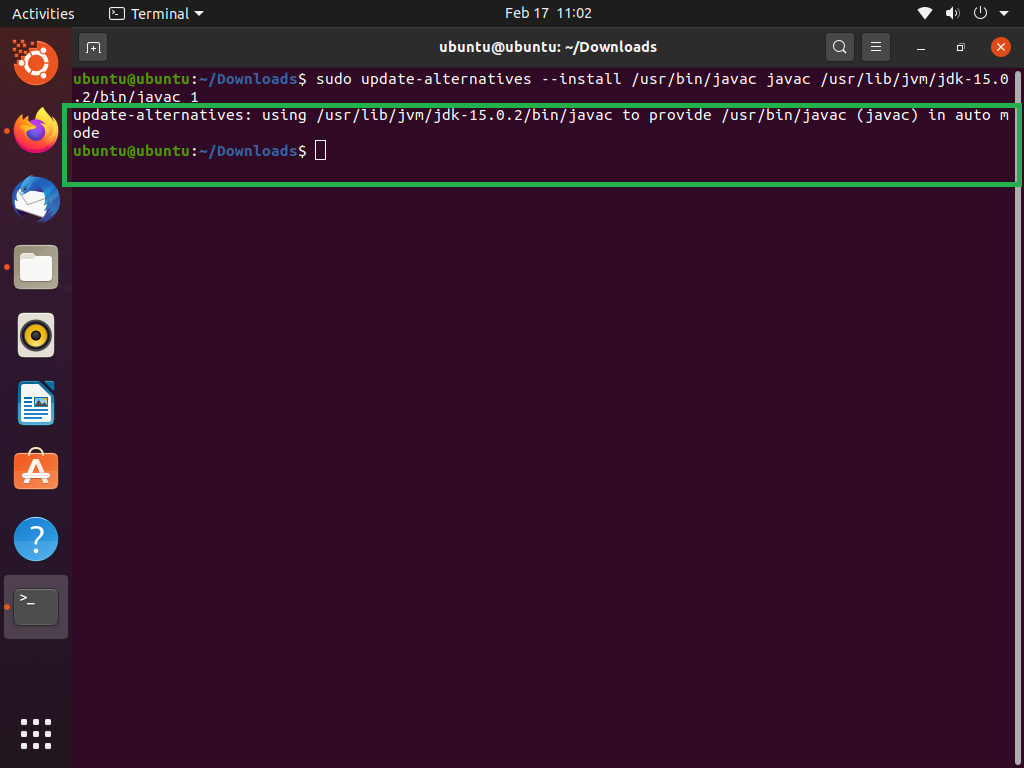
👁 ImageFor alternatives:
sudo update-alternatives --install /usr/bin/javac javac /usr/lib/jvm/jdk-15.0.2/bin/javac 1👁 How to Install JDK in Linux?Output:
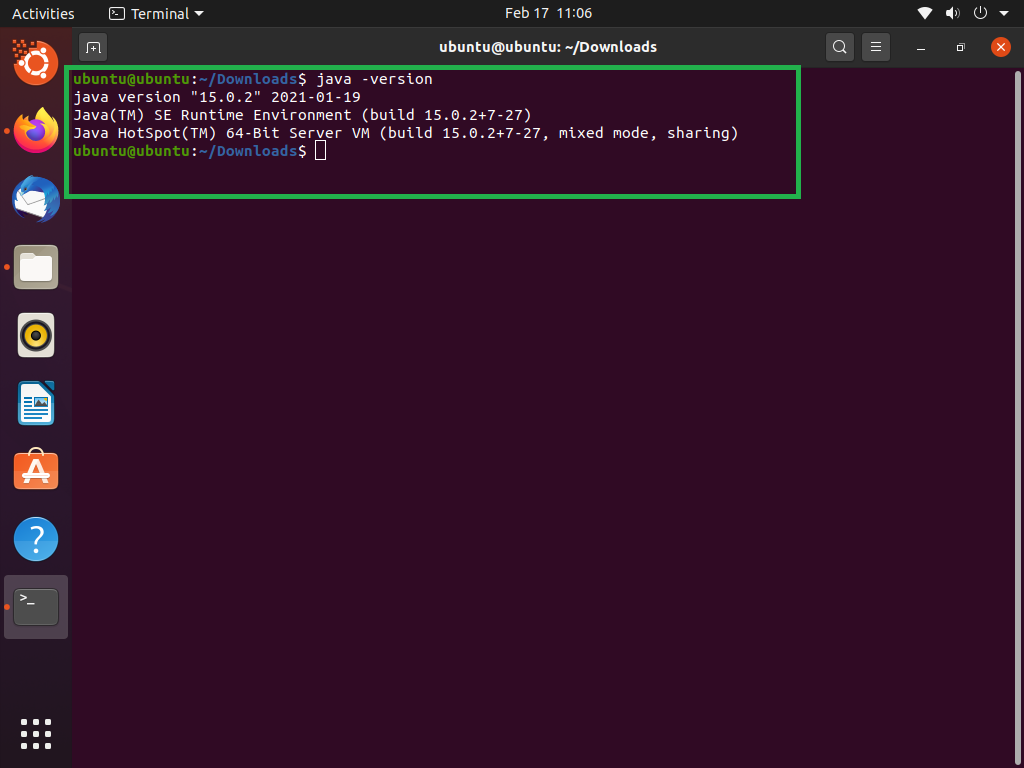
👁 ImageStep 7: Finally, The Java JDK is installed successfully.
Check Java properly install or not.
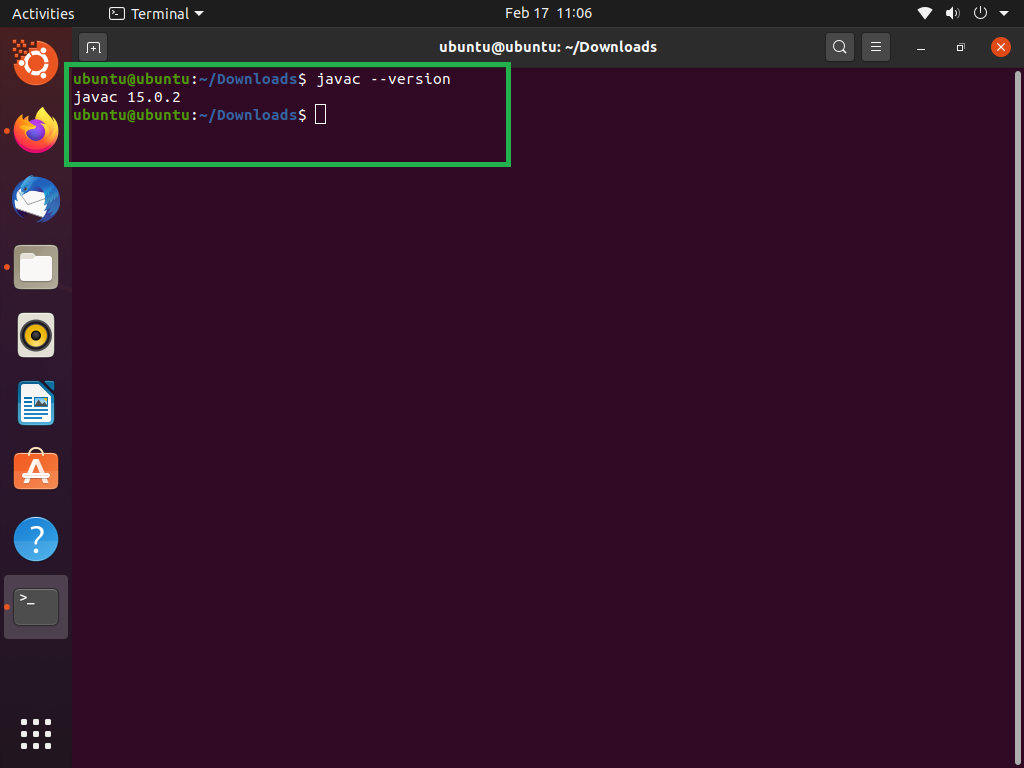
👁 ImageAnd check Javac is properly installed or not.
👁 How to Install JDK in Linux?