|
VOOZH | about |
|
VOOZH | about |
Opera is a web browser and it is one of the oldest web browsers, it was first released in April 1995. It is available for different platforms like mobile, desktops, tablets, etc. It is written in the C++ programming language. At its released time, it was used as commercial software. It can be used on different operating systems like Windows, Mac, Linux, etc. It is available in 40+ languages. It is free and open-source software.
Features of Opera Browser:
Advantages of Opera Browser:
Follow the below steps to install Opera Browser Windows:
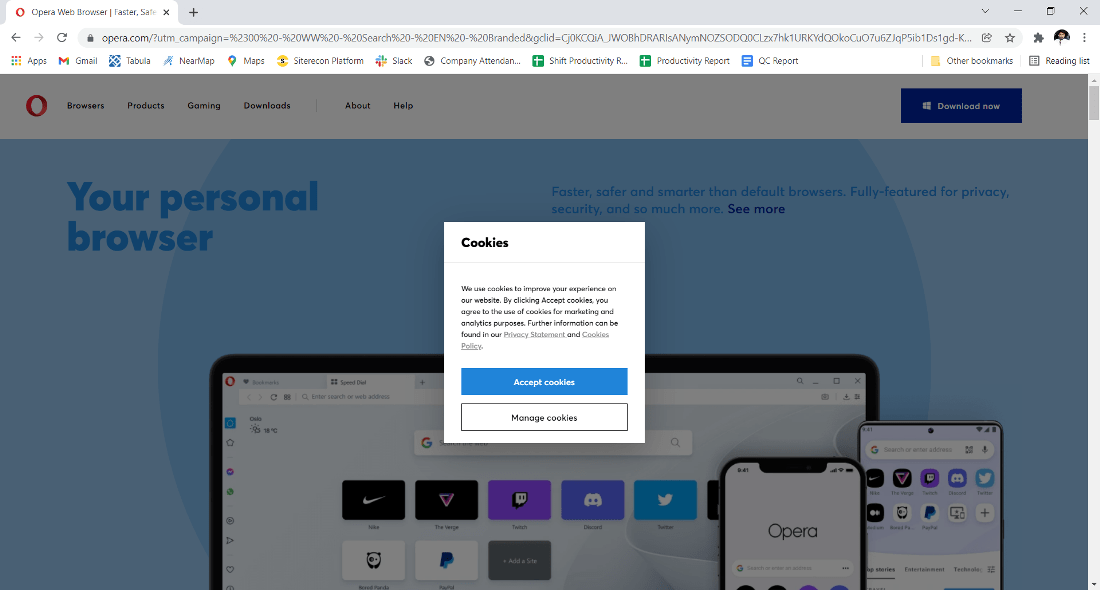
Step 1: Visit the official website using any web browser.
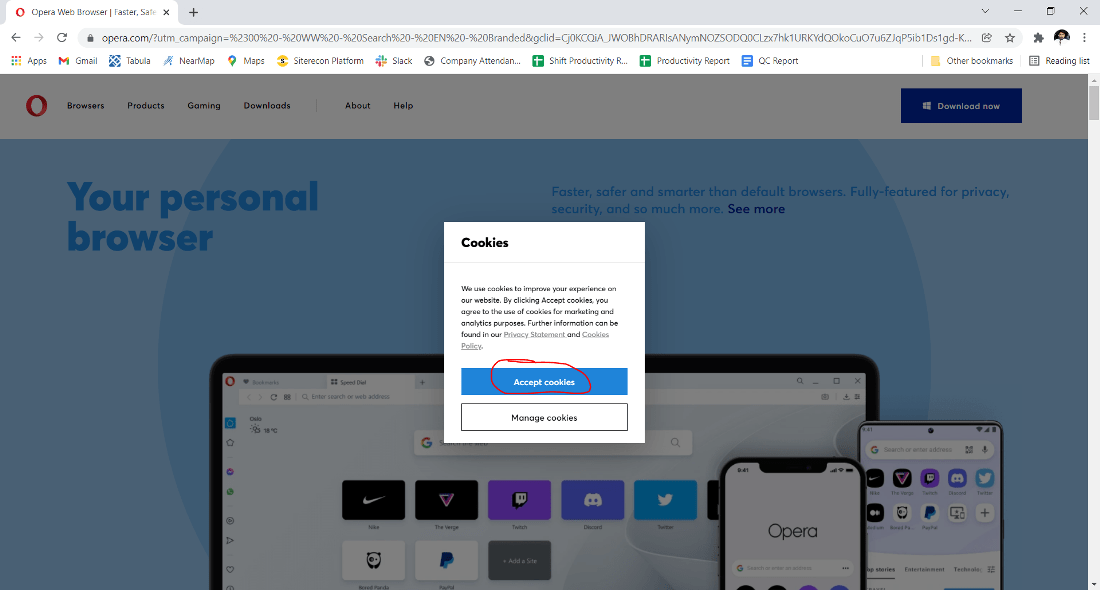
👁 Visiting-website-to-downloadStep 2: Click on Accept Cookies.
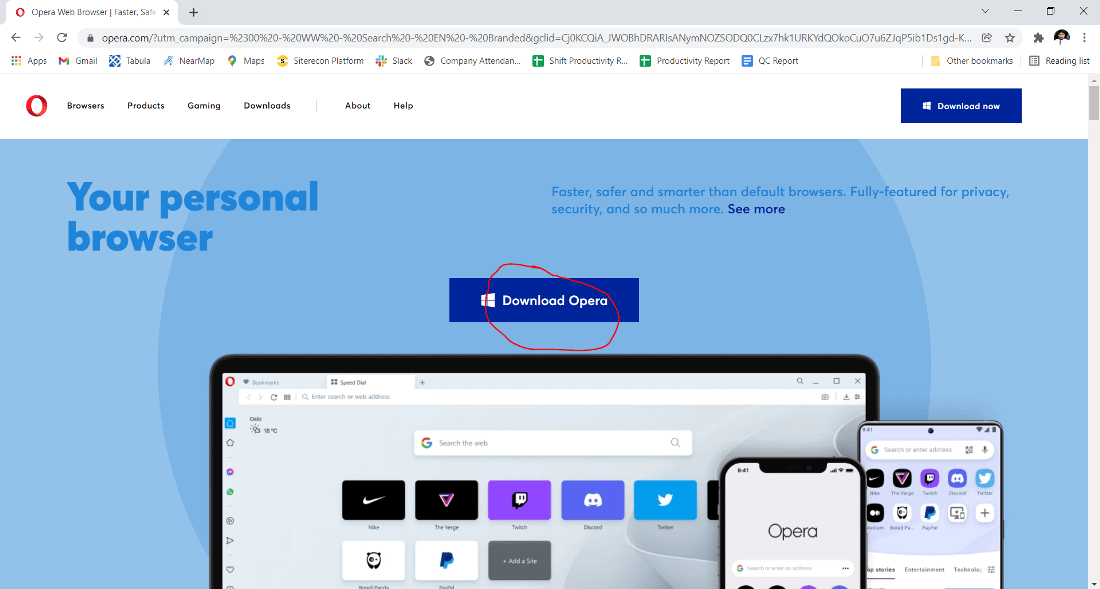
👁 Click-on-Accept-CookiesStep 3: Click on the Download Opera button to start downloading Opera.
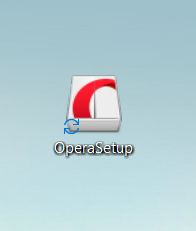
👁 Click-on-download-OperaStep 4: Now find the executable file in the downloads folder in your system and run it.
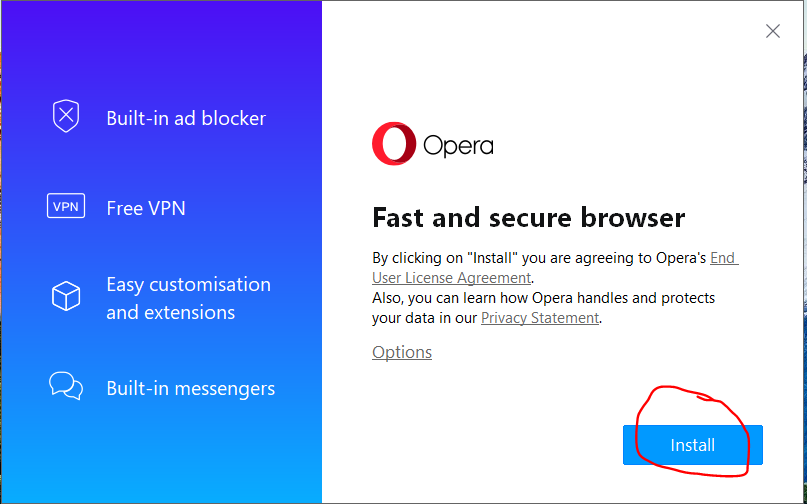
👁 Finding-executable-fileStep 5: The next screen will be of License Agreement, click on Install.
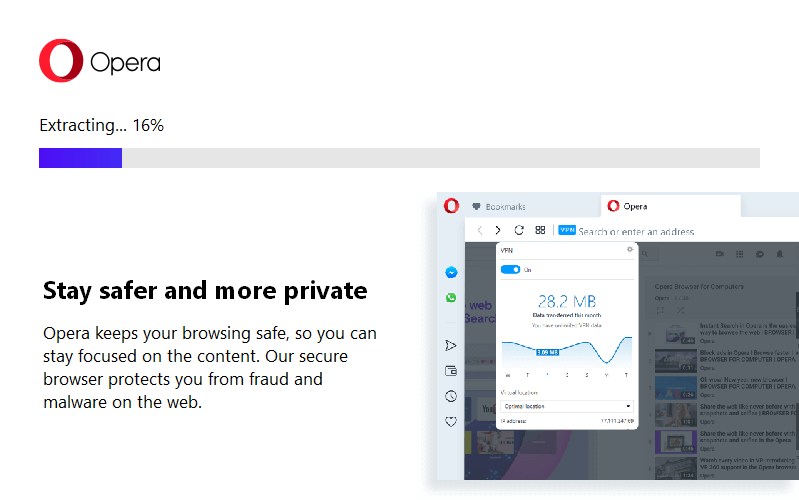
👁 Click-on-install-buttonStep 6: After this installation process will start and it might take 2-5 minutes to complete the installation.
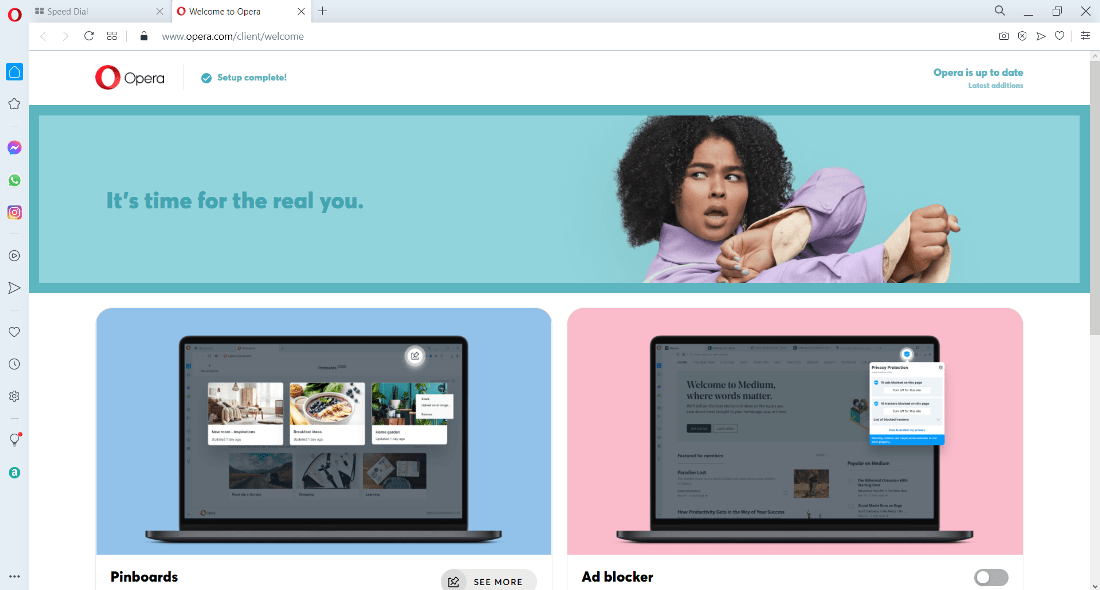
👁 Wait-for-installation-to-completeAfter installing the Opera browser will open automatically. Now you will see the interface and be free to use the software.
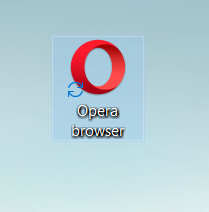
👁 Opera-is-ready-to-useAt the end, Opera Browser is successfully installed on the system and an icon is created on the desktop.
👁 Desktop-icon-for-OperaCongratulations!! At this point, you have successfully installed Opera Browser on your Windows system.