|
VOOZH | about |
|
VOOZH | about |
Protocol Buffers, commonly known as Protobuf, is a free, open-source, and cross-platform library developed by Google. It is used for serializing structured data, making it ideal for applications that need to communicate over a network or store data efficiently. Protobuf allows developers to define how they want their data structured using an interface description language (IDL), from which a program generates source code.
This code can then create or parse byte streams that represent the structured data, making data transfer and storage seamless and effective. Initially created for Google's internal use, Protobuf is now available as an open-source project, supporting multiple programming languages.
We can install Protobuf on Ubuntu using 2 different following methods:
Let's go through both installation methods:
Firstly, update the repositories using the apt manager. Execute the below command to update.
sudo apt updateNow, using the same apt manager install the protobuf-compiler tool through the command line.
sudo apt install protobuf-compilerTo verify the installation, execute the below command and check whether the command returns the output.
protocTo check the detailed usage of protoc tool, run the manual page command to see its detailed information.
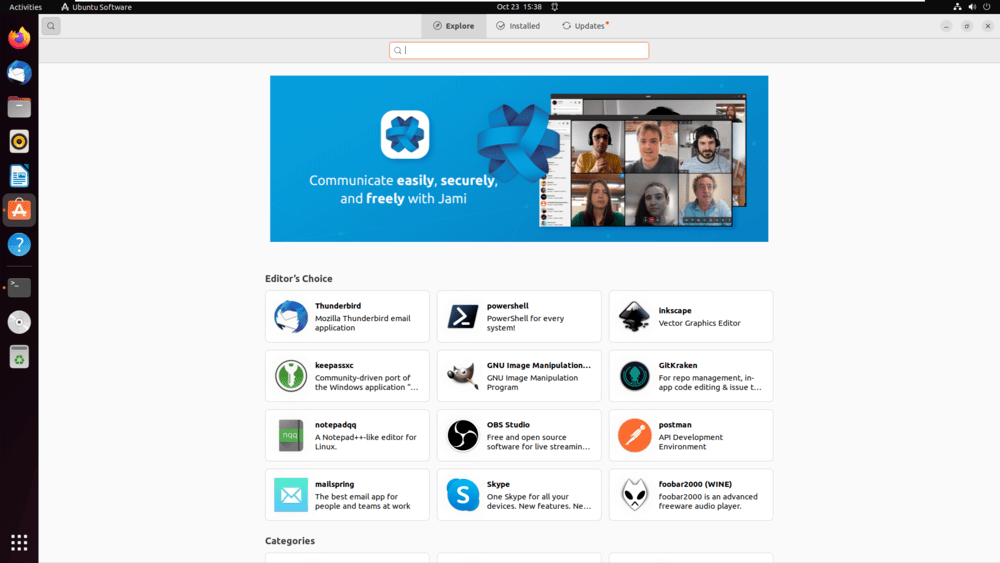
man protocOpen the Ubuntu Software Center.
Search for protobuf in the search section of Ubuntu Software Center.
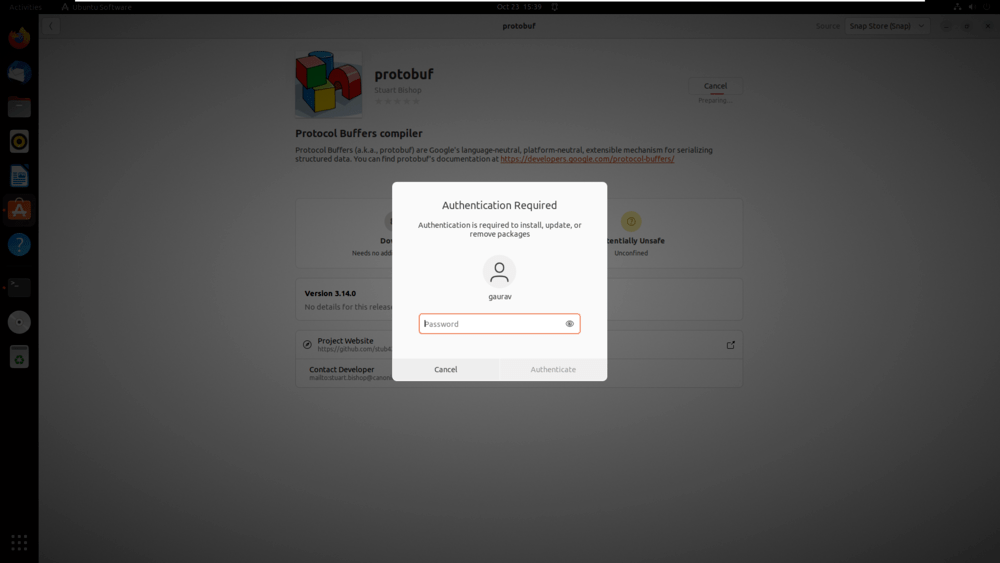
Click on the install button and enter your password for starting the installation process.
We have successfully installed the protobuf application from the software center.
After usage, to uninstall the application just go to the Installed section, search for the protobuf application and click on the uninstall button. The application will get uninstalled from the system.
Protobuf is an essential tool for developers looking to optimize data serialization and communication between services or applications. With robust support for multiple programming languages, easy installation on Ubuntu, and a proven track record within Google and beyond, Protobuf offers a superior alternative to traditional data serialization methods like XML and JSON. By learning these two easy methods, one can install Protobuf on Ubuntu efficiently.