|
VOOZH | about |
|
VOOZH | about |
Sympy is a lightweight, open-source Python library for symbolic math. Its vision is to become a fully functional computer algebra system while keeping the code as simple, understandable, and extensible as possible. Sympy relies only on mpmath, a pure Python library for arbitrary floating-point arithmetic, making it easy to use. In this article, we will explore different ways to install Sympy on macOS.
Below is some recommended things that you should have for installing sympy module on macOS are:
Users who prefer pip can install the sympy module on macOS using the following command in the terminal:
pip install sympy
You will get a similar message once the installation is complete.
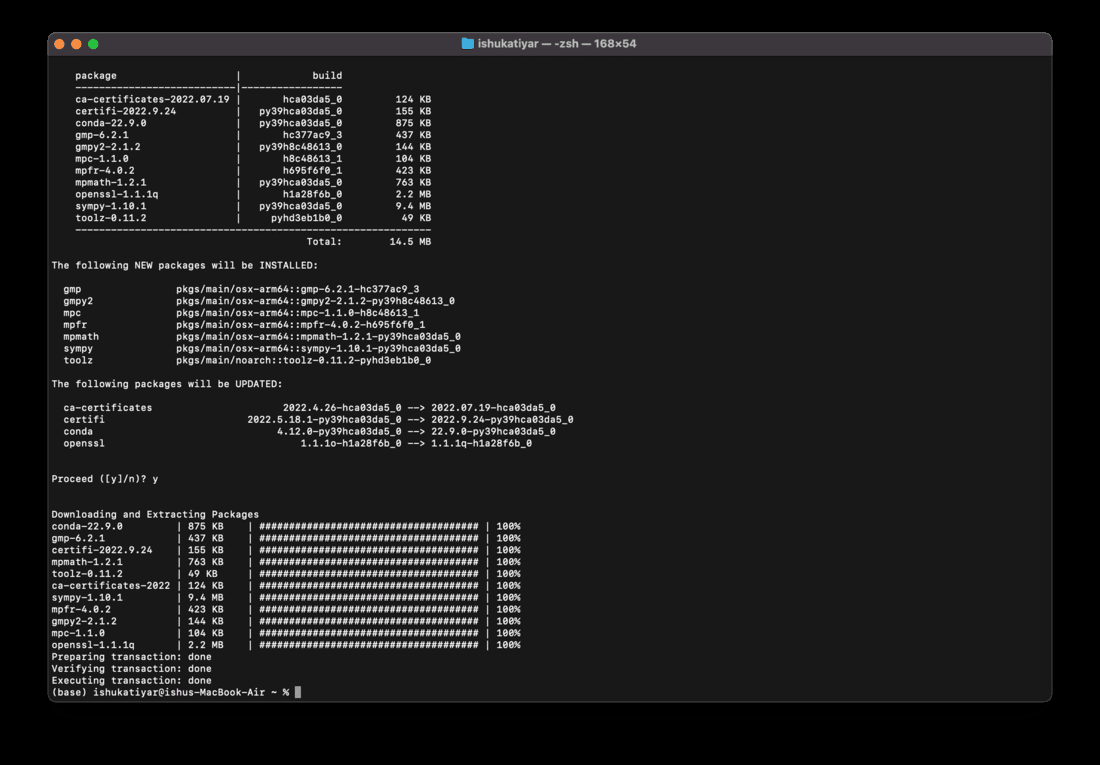
Same as above, Users who prefer conda can install the sympy module on macOS using the following command in the terminal:
conda install sympy
Enter y when prompted for yes.
Once the installation is complete, You will get a similar message.
To verify that Sympy has been successfully installed on your system, run the following code in the Python IDE of your choice:
If successfully installed you will get the following output.