|
VOOZH | about |
|
VOOZH | about |
Unity software is used for the development of 2D and 3D games for computers, mobile, etc. It is developed by Unity Technologies in 2005 and is written in C# and C++ language. It is open-source software and free to use. It is a platform of the game engines. It is also used in the field of virtual reality. It was first introduced at Apple Inc.'s Worldwide Developers Conference as a Mac OS X-exclusive game engine. Unity's android popular mobile game was Pokemon Go, Call of Duty: Mobile, Cuphead, etc. In this article, we are going to install Unity Hub on macOS.
Follow the below steps to install Unity Hub on macOS:
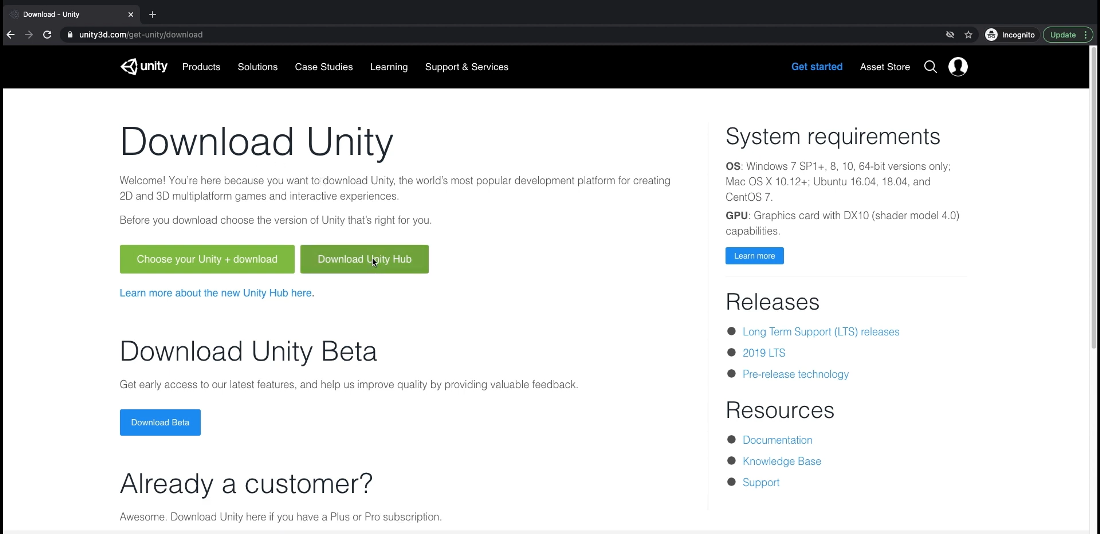
Step 1: Visit the official Unity Website using any web browser.
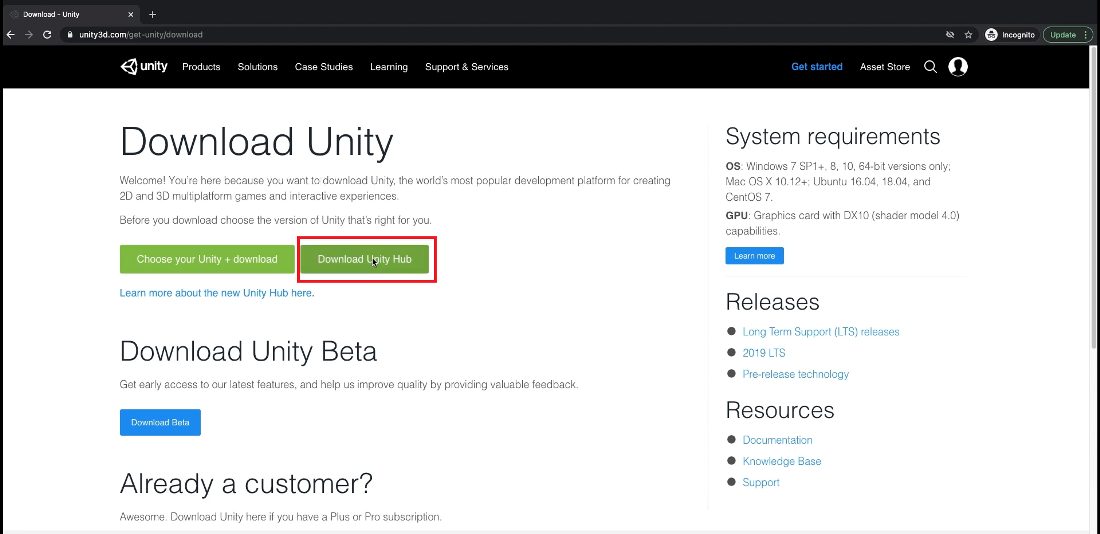
👁 Visit-the-official-Unity-WebsiteStep 2: Click on the Download Unity Hub Button and downloading will start.
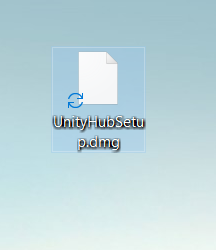
👁 Download-Unity-HubStep 3: Now find the executable file in the download folder and then click on it to open it.
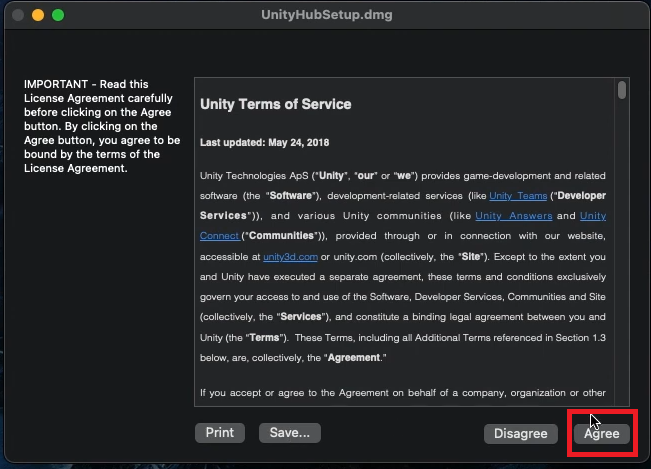
👁 Executable-file-of-unityStep 5: It will prompt confirmation to run the software click on Agree Button.
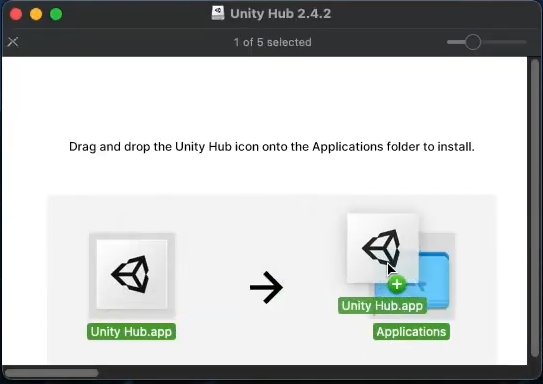
👁 Unity-terms-of-servicesStep 6: Now hold and drag the Unity Hub to the Applications.
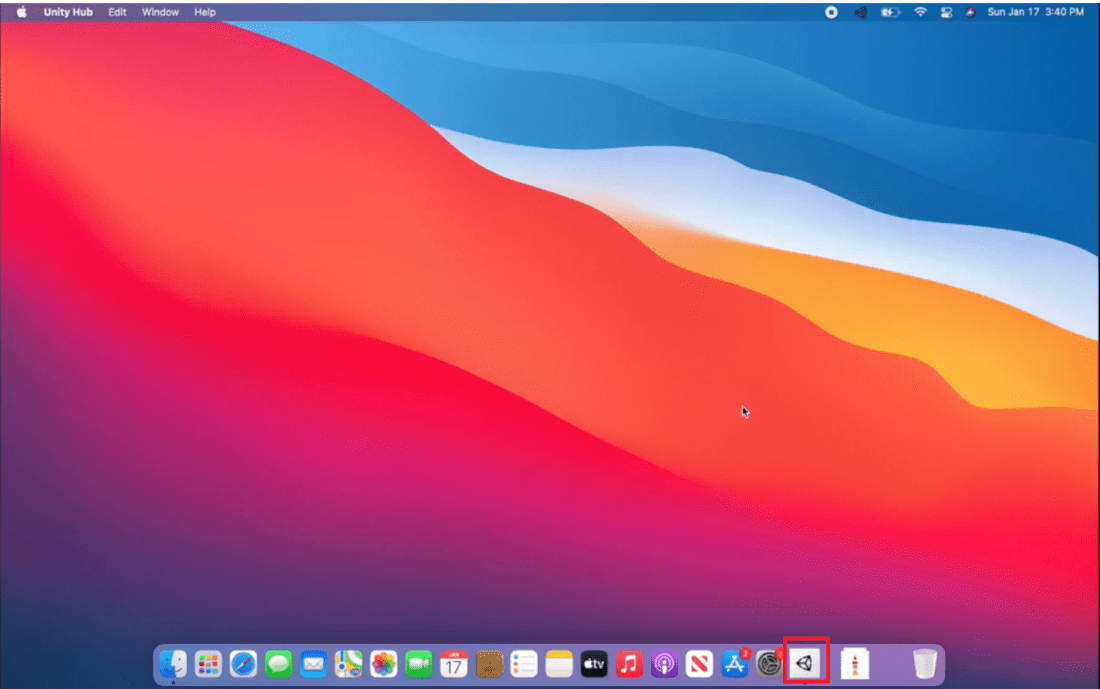
👁 Drag-the-unity-hub-to-applicationStep 7: Now look for Unity Hub in Applications and Run it.
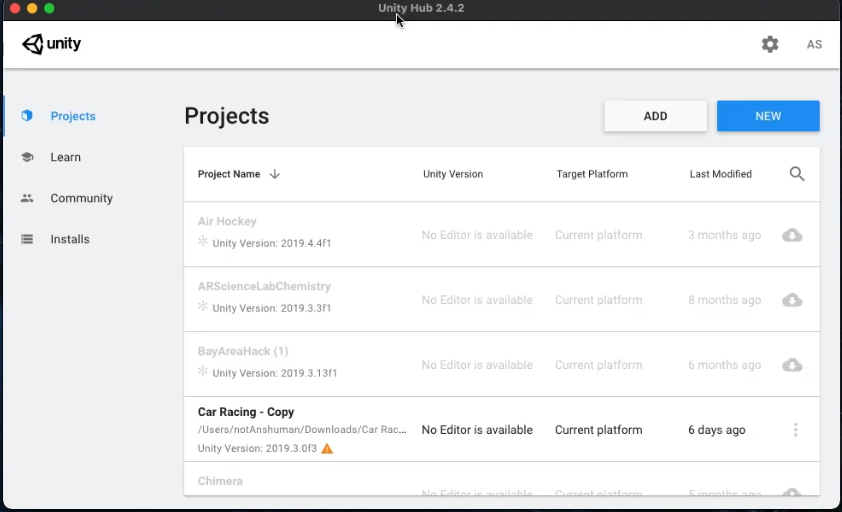
👁 Looking-for-unity-hubNow see the interface of Unity Hub.
👁 Interface-of-unity-hubHence the Unity Hub was successfully installed on your macOS system.