|
VOOZH | about |
|
VOOZH | about |
Zypper is a software management command-line program. It may add package repositories, search for packages, install, uninstall, or update packages, install patches, and device drivers, and check dependencies, among other things. Zypper can be used interactively or in a non-interactive fashion by the user, scripts, or front-ends. In this article, we will be going through the installation and usage of Zypper on the Ubuntu system.
On Ubuntu 20.04, there are 3 options for installing zypper.
Let's go through all the installation methods.
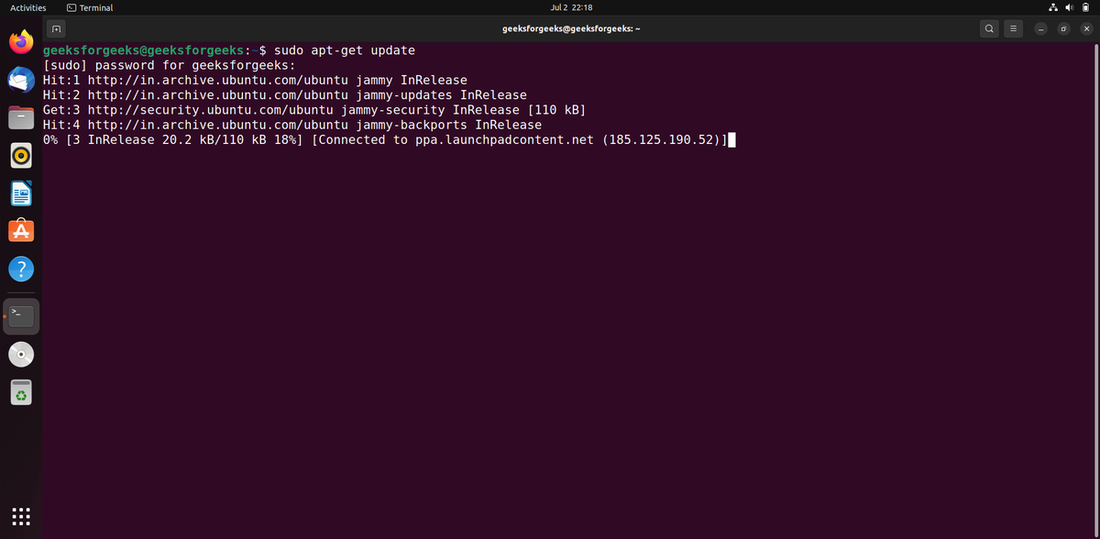
Step 1: Using the following command, update the apt database using apt-get.
sudo apt-get update
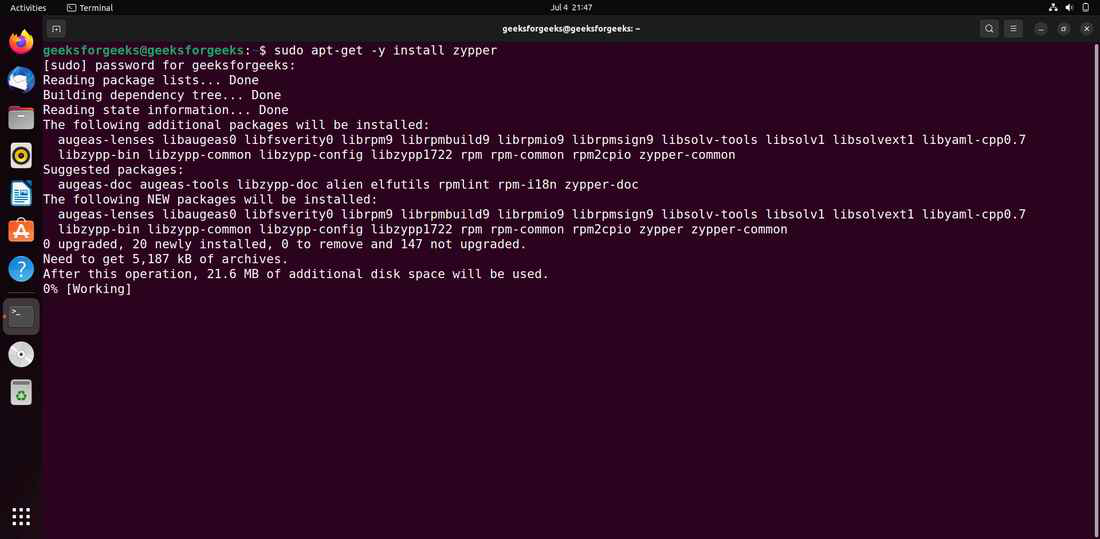
Step 2: After upgrading the apt database, we can use apt-get to install zypper by performing the following command:
sudo apt-get -y install zypper
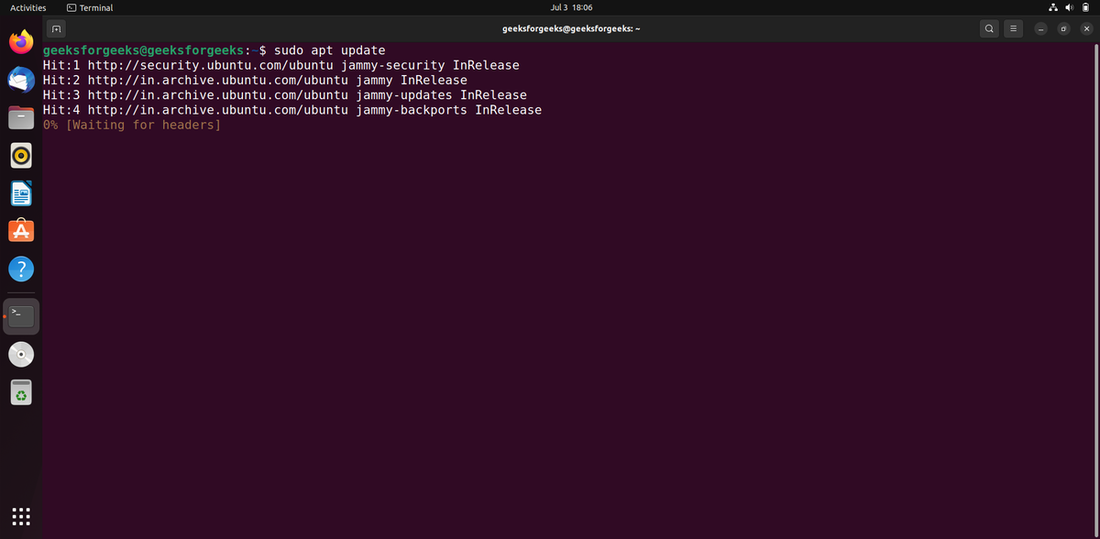
Step 1: The apt database will be updated with the command below.
sudo apt update
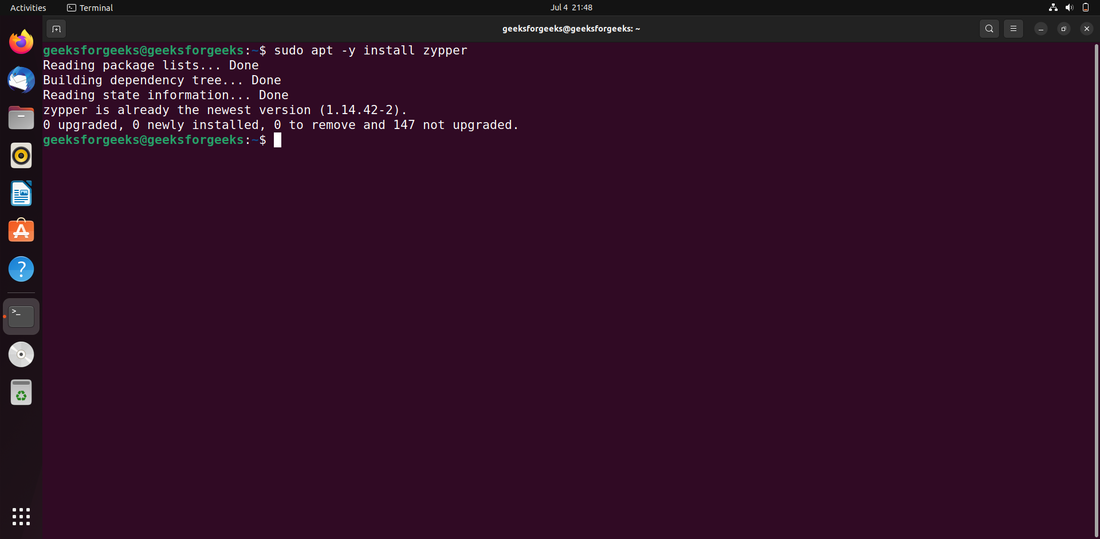
Step 2: After upgrading the apt database, we can use apt to install zypper by performing the following command:
sudo apt -y install zypper
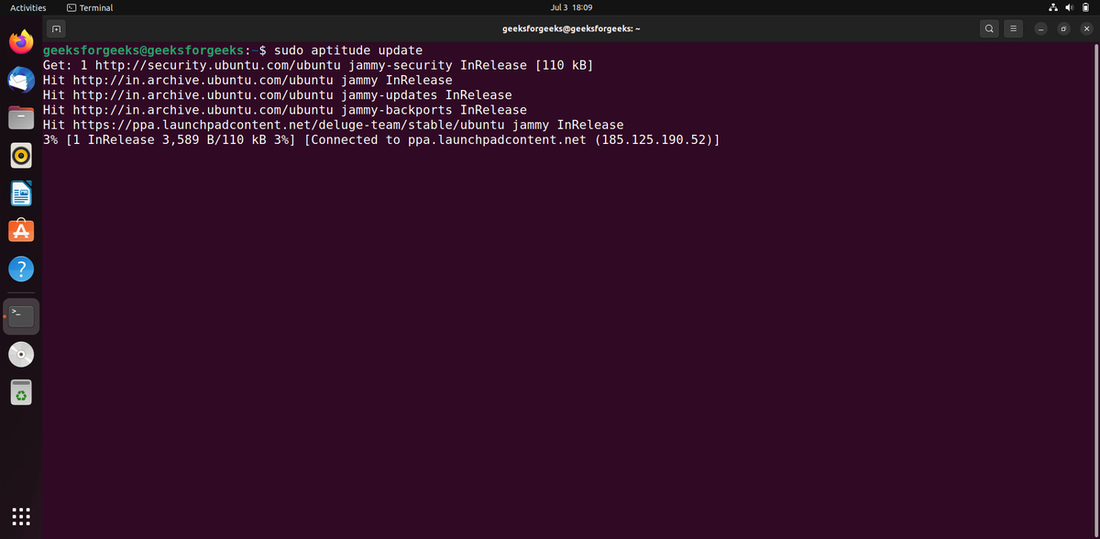
Step 1: If you want to use this method, you may need to install aptitude first because it is not normally installed by default on Ubuntu. Use the following command to update the apt database with aptitude.
sudo aptitude update
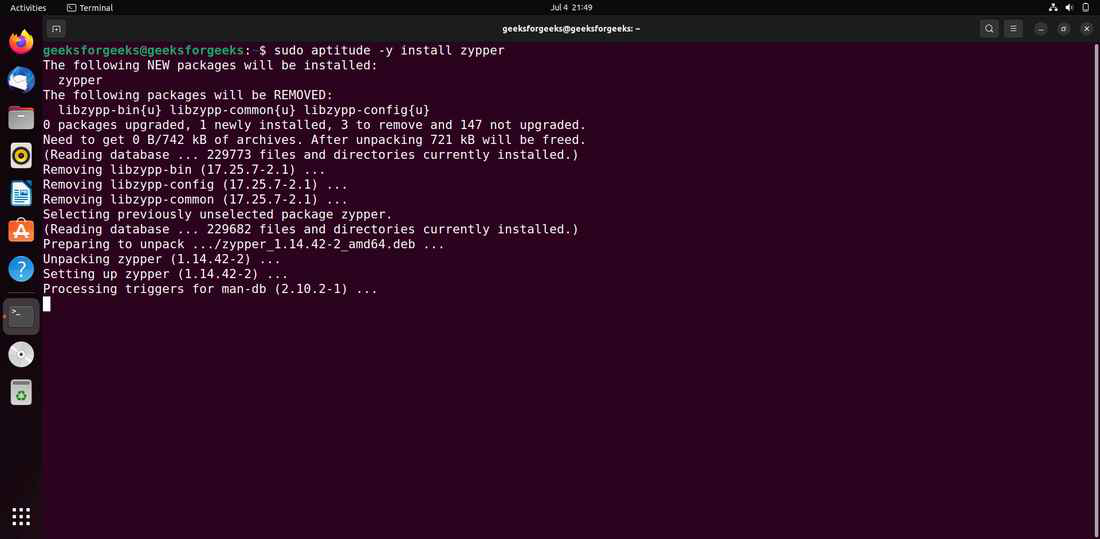
Step 2: After upgrading the apt database, we can use aptitude to install zypper by performing the following command:
sudo aptitude -y install zypper
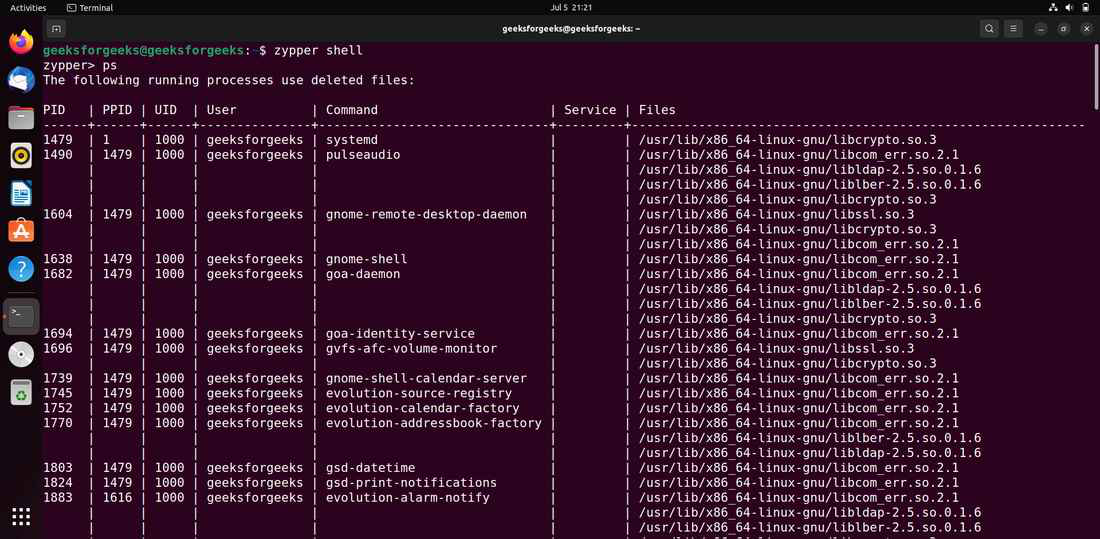
Starts a shell in order to input many commands in a single session. Exit the shell by pressing Ctrl-D or exit.
zypper shell
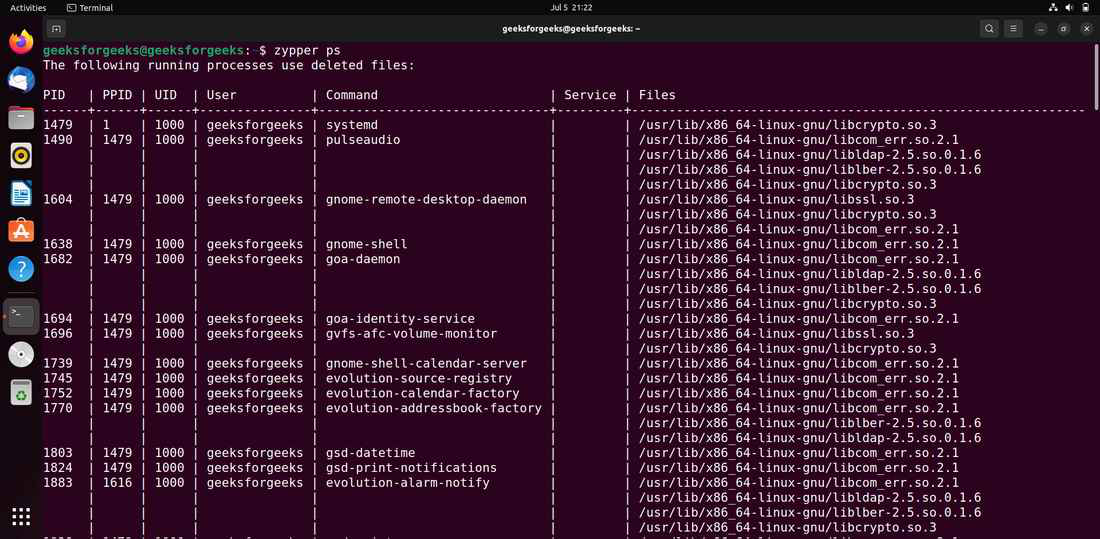
This command list any ongoing processes that may still be using files and libraries that have been destroyed by recent upgrades.
zypper ps
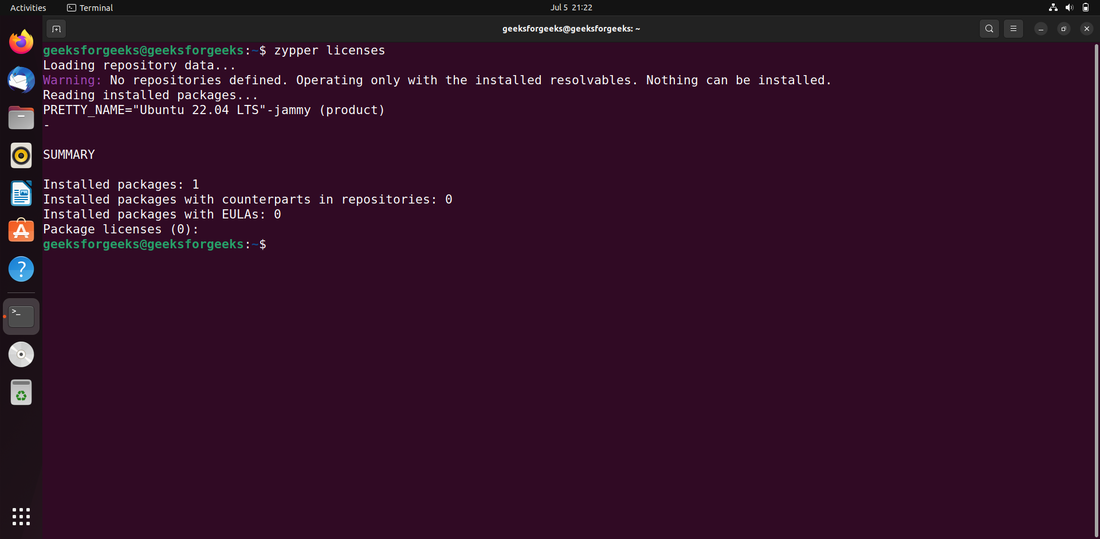
It is used to print a report on installed package licenses and EULAs (End User License Agreement).
zypper licenses