|
VOOZH | about |
|
VOOZH | about |
Installing software on your computer usually means clicking through a setup wizard, but did you know you can do it faster with just a few typed commands? Using the Command Prompt (CMD) in Windows, you can install programs without all the mouse clicks, making it a handy trick for quick setups or managing multiple systems.
In this blog, we’ll walk you through the step-by-step process of installing software using CMD. From using built-in tools like Windows Package Manager (winget) to executing installation commands for standalone executables, you’ll discover how to harness the power of the command line to install software quickly and efficiently.
Here, we will discuss 3 different methods to set up applications using the Command Prompt on Windows 10 and 11, which include Winget, Chocolatey, or direct installer executables.
The winget command is a built-in package manager for Windows 10 and Windows 11. It simplifies installing and managing software from the Windows Store or other sources.
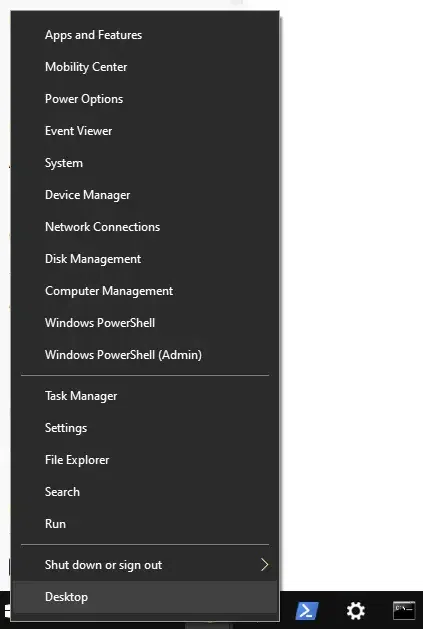
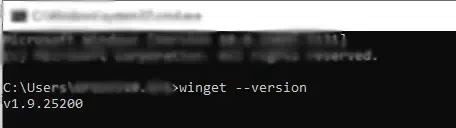
winget is installed by running: winget --versionIf not installed, ensure you’re using Windows 10 1809+ or Windows 11 and install the App Installer from the Microsoft Store.
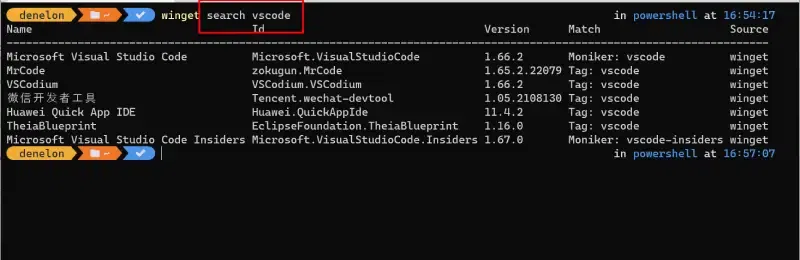
winget search <software_name>For example: winget search vscode
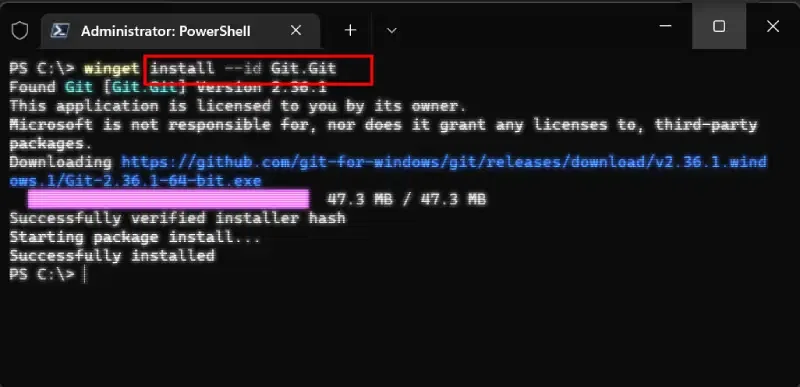
winget install <software_name>winget install gitAfter installation, you can verify by checking if the software appears in your applications list or by searching for it directly in CMD.
Chocolateyis a popular third-party package manager for Windows that allows you to automate software installations through the Command Prompt.
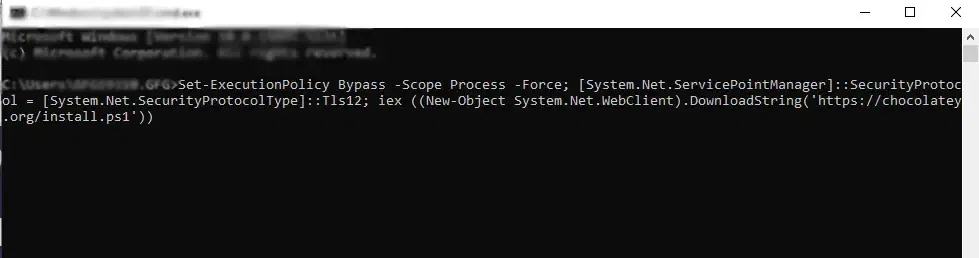
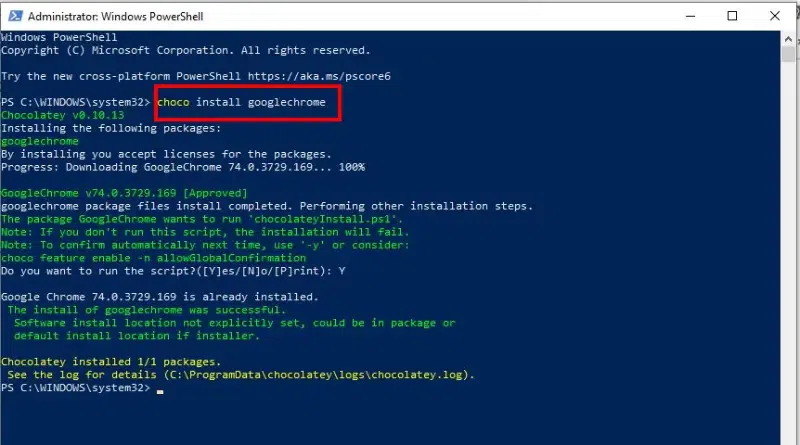
Set-ExecutionPolicy Bypass -Scope Process -Force; [System.Net.ServicePointManager]::SecurityProtocol = [System.Net.SecurityProtocolType]::Tls12; iex ((New-Object System.Net.WebClient).DownloadString('https://community.chocolatey.org/install.ps1'))choco install <software_name>For example: choco install googlechrome (install Google Chrome)
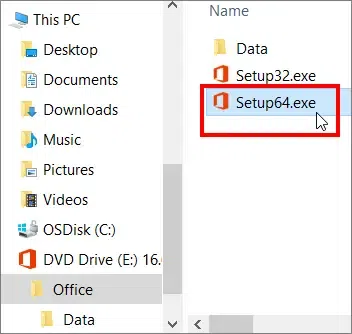
choco list --local-onlyFor certain software, you may want to run an installer directly through CMD.
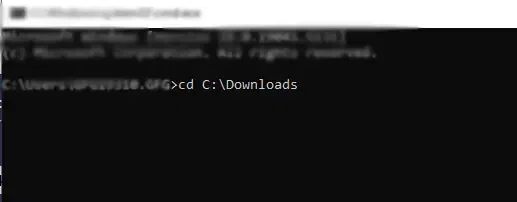
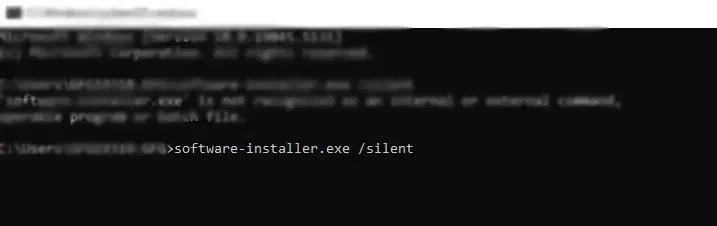
cd command to navigate to the directory where the installer is located. Example: cd C:\Downloadssoftware-installer.exe /silentMost installers support a /silent flag, which installs the software without user interaction.
winget or choco search.Installing programs via CMD in Windows offers a quick and efficient way to manage applications, especially when working with multiple systems or headless environments. Whether you’re a system administrator or developer, knowing how to use winget, or Chocolatey for software management can save time and streamline your workflow.