|
VOOZH | about |
|
VOOZH | about |
Heroku:
It is a cloud based application deployment and management service. Heroku works on the container based design system and these smart containers are known as
dynos
. It runs application inside various dynos and each dyno is separated from each other.
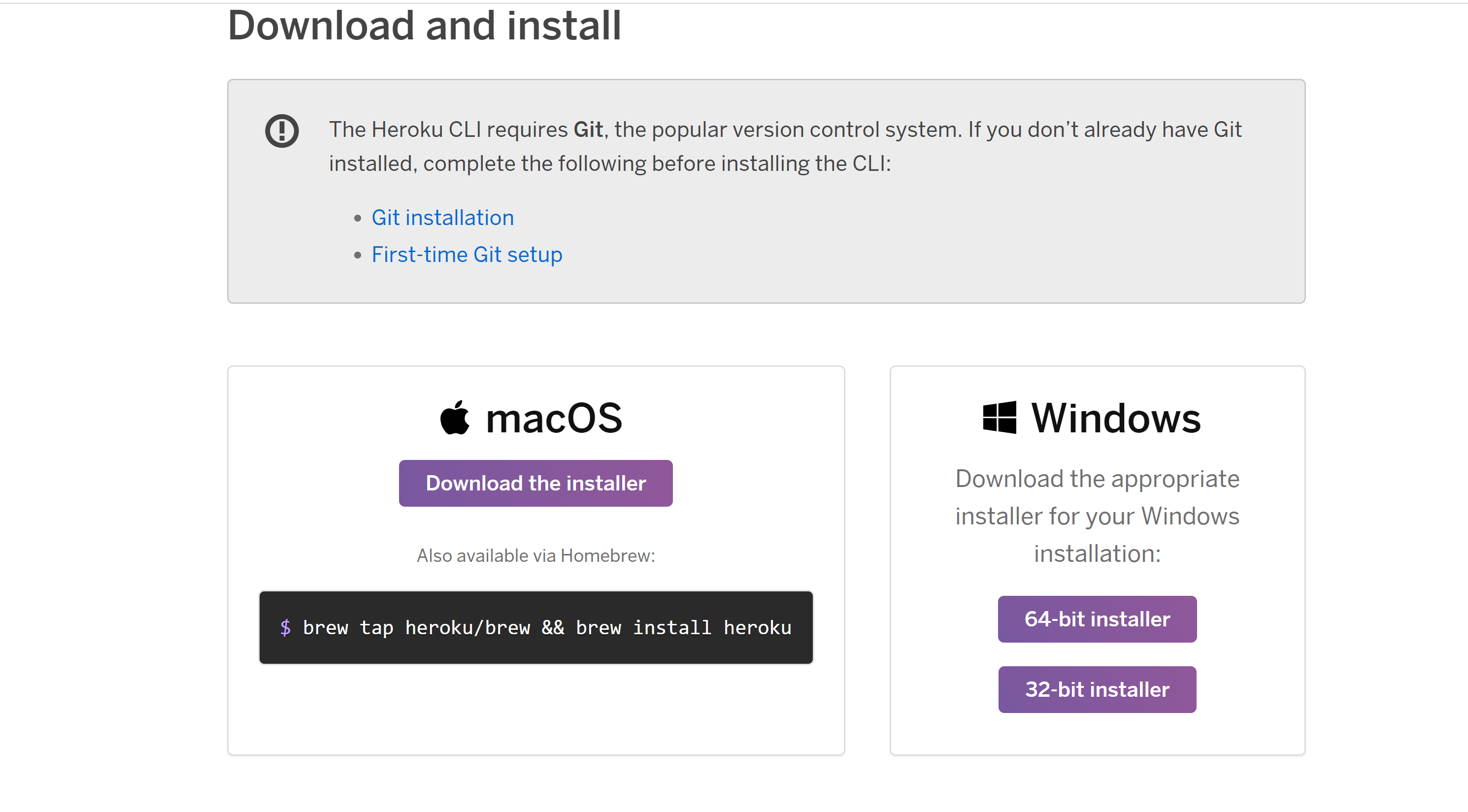
Make sure that you check all of them. Now click the "Next" button. 👁 Image
Heroku cli
Adding heroku to system path
Adding local data
heroku👁 Image
heroku -v👁 Image
Login via terminal into Heroku CLI
For login through Heroku CLI Run the following command in terminal:
heroku login
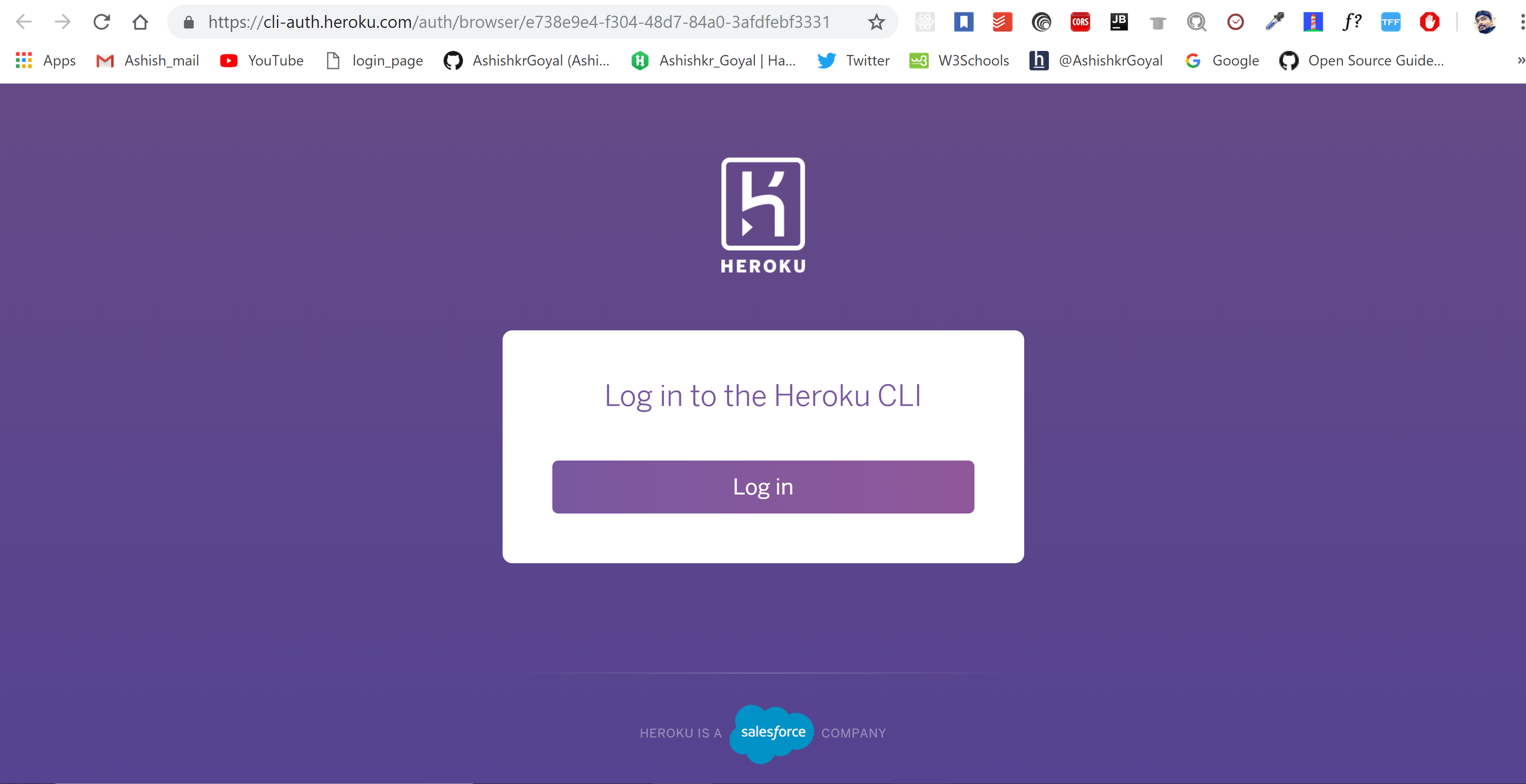
Now, The terminal will ask to press "any key" for redirecting the process to the browser or "Q" to quit the login process. After pressing any key it will redirect you to the browser as shown in the below screenshot
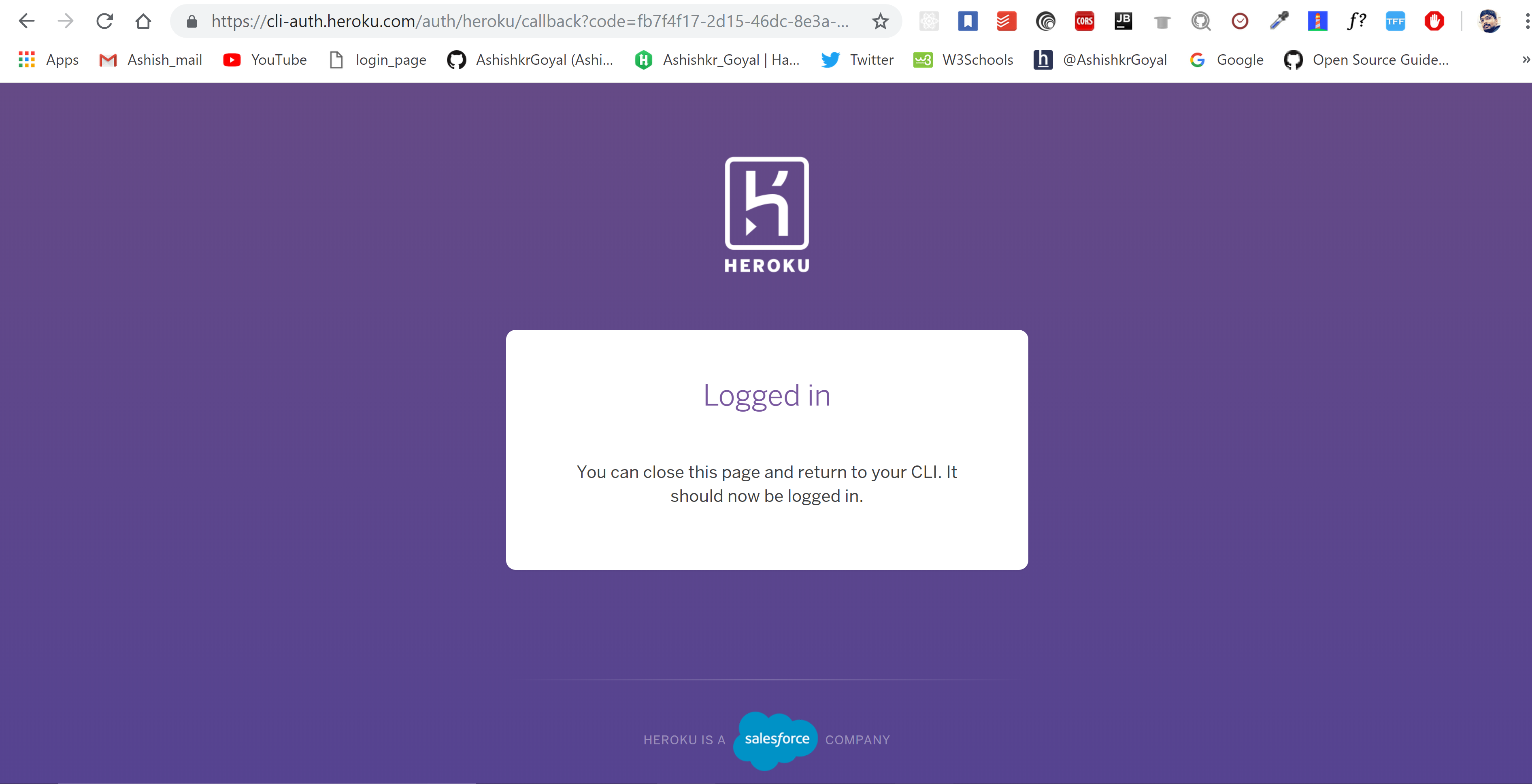
👁 ImageOn Successfully logging into the account, the following message will be displayed on the browser screen:
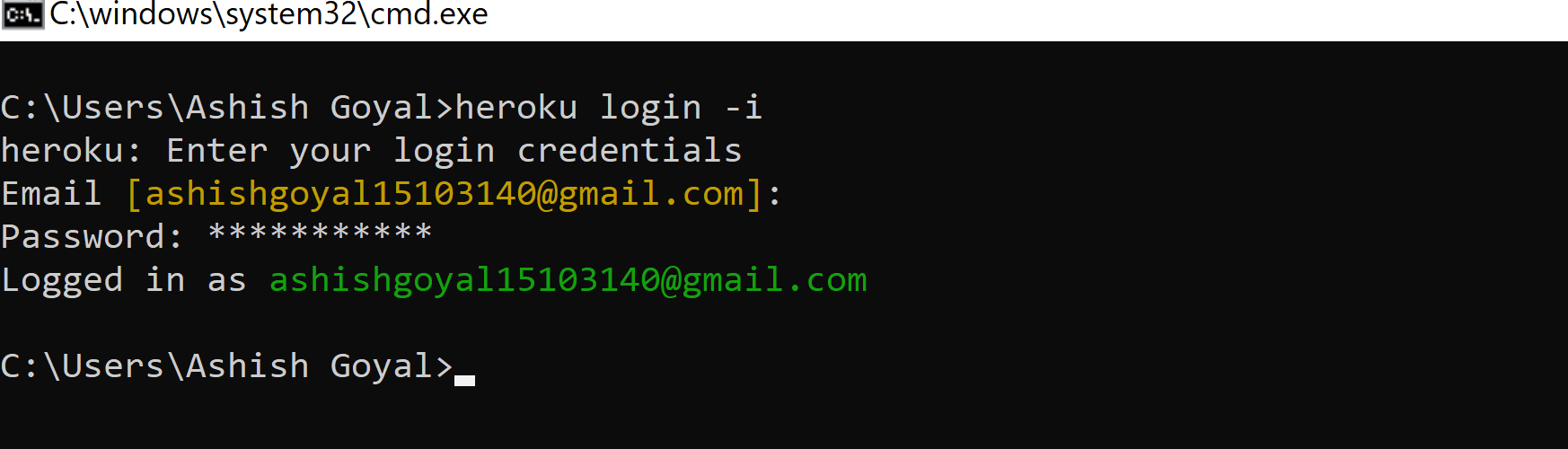
👁 ImageAnother method for logging is through the command prompt:
For doing it run the following command in the terminal
heroku login -i👁 Image
On Successful Login, you can now use the Heroku CLI into your system. The Heroku CLI is successfully installed and initialized into your system.