|
VOOZH | about |
|
VOOZH | about |
Backbone.js preinitialize function is a special function that can be defined in a Backbone View. It is called when the View is created, but before any initialization logic is performed. This function is typically used to perform any setup or initialization that needs to be done before the View is fully initialized.
Syntax:
var View = Backbone.View.extend({
 preinitialize: function() {
 // preinitialization code here
 }
});
Parameters: The preinitialize function does not take any parameters.
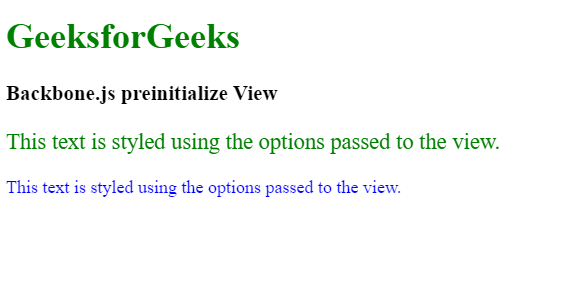
Example 1: In this example, we define a new Backbone View called MyView and add a preinitialize function that sets up some default options for the view. The preinitialize function takes an options argument that can be used to override the default options. We then define a render function that outputs some text to the document with styles based on the options passed to the view. Finally, we create two instances of the MyView object, one with custom options and one with the default options, and call their render functions to display the text.
Output:
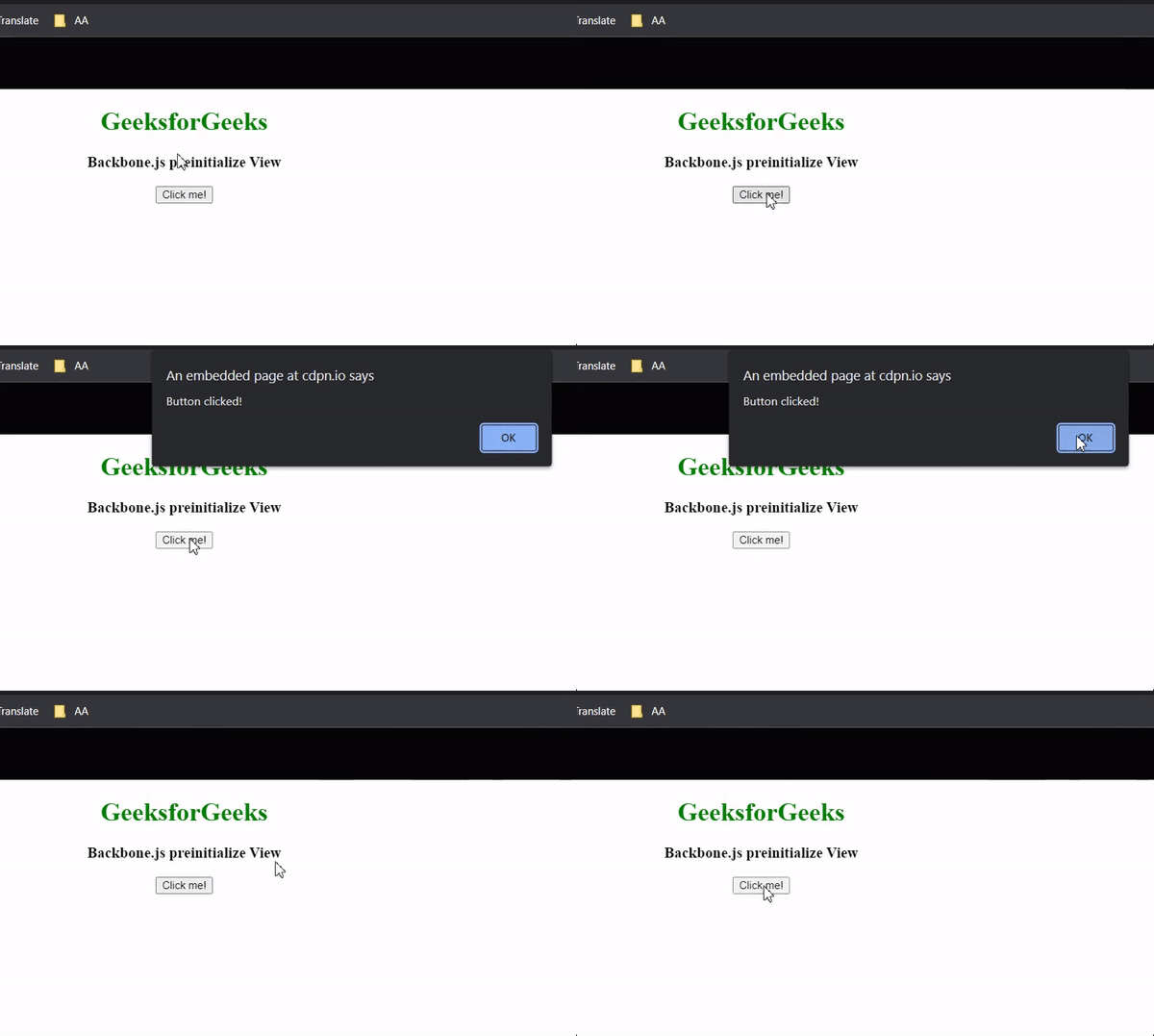
Example 2: In this example, we define a new Backbone View called MyView and add a preinitialize function that sets up an event listener for a button click. We use the _.extend function to merge the default this.events object with the custom events object, which specifies that we want to listen for a click on the #my-button element and call the handleButtonClick function when it is clicked. The handleButtonClick function simply displays an alert message to the user. Finally, we create an instance of the MyView object and pass it the el option to specify that it should be attached to the body element of the document. When the button is clicked, the handleButtonClick function is called and the alert message is displayed.
Output:
Reference: https://backbonejs.org/#View-preinitialize