|
VOOZH | about |
|
VOOZH | about |
To create a Mobile Toggle Navigation Menu you need HTML, CSS, and JavaScript. If you want to attach the icons with the menu then you need a font-awesome CDN link.
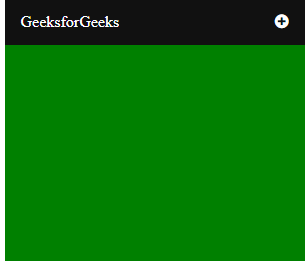
A glimpse of complete Navigation:
Creating Structure: In this section, we will create a basic site structure and also attach the CDN link of the Font-Awesome for the icons which will be used as a menu icon.
CDN links for the Icons from the Font Awesome:
<link rel="stylesheet" href="https://cdnjs.cloudflare.com/ajax/libs/font-awesome/4.7.0/css/font-awesome.min.css">
HTML code to make the structure:
Designing Structure: In the previous section, we created the structure of the basic website where we are going to use the menu icon. In this section, we will design the structure for the navigation bar.
CSS code of structure:
JavaScript code for the animation menu:
Combine the HTML, CSS, and JavaScript code: This is the final code after combining the above sections. It will be the mobile navigation animated menu.
Output: