|
VOOZH | about |
|
VOOZH | about |
In this tutorial, we'll walk through the process of building an image gallery application using Vue.js. We'll explore different approaches to displaying images and provide the complete executable code for each one of them.
In this approach, we'll display a set of static images directly in the template using img tag with the help of vue components.
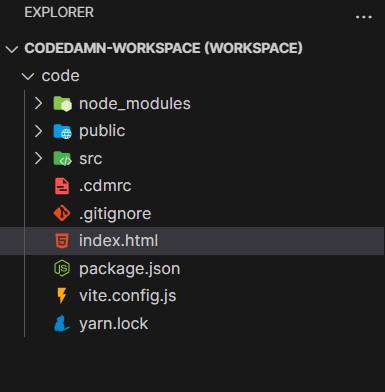
Before we begin, make sure we have Node.js and npm installed on your system. Then, we'll use Vue CLI to create our project.
npm install -g @vue/clivue create image-gallery-appcd image-gallery-appnpm run serveExample: The below code implements the vue component to create an image gallery app.
Output:
In this approach, we will include the VueJS to our project using the Vue CDN inside out HTML document.
<script src="https://cdn.jsdelivr.net/npm/vue@2"></script><script src="https://cdn.tailwindcss.com/3.4.16"></script>Example: The below code uses CDN links to create the image gallery using VueJS.
Output: