|
VOOZH | about |
|
VOOZH | about |
A BMI (Body Mass Index) Calculator measures body fat based on weight and height, providing a numerical value to categorize individuals as underweight, normal weight, overweight, or obese. It’s widely used to assess health risks and guide lifestyle or medical decisions.
A BMI Calculator using JavaScript allows users to input their weight and height, then calculates and displays their Body Mass Index (BMI), helping assess whether they are underweight, normal weight, or overweight.
BMI = (weight) / (height * height)
// height in cms and weight in kgs
Example:
Height in meters = 170 cm / 100 = 1.7 m
BMI = 70 / (1.7 * 1.7)
BMI = 70 / 2.89
BMI ≈ 24.22
BMI is a number calculated from an individual's weight and height.
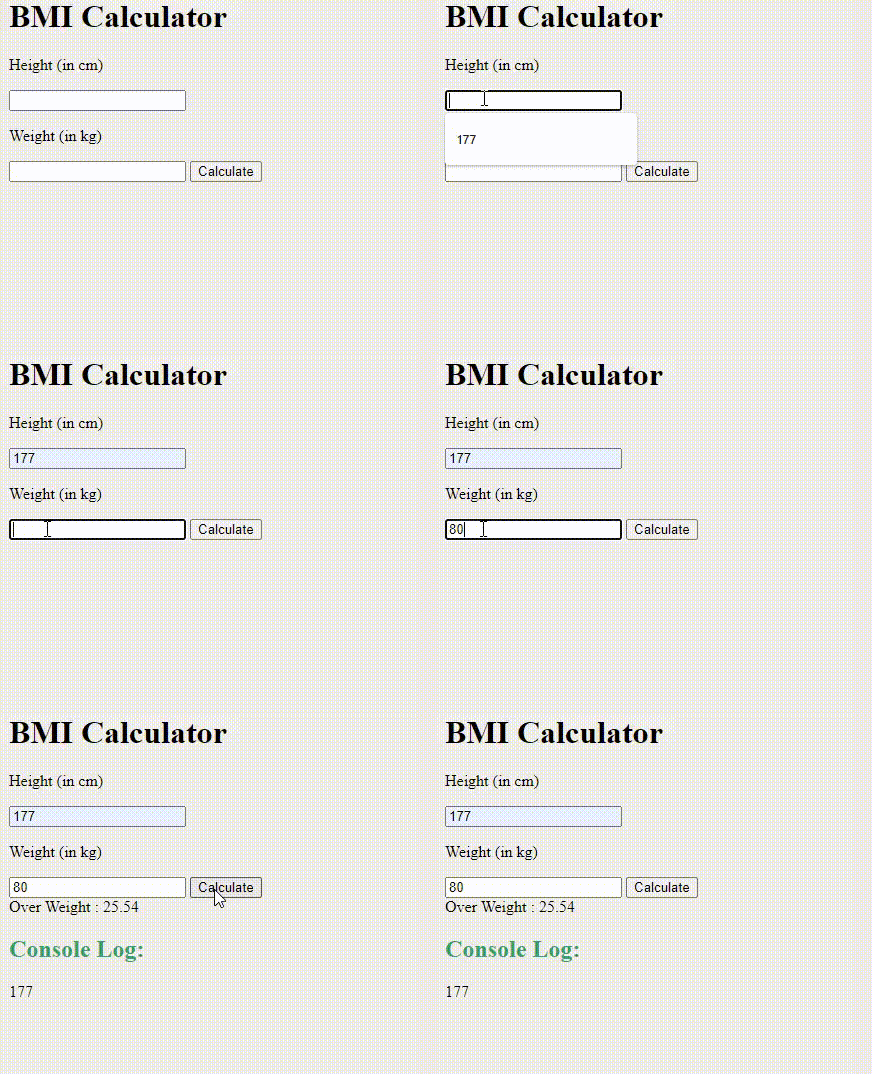
In the JavaScript section, we are processing the taken input and after calculating, the respective output is printed.
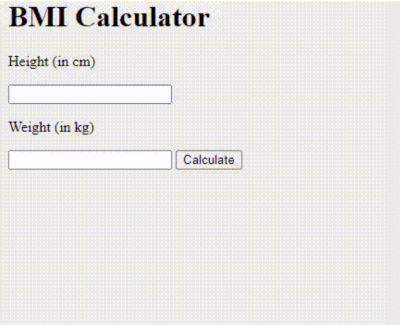
Example: In this example, we will structure in the index.html file and implement the logic in the app.js file
Output: