Design a Navigation Bar with Toggle Dark Mode in HTML CSS & JavaScript
Last Updated : 5 Aug, 2025
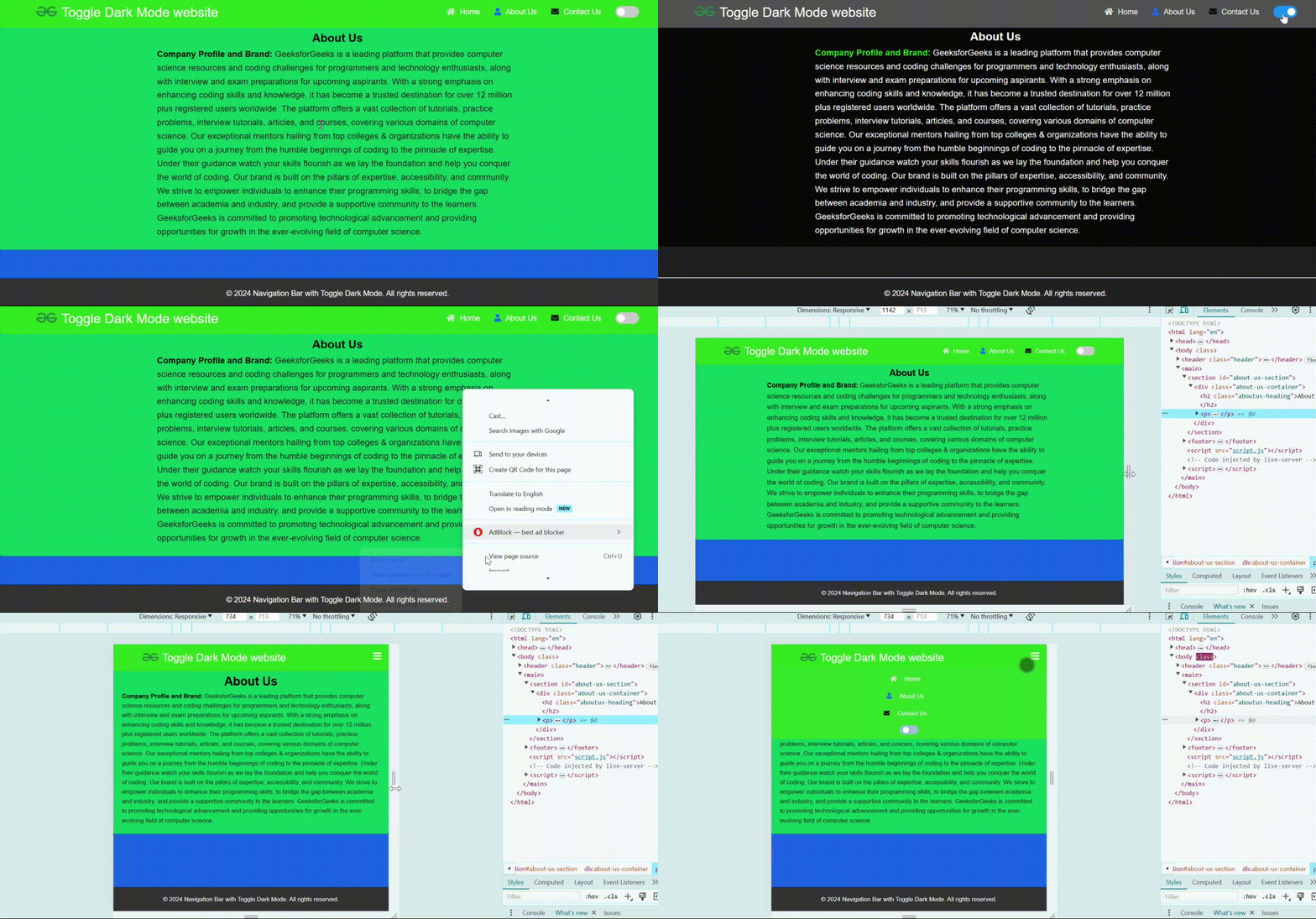
One can create a navigation bar with a toggle switch for dark mode using HTML, CSS, and JavaScript. If we use the dark mode effect in our website then it can attract user attention and users can use our website in any situation. With the help of JavaScript, we'll implement the functionality to toggle between light and dark modes.
At first create a bascic html structure and then put the necessary elements like navbar links and the toggle switch.
Then style the page including the navbar and footer using css, here you can define a css variables to change the colors for diffrent stage like light mode and dark mode. If you use the variable then it is easy to change the color else you need to write extra code for that.
In the javascript part first get the reference for all needed tags . And then implement two function like enableDarkMode() and disableDarkMode(). Then handle the "click" event of the toggle button for change the color.
And you can make the website responsive using css.
Example : This example shows the implementation of the above approach.