|
VOOZH | about |
|
VOOZH | about |
Ember.js is an open-source JavaScript framework used for developing large client-side web applications which is based on Model-View-Controller (MVC) architecture. Ember.js is one of the most widely used front-end application frameworks. It is made to speed up development and increase productivity. Currently, it is utilized by a large number of websites, including Square, Discourse, Groupon, Linked In, Live Nation, Twitch, and Chipotle.
The cacheFor() Method of the Component method is used to get the cached value of the computed property if it exists else invoke the computed property.
Syntax:
this.object.cacheFor( PropertyName );
Parameters:
Returns: It returns the cached value of the computed property.
Steps to Install and Run Ember.js:
Step 1: To run the following examples, you need to have an ember project. To create one, you will need to install ember-cli first. Write the below code in the terminal:
npm install ember-cli
Step 2: Now, you can create the project by typing in the following piece of code:
ember new <project-name> --lang en
To start the server, type:
ember serve
Example 1: Type the following code to generate the route for this example:
ember generate route temp1
app/components/second.js
app/components/second.hbs
app/templates/temp1.hbs
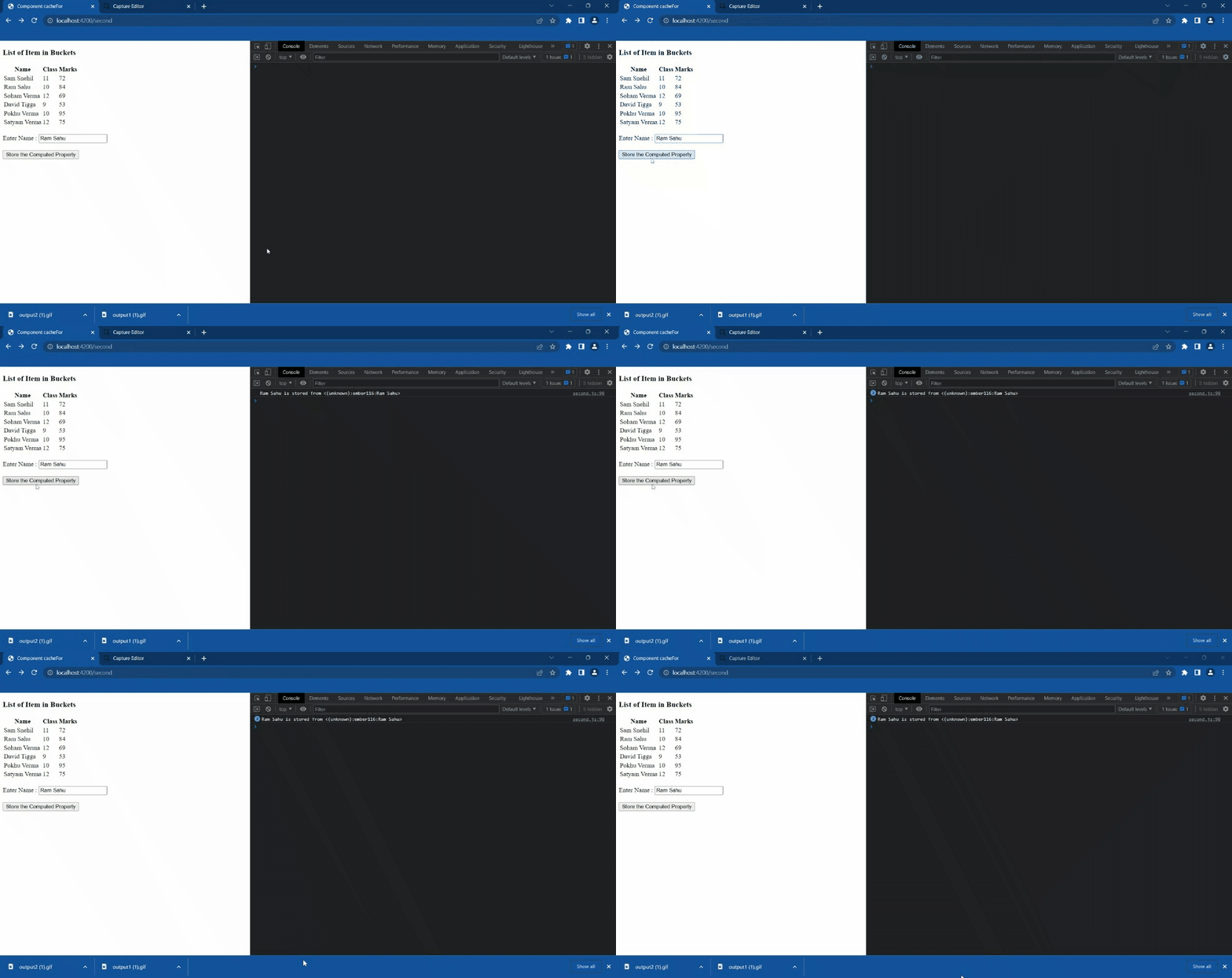
Output:
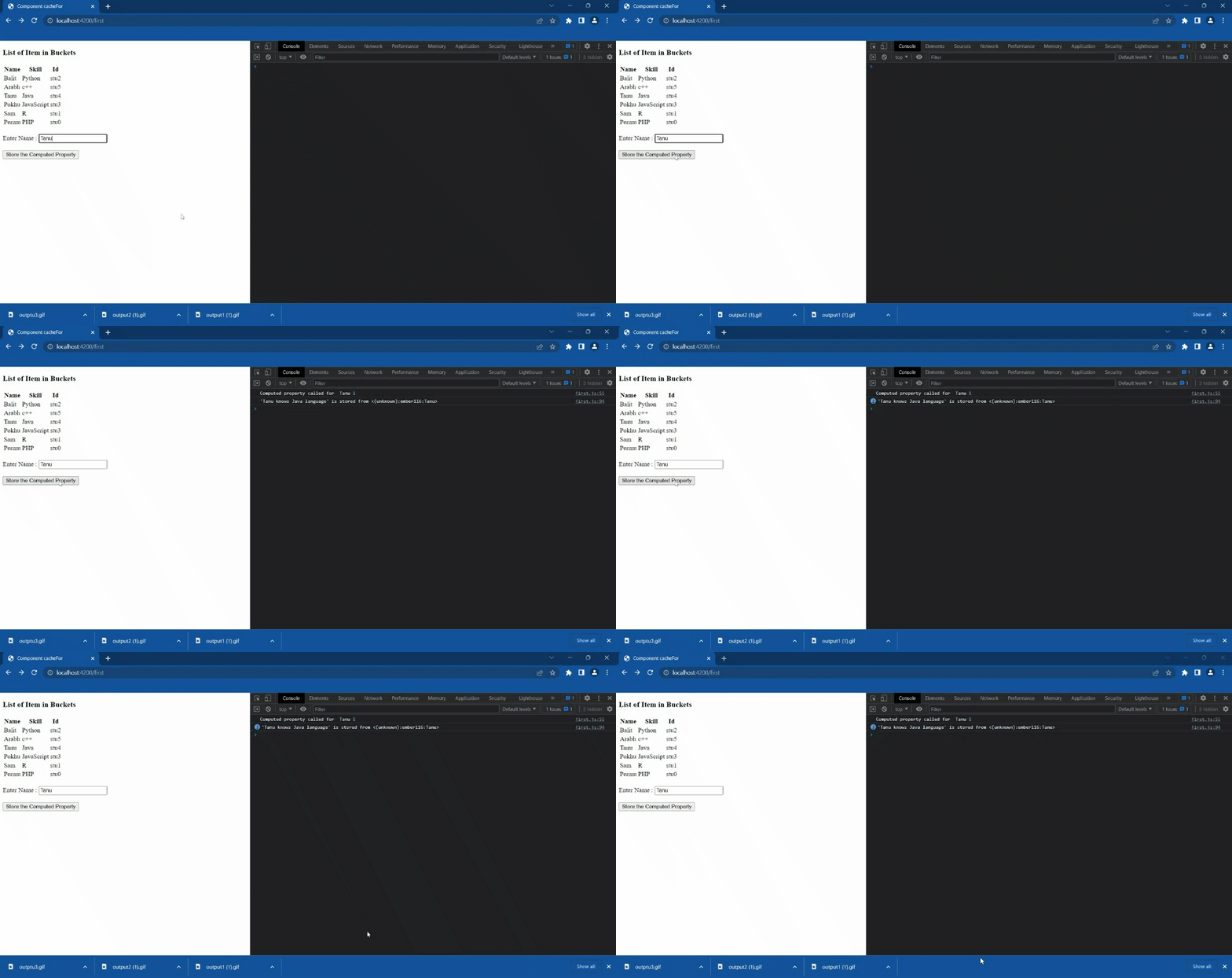
Example 2: In the following example we will see the laziness of the computed property. We see the output in the console whenever the computed property is called. And when we retrieve the cached value of the property see computed property is not called.
Type the following code to generate the route for this example:
ember generate route temp2
app/components/first2.js
app/components/first2.hbs
app/templates/temp2.js
Output: Here in output we can see computed property is only called once.
Reference: https://api.emberjs.com/ember/4.9/classes/Component/methods/cacheFor?anchor=cacheFor