|
VOOZH | about |
|
VOOZH | about |
Ember.js is an open-source JavaScript framework used for developing large client-side web applications which is based on Model-View-Controller (MVC) architecture. Ember.js is one of the most widely used front-end application frameworks. It is made to speed up development and increase productivity. Currently, it is utilized by a large number of websites, including Square, Discourse, Groupon, Linked In, Live Nation, Twitch, and Chipotle.
The templateName property in Ember.js is a property of the Route class that specifies the name of the template that should be associated with the route.
Syntax:
templateName: Name
Parameters:
Steps to Install and Run Ember.js:
Step 1: To run the following examples you will need to have an ember project with you. To create one, you will need to install ember-cli first. Write the below code in the terminal:
npm install ember-cli
Step 2: Now you can create the project by typing in the following piece of code:
ember new <project-name> --lang en
To start the server, type:
ember server
Example 1: Type the following code to generate the route for this example:
ember generate route file1
Output:
Example 2: Type the following code to generate the route for this example:
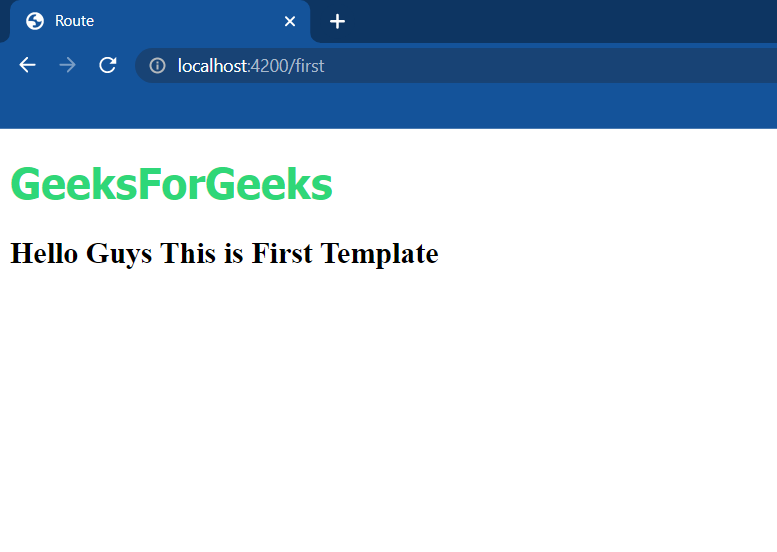
ember generate route first
Output:
Reference: https://api.emberjs.com/ember/4.9/classes/Route/properties/templateName?anchor=templateName