|
VOOZH | about |
|
VOOZH | about |
VueJS is a JavaScript framework for creating user interfaces. Vue.js, often simply referred to as Vue, is known for its simplicity and flexibility. Vue has gained widespread popularity among developers for its ease of integration. Vuejs is also used for single-page web applications, the same as ReactJS.
Table of Content
It's a JavaScript framework that makes it easy to build web interfaces. With VueJS, you can create dynamic and interactive elements on your website without hard work. It's user-friendly and flexible, making it a great choice for both beginners and experienced developers. This can be used in many different ways:
You can follow the below steps to setup and create a VueJS project:
Step 1: Install nodejs from nodejs.org
Step 2: Install dependencies using the below npm command.
npm install -g @vue/cliStep 3: Create and visit your VueJS project
vue create your_project_name
cd your-project-name
Step 4: Run the node server to run the code
npm run serveIt will make sure that your data whenever changes, will make visible to user interface. Whenever anyone type anything in the input box it will refleceted on the screen and visible to the user.
Your web page is created using many different components. It is piece of code, which can be used multiple time and not have to define again and again.
These are like commands for VueJS. It start from 'v-' and tell VueJS to do something. Example v-if decides whether to show or hide an element.
Computed properties in Vue.js enable the creation of reactive properties based on other data properties.
Vue Router facilitates navigation and the creation of Single Page Applications (SPAs). Also run a command to install the vue-router.
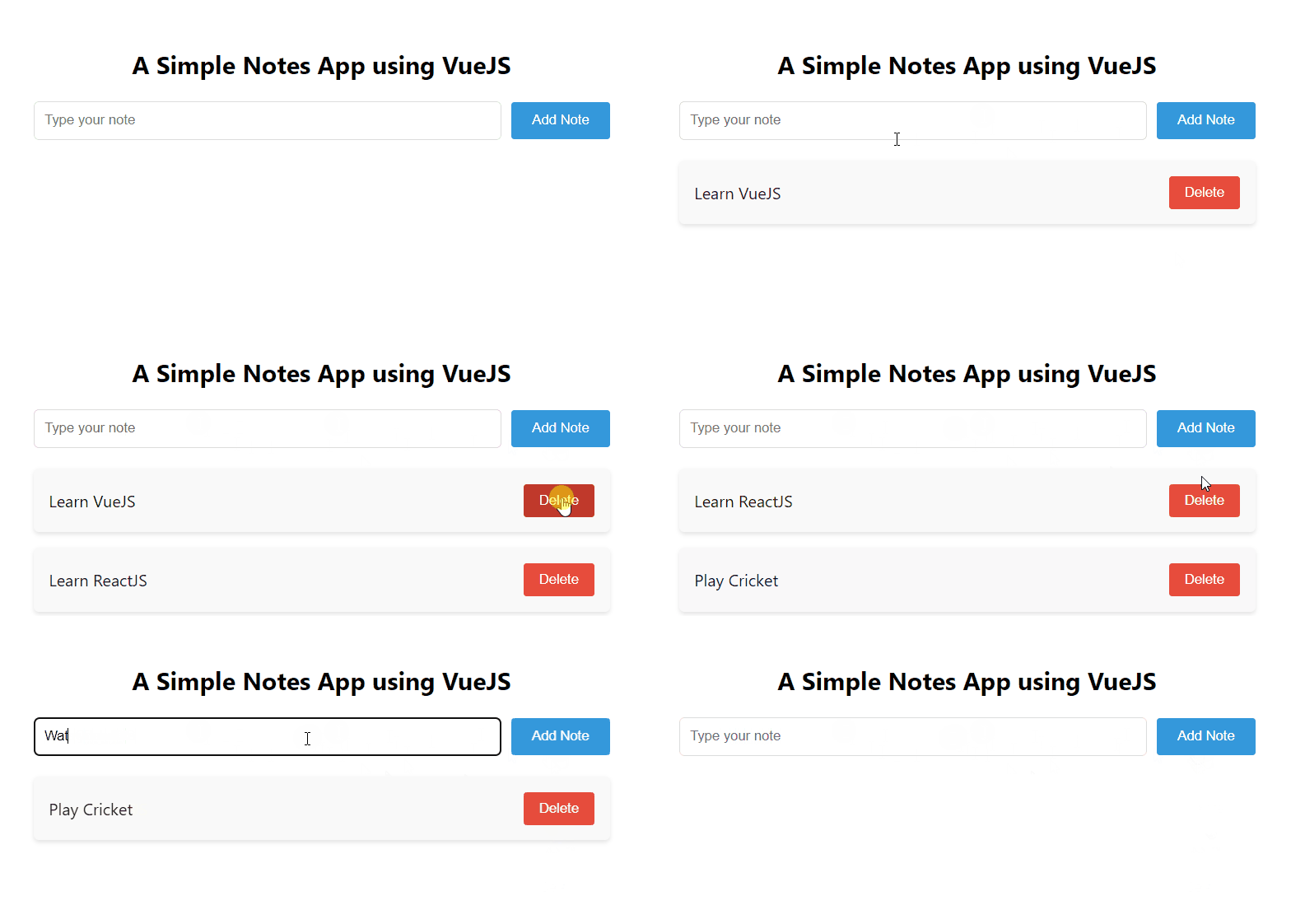
npm install vue-routerIt is a simple notes taking or ToDo application which allows you to add as well as delete the items. You can create an task you have to do in future and delete it once you have complete it.
Example: The below VueJS code will help you in creating the simple notes taking app.
Output: