|
VOOZH | about |
|
VOOZH | about |
Web Graphics Library (WebGL) is a powerful API that allows developers to render interactive 3D graphics within web browsers without requiring plug-ins. However, despite its primary focus on 3D content, there are situations where you may want to render 2D content in a WebGL context. Whether you're overlaying a 2D interface on a 3D scene, drawing 2D shapes, or integrating 2D textures, WebGL offers several ways to achieve this.
Below are the following approaches to add 2D Content to a WebGL Context:
Table of Content
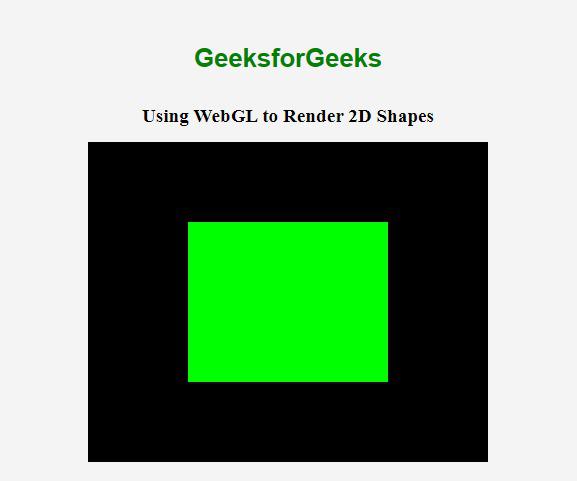
You can use WebGL directly to render 2D shapes, like rectangles, triangles, and circles. By setting up the appropriate vertex and fragment shaders, you can draw 2D content within the WebGL canvas.
Example: This WebGL example loads a green 2D square on a canvas using vertex and fragment shaders.
Output:
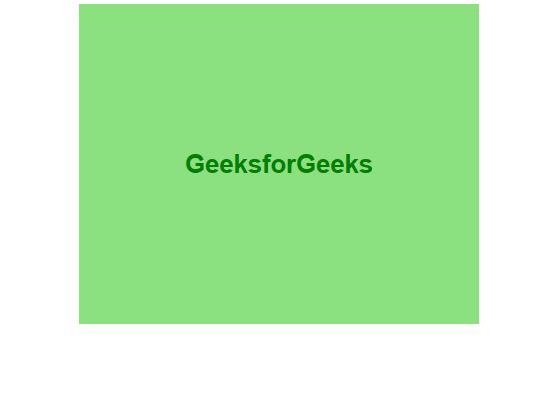
Another approach is to overlay HTML elements (like 'div', 'img', or 'canvas') on top of the WebGL canvas. This method is useful for adding UI components, text, or interactive elements to your WebGL application.
Example: This example overlays an HTML text element centered on top of a WebGL canvas with a green background.
Output:
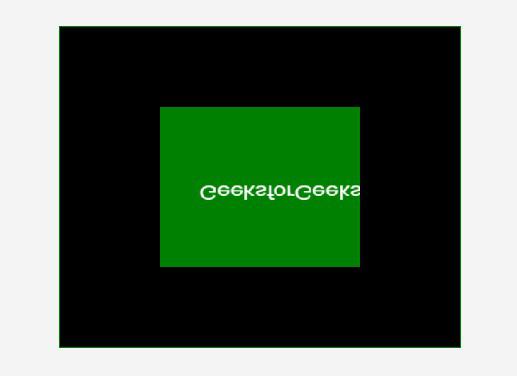
You can combine a 2D canvas with a WebGL canvas by rendering your 2D content on a separate canvas and then overlaying it on the WebGL canvas
Example: This example combines WebGL and 2D Canvas, overlaying a green rectangle with "GeeksforGeeks" text on a black background.
Output:
You can generate 2D content as a texture and then map that texture onto a quad within a WebGL scene. This method allows you to integrate complex 2D content, like a canvas or video, into a 3D environment.
Example: This WebGL example applies a 2D canvas texture, which features a green background and "GeeksforGeeks" text, onto a rendered quad.
Output: