|
VOOZH | about |
|
VOOZH | about |
To add text formatting (such as bold, italic, or inserting special characters) to a <textarea> using JavaScript, you can manipulate the selected text or insert formatted text at the cursor position. This can be done by directly modifying the value of the <textarea> based on user interactions.
Here's how you can implement basic text formatting functions:
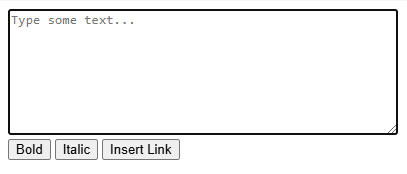
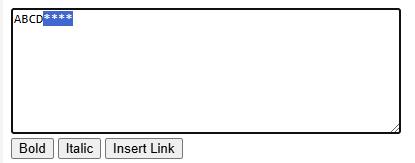
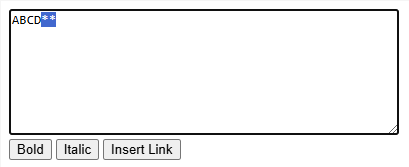
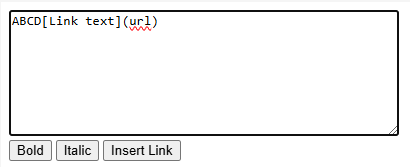
Output:
wrapText(startTag, endTag) Function:<textarea> with specified startTag and endTag.** (Markdown-style bold formatting).insertText(textToInsert) Function:<textarea>.<textarea> and click the "Bold" button to wrap the text with ** (e.g., **selected text**).<textarea> and click the "Italic" button to wrap the text with * (e.g., *selected text*).You can extend the example by adding more buttons or functions for other formatting options, such as:
<u> and </u> tags (or equivalent formatting).~~ for Markdown or <s> tags for HTML.This approach gives you full control over text manipulation within a <textarea> element using JavaScript