|
VOOZH | about |
|
VOOZH | about |
Here are the different methods used to check the radio button is selected:
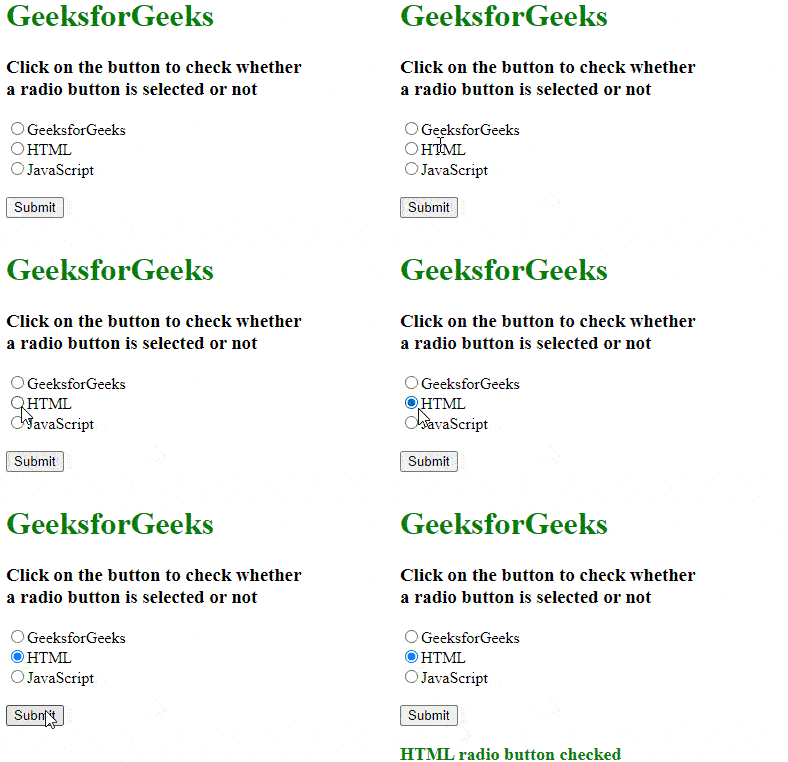
The checked property in JavaScript checks if a radio button is selected. By using document.getElementById or querySelector to get the radio button, the checked property returns true if the button is selected, and false if it is not.
Output:
The querySelector() method in JavaScript selects the first radio button that matches a given selector. By checking the checked property of the selected element, it can be determined if the radio button is selected.
Output:
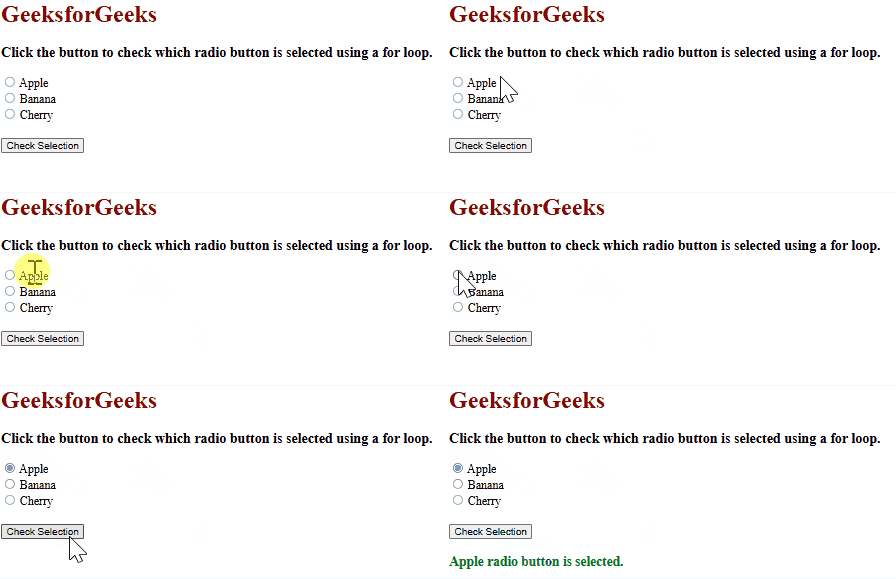
If there are multiple radio buttons in a group and it is needed to check if any of them is selected, a for loop can be used to go through all the radio buttons with the same name.
Output
JavaScript is best known for web page development but it is also used in a variety of non-browser environments. You can learn JavaScript from the ground up by following this JavaScript Tutorial and JavaScript Examples.
Checking whether a radio button is selected can be done using various methods such as the checked property, querySelector() method, and a for loop. These approaches allow easy access and checking of radio button selections, making it simple to handle user input in forms.