|
VOOZH | about |
|
VOOZH | about |
Vite is a modern build tool that puts the developer experience at its core, allowing you to have a fast development environment using a bare minimum of setup. It supports front-end frameworks like React, Vue, and Svelte. Configuring Vite for different environments is essential in managing API endpoints, feature flags, and environment-specific variables for development, testing, and production builds.
These are the approaches to configure Vite for Different Environments:
Select React as a Framework and JavaScript as a variant.
npm create vite@latest my-vite-app
cd my-vite-app
npm install vite @vitejs/plugin-reactEnvironment variables in Vite help you set up your app differently for various situations, like development, testing, or production. You often want your app to behave differently depending on where it's running, and environment variables help with that. Environment variables make it easy to customize your app for different situations without having to manually change the code for each environment.
In this approach, we use .env files for different environments to store environment-specific variables. We will be making two .env files, as .env.development and .env.production. These files will store the API URL for different environments (development and production).
In the main React component (App.jsx), we will access the environment variables using import.meta.env. Add the below mentioned code in App.jsx.
No special configuration is needed in vite.config.js for environment variables to work, as Vite automatically loads .env files based on the environment (development or production). Add the below mentioned code in vite.config.js .
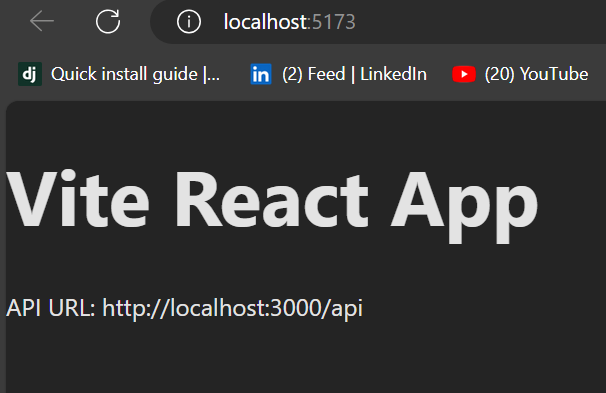
To run in development mode:
npm run devOutput:
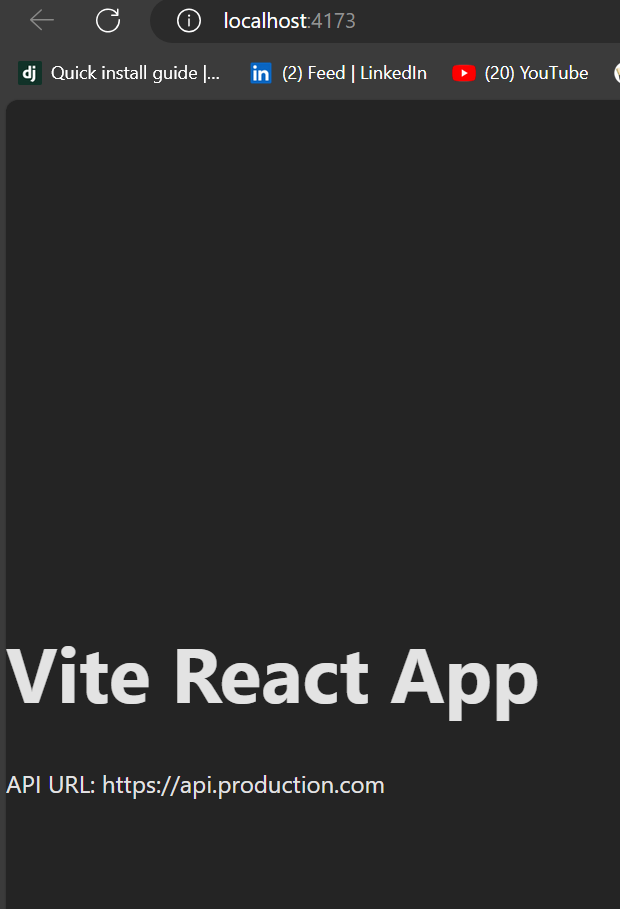
To build and preview in production mode:
npm run build
npm run preview
Output:
In this approach, instead of environment files, we will create separate Vite configuration files for each environment. When you are building a web app, you often need to adjust how it works depending on where it is being run. For example; In development you want the app to load fast and shoe detailed error messages. In production, you care more about making it fast and efficient, without showing unnecessary details.
We’ll create two Vite configuration files: one for development and one for production named as vite.config.dev.js and vite.config.prod.js.
In your React component (App.jsx), we will use process.env.API_URL to get the API URL, which is defined in the Vite configuration files.
You need to update the package.json file to use the appropriate configuration file depending on whether you're running in development or production.
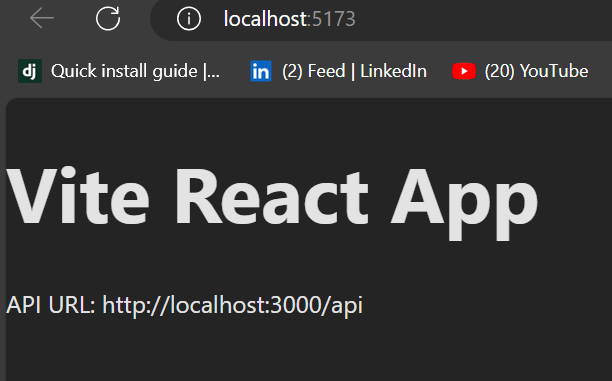
To run in development mode using the vite.config.dev.js file:
npm run devOutput:
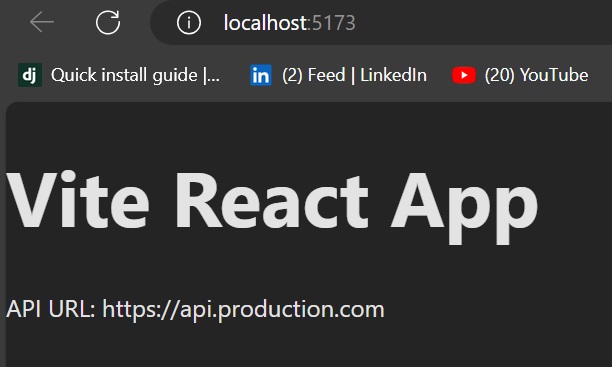
To build and preview in production mode using the vite.config.prod.js file:
npm run build
npm run preview
Output:
Configuring Vite for different environments is important to maintain a variety of API endpoint URLs and feature sets for both development and production. This helps you keep either multiple Vite configuration files or, more commonly, manage environment-based settings via .env files. The .env approach is flexible and easier to maintain on large projects, while the approach with multiple configuration files is simple and clear for smaller projects. By following this guide, you will be able to seamlessly switch between environments as your project moves from development to production.