|
VOOZH | about |
|
VOOZH | about |
At times, it becomes necessary to monitor the number of times a user clicks a button. In this article, we are going to learn how to count the number of times a button is clicked using JavaScript
Below are the approaches to count the number of times a button is clicked using JavaScript
Table of Content
First, we will create an HTML button and a paragraph element where we display the button click count. When the button is clicked, the JavaScript function is called. We declare a count variable and initialize it to 0. When the user clicks the button, the count value increases by 1 and displays on the screen.
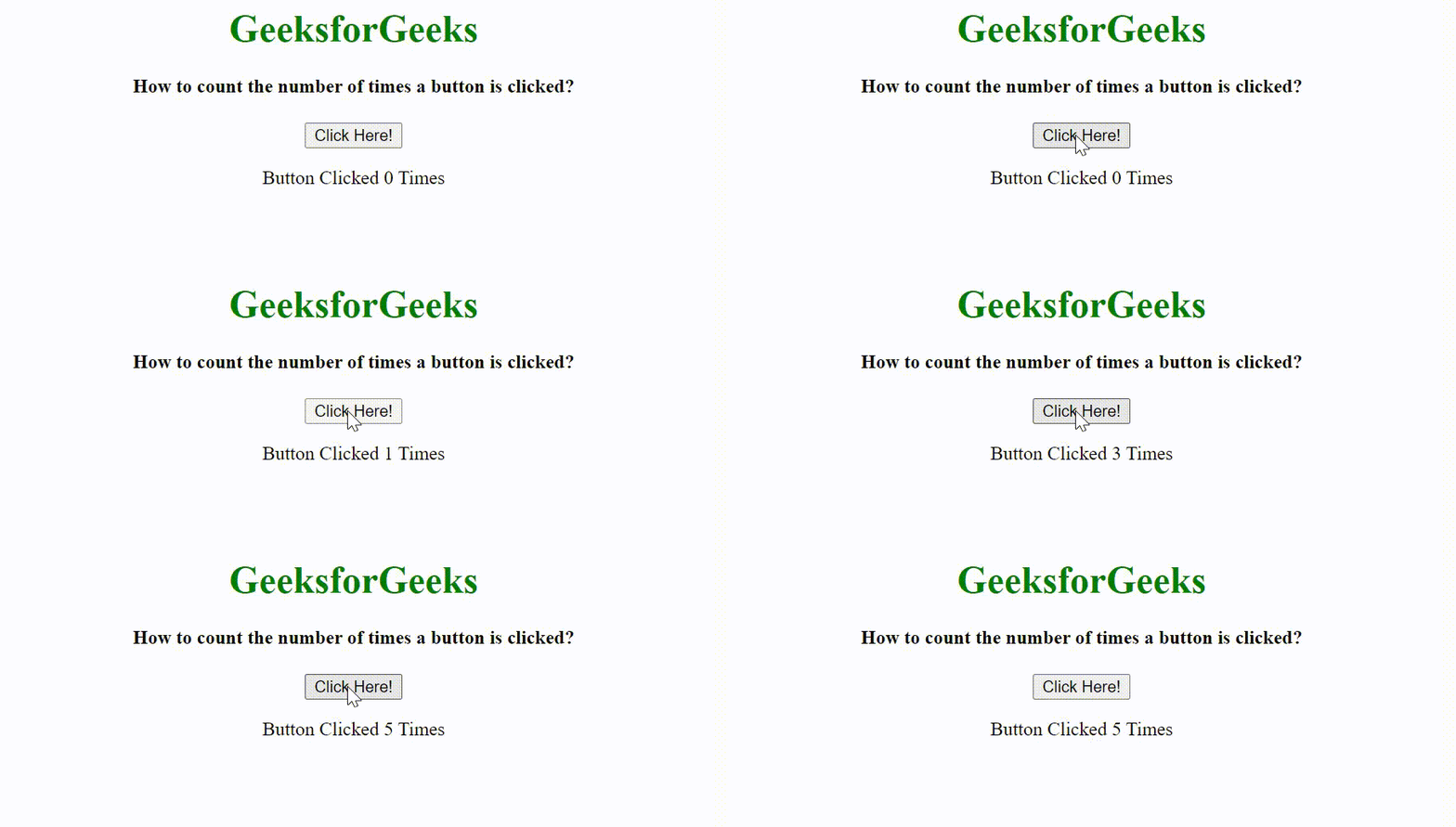
Example: This example shows the number of times a button is clicked.
Output:
The addEventListener() is an inbuilt function in JavaScript which takes the event to listen for, and a second argument to be called whenever the described event gets fired.
Example: In this example, we will see the use of addEventListener() for tracking a button click:
Output:
A closure is a feature of JavaScript that allows inner functions to access the outer scope of a function.
Example: In this example, we will see the use of closure for tracking the button count.
Output: