How to create Popup Box using HTML CSS and JavaScript?
Last Updated : 5 Aug, 2025
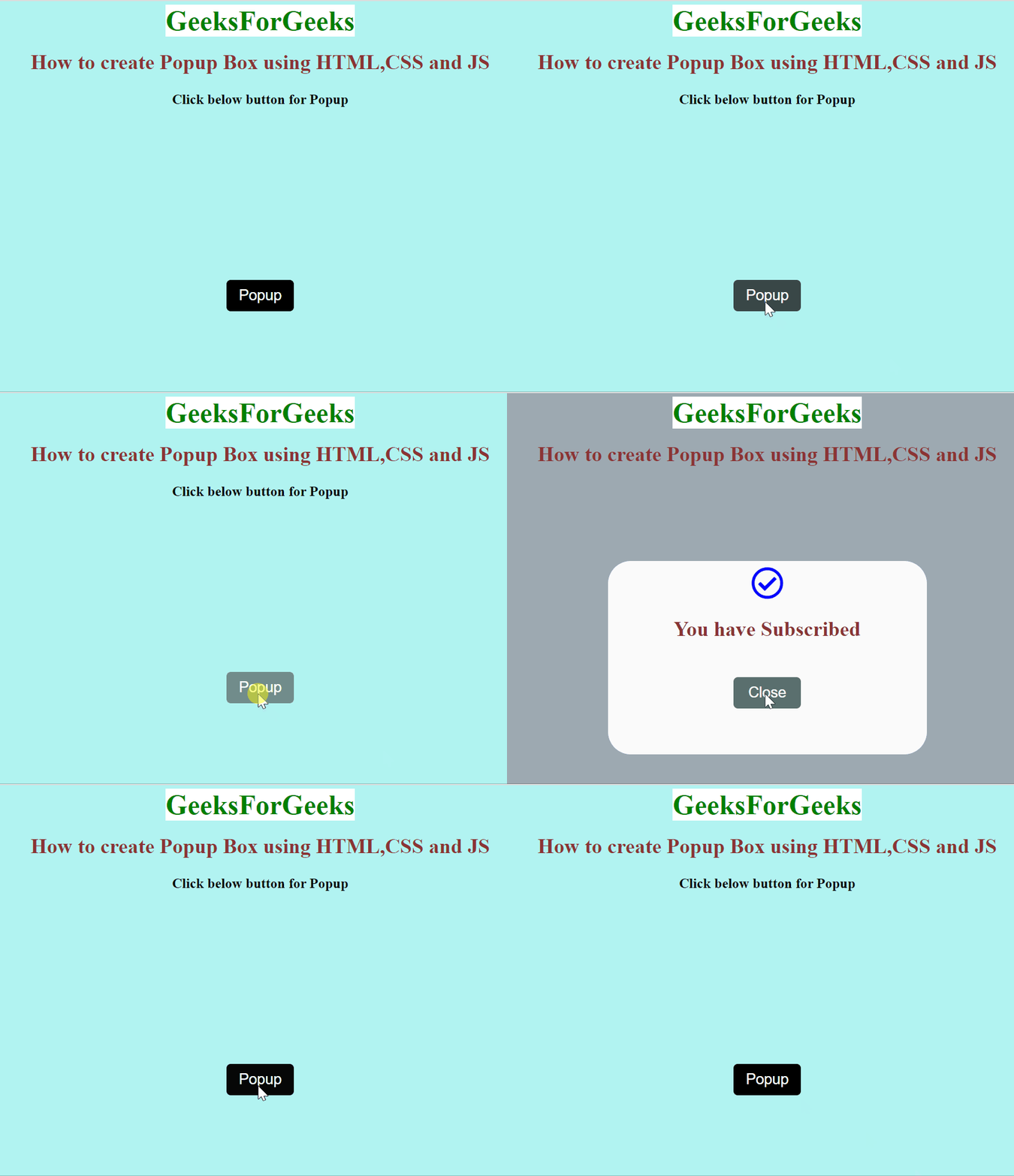
Creating a popup box with HTML, CSS, and JavaScript improves user interaction on a website. A responsive popup appears when a button is clicked, featuring an HTML structure, CSS for styling, and JavaScript functions to manage visibility.
Approach
Create the Popup structure using HTML tags, Some tags are used in this project like <h1>,<div>,<p>.
Add the different styling properties using CSS to style your Popup structure, give padding, margins, and font size accordingly, and add some hover, and transition properties for look and feel.
In JavaScript, first, get button elements through their id or class and then apply addEventListener on the Popup button as well as the Close button.
"Click" event is used, popup box appears while clicking on the popup button.
A popup box appears with "You have Subscribed" and a Close button.
The close button is used to remove the popup box by changing the display property to none.
Example: This example implements a popup using above-mentioned approach.