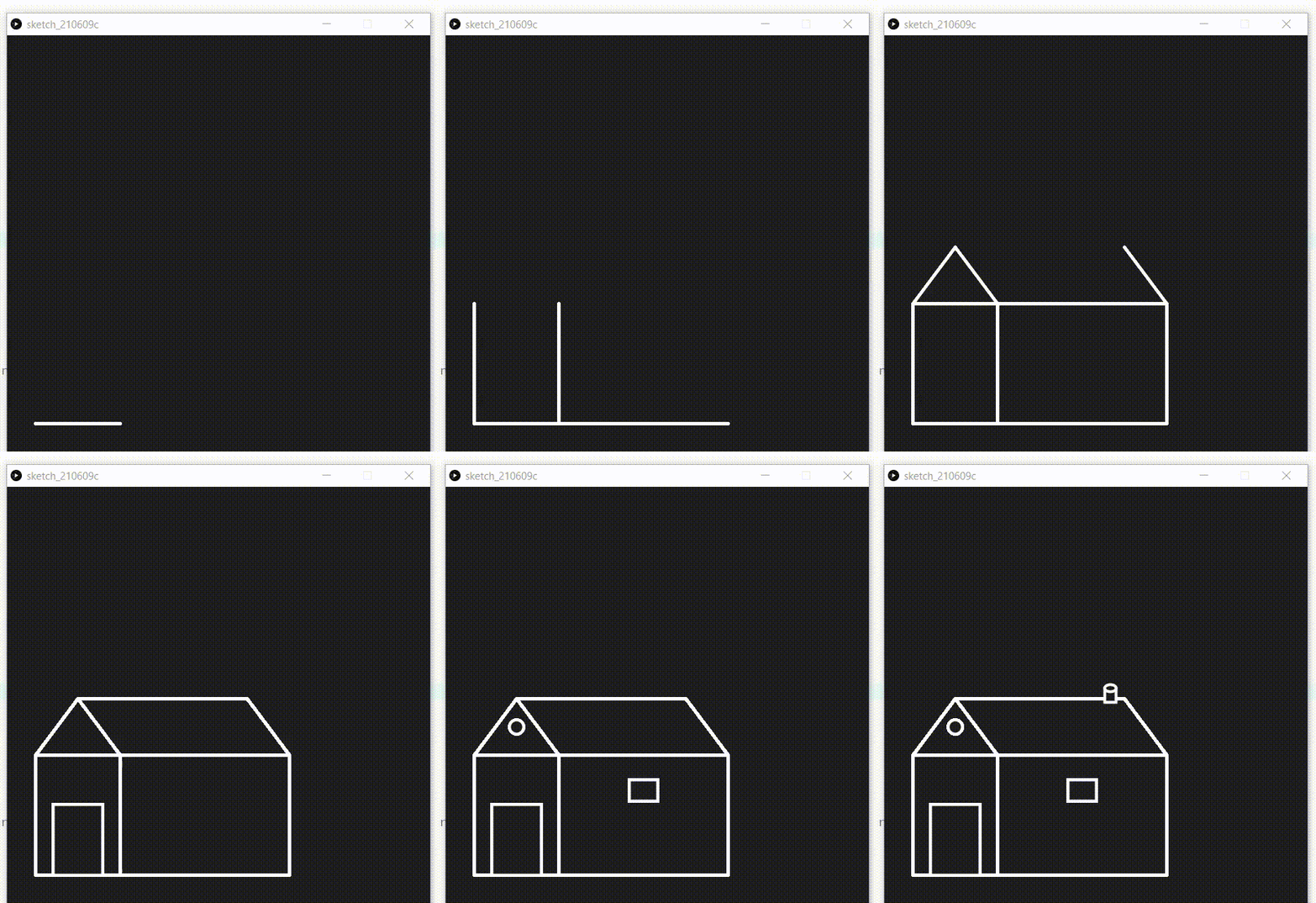
Animation is a method in which a collection of images is combined in a specific way and processed then they appear as moving images. Building animations make on-screen objects seem to be alive.
In this article, we will learn to make a simple animation of the house in p5.js by using lines, rectangles and ellipses for making the parts of the house.
Approach:
- Make a list to store all the vertices of the house.
- Declare two variable iter and counter.
- Set the function setup() in which the size,colour and background of output window ,initiate the value of iter and counter as 1 and initialise the list of vertices.
- Set the function draw in which add stroke, stroke weight.
- Make a if condition to check iter within bound if yes increase the counter by 0.05 and take the ceil value of counter as iter , if no exit from the loo.
- Function to add vertices of house giving start and end point of line as addVertices().
- Now make functions to draw the parts of house:
- Make Function to draw vertical and horizontal lines in house.
- Make Function to draw square window
- Make Function to draw gate.
- Make Function to draw circular window.
- Make Function to draw chimney.
- After all this step now create a switch case to add all the parts of house step by step.
Below is the implementation of the above approach:
Output:
👁 Image