|
VOOZH | about |
|
VOOZH | about |
When working with high-frequency events like scroll, resize, or input in JavaScript, debouncing helps to improve performance by limiting the rate at which the event handler is invoked. Lodash provides a debounce() function that delays the execution of a function until a specified amount of time has passed.
However, many developers face the issue of debouncing "not working" when using anonymous functions in Lodash. In this article, we will explore the common causes behind the error and provides practical solutions to fix it using Lodash’s debounce method.
These are the various approaches for Fixing the error
Table of Content
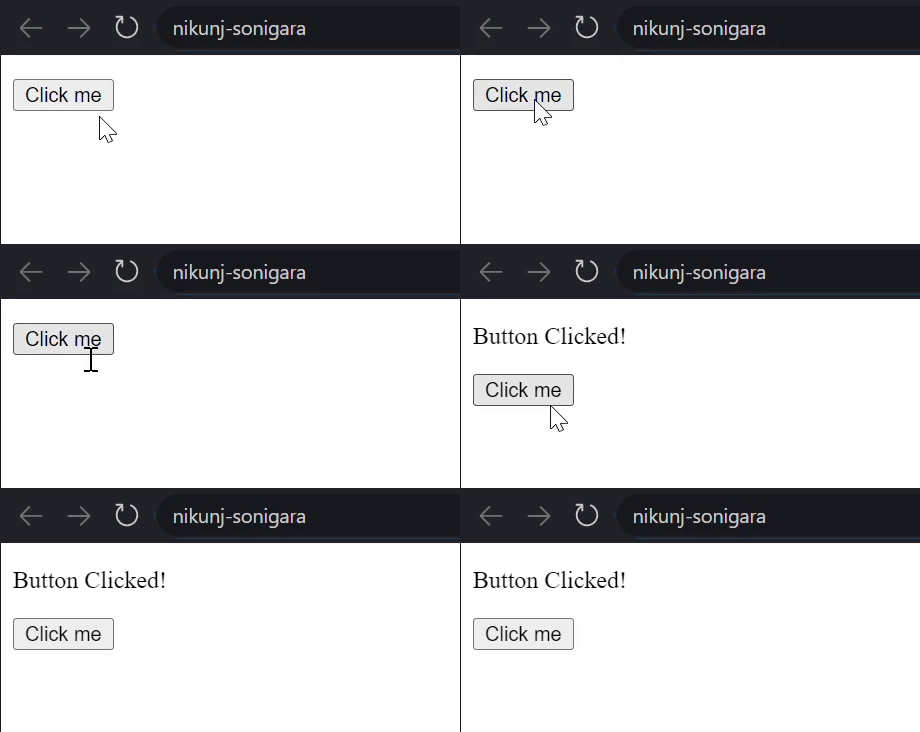
The most common fix is to define the debounced function outside the event listener. This ensures that the debounced function maintains a stable reference and does not get recreated on every event.
Output:
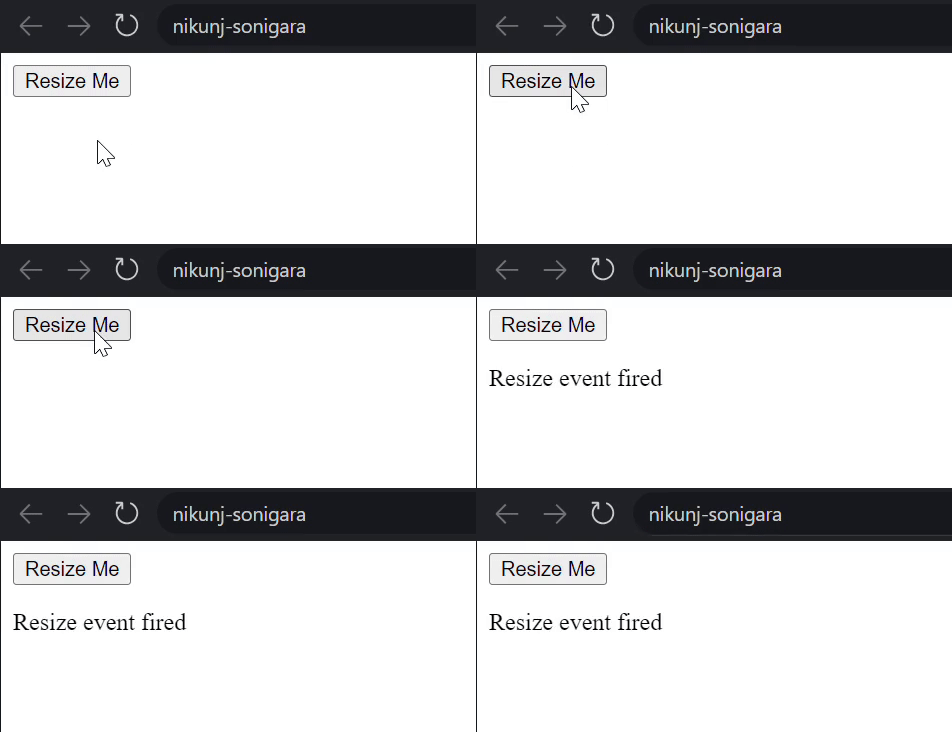
When using anonymous functions, using arrow functions helps maintain the context (this) in the event listener. Arrow functions don’t create their own this context, so they work well with debounced functions inside event handlers.
Output:
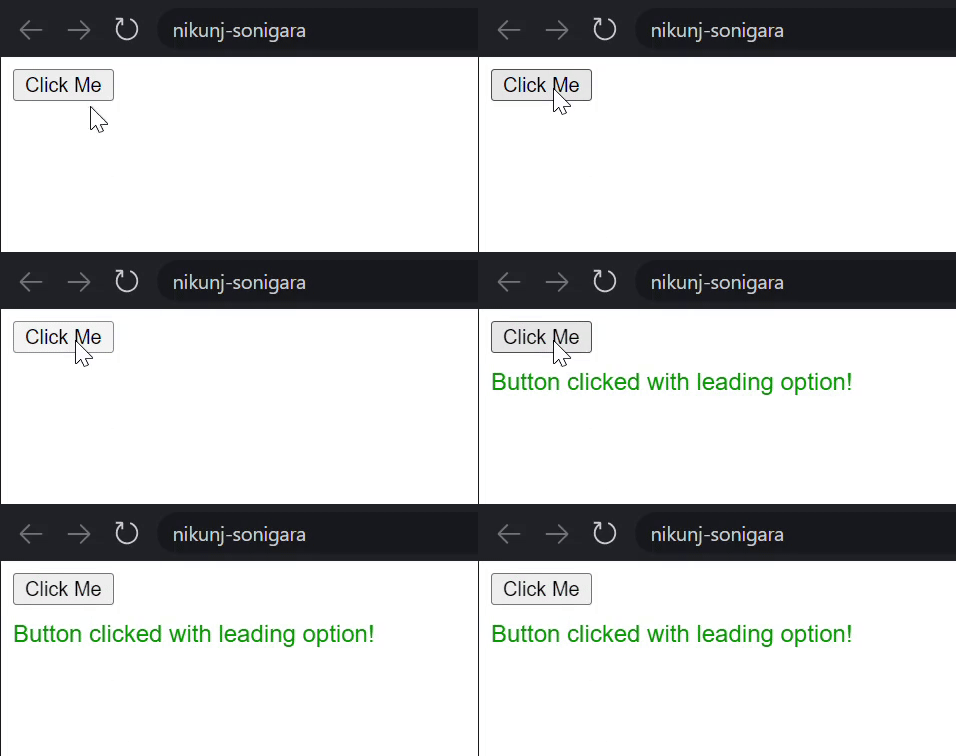
Lodash provides leading and trailing options that control when the debounced function is invoked. This is useful when you want to trigger the function immediately on the first call (leading), or only after the final call (trailing).
Output:
One of the most common pitfalls is failing to maintain a stable reference to the debounced function. Lodash creates a new debounced function every time debounce() is called, so re-creating the function inside an event listener will break the debounce.
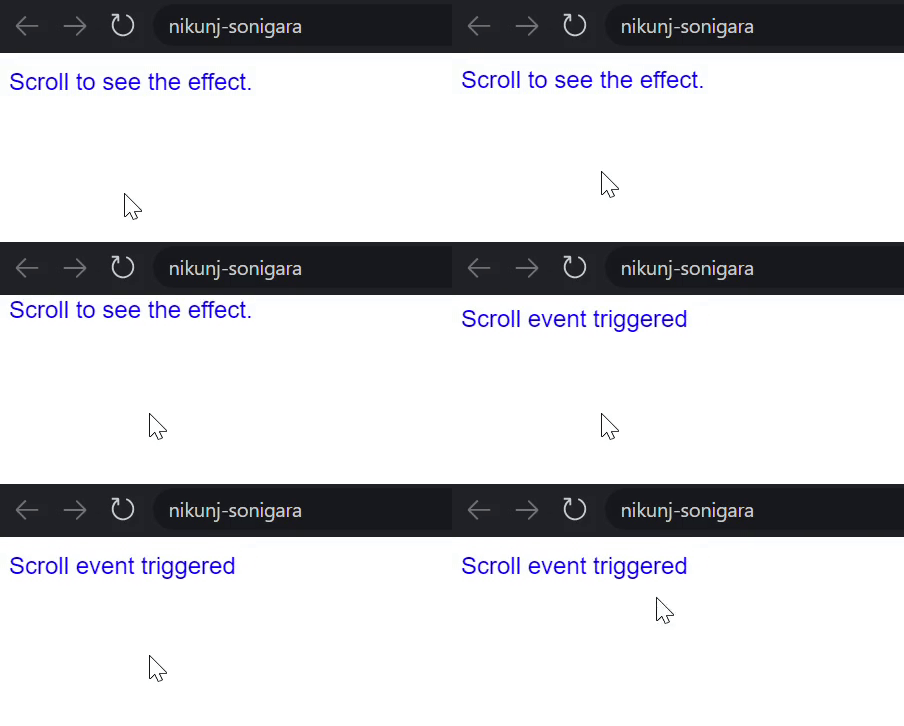
Store the debounced function in a variable and ensure it is referenced consistently across multiple invocations.
Output: