|
VOOZH | about |
|
VOOZH | about |
To get a child element of a parent element in JavaScript, you can use several DOM (Document Object Model) methods, such as children, childNodes, querySelector(), or getElementById(). Here are different ways to access child elements based on the situation.
The children property returns a live HTMLCollection of all child elements of a specified parent element. This property only returns elements (not text nodes, comments, etc.).
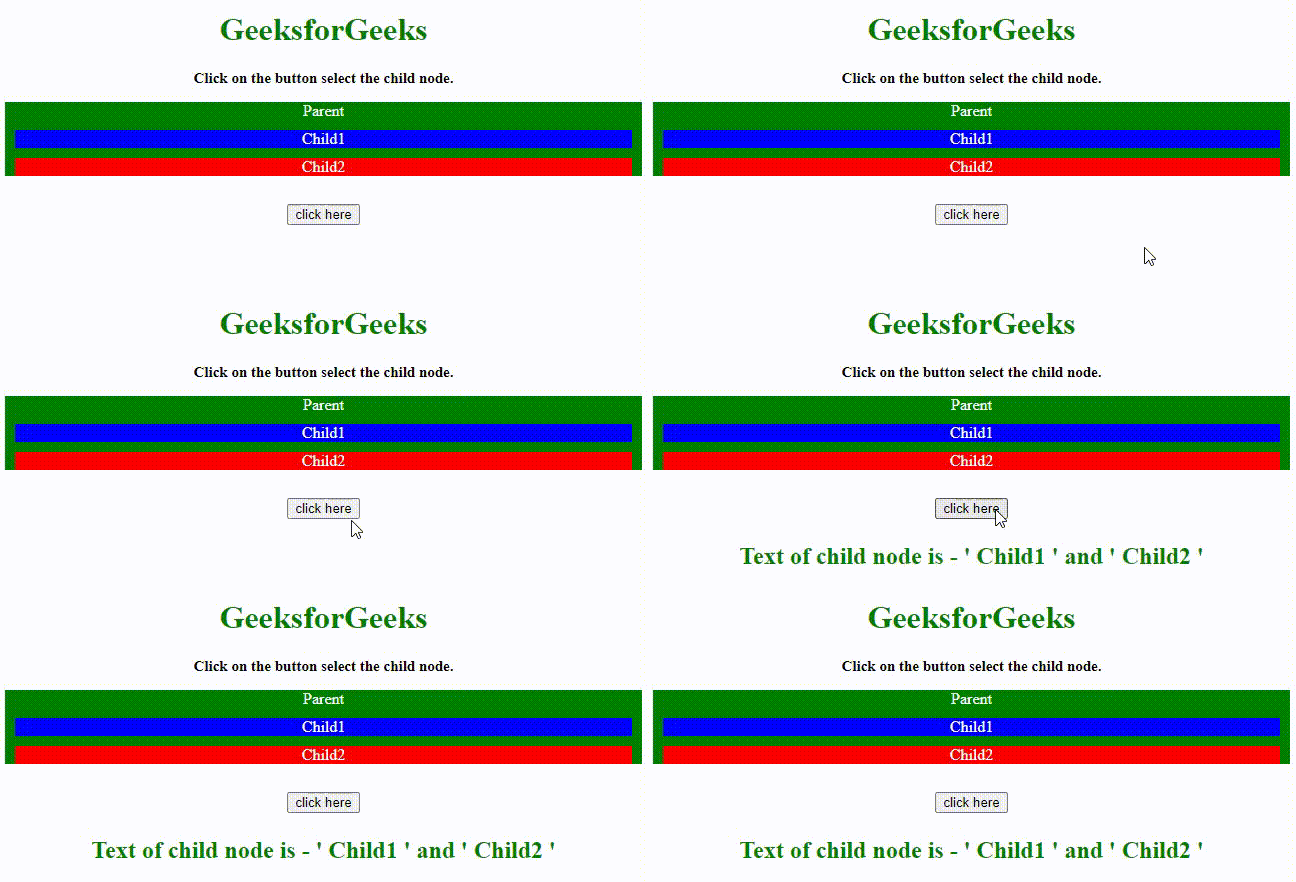
Output
In this example
The querySelector() method returns the first element within the parent that matches a given CSS selector. This is useful if you need to access a specific child element based on a class, ID, or other attributes.
Output:
The childNodes property returns a NodeList of all child nodes of a specified parent, including elements, text nodes, and comments. This means it includes everything inside the parent element, not just the HTML elements.
In this example
querySelectorAll() works similarly to querySelector(), but instead of returning just the first match, it returns all matching child elements as a NodeList.
In this example
FirstElementChild and lastElementChild are properties used to access the first and last element child nodes of an HTML element. These properties are particularly useful when we need to quickly access the first or last child element, ignoring any non-element child nodes (like text or comment nodes).
In this example