|
VOOZH | about |
|
VOOZH | about |
3D Models in WebGL are digital representations of objects within a 3D space, rendered directly in the browser. They can range from simple shapes to complex designs and are crucial for creating immersive and interactive graphics on the web.
Below are the approaches to Creating a 3D Model in WebGL:
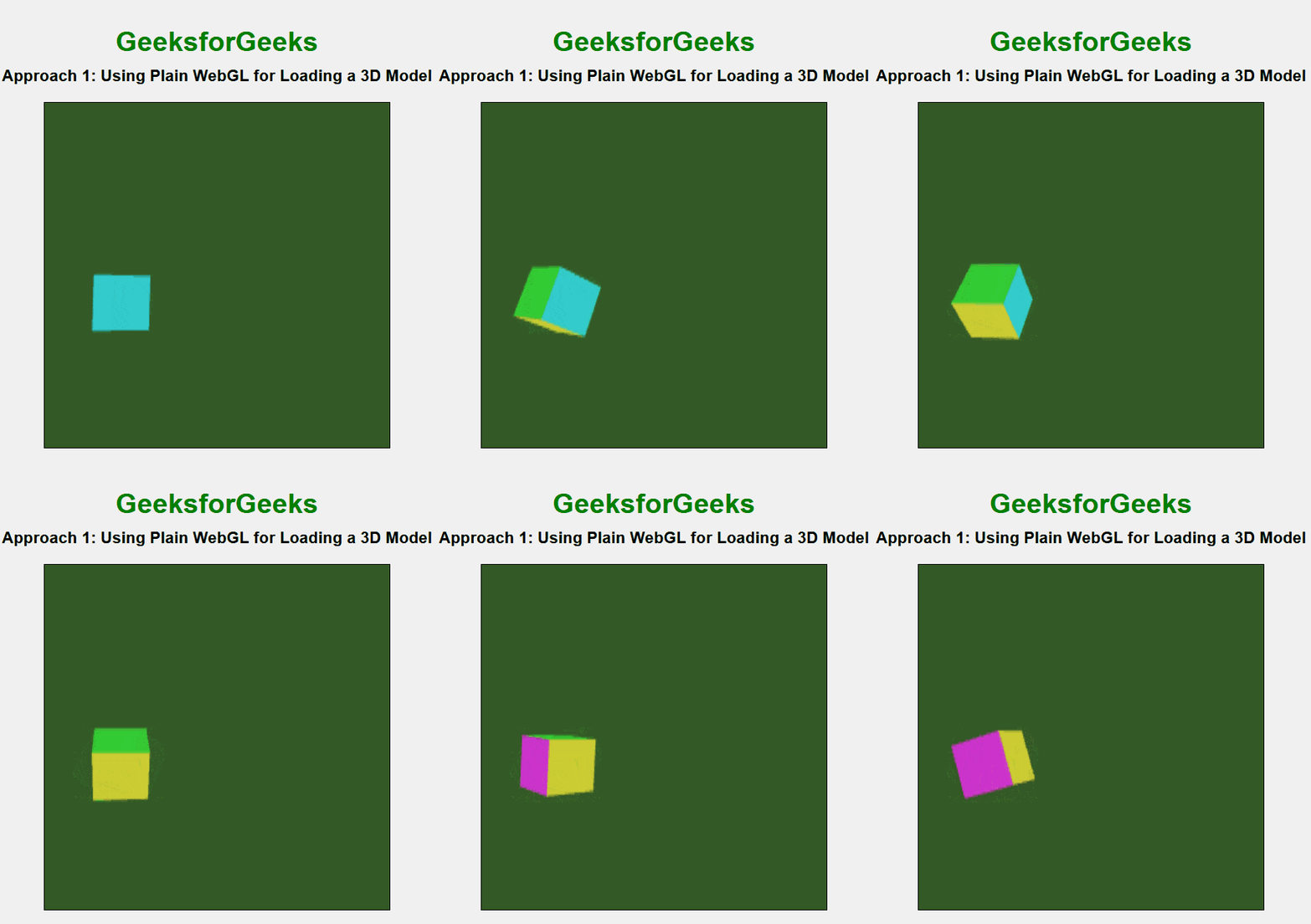
In this approach, we are using plain WebGL to render a 3D cube with colored faces by defining vertex and fragment shaders, setting up buffers for positions and colors, and applying transformations. The cube is animated with rotation using simple matrix manipulations and rendering techniques.
Example: The below example uses Plain WebGL for Loading a 3D Model.
Output:
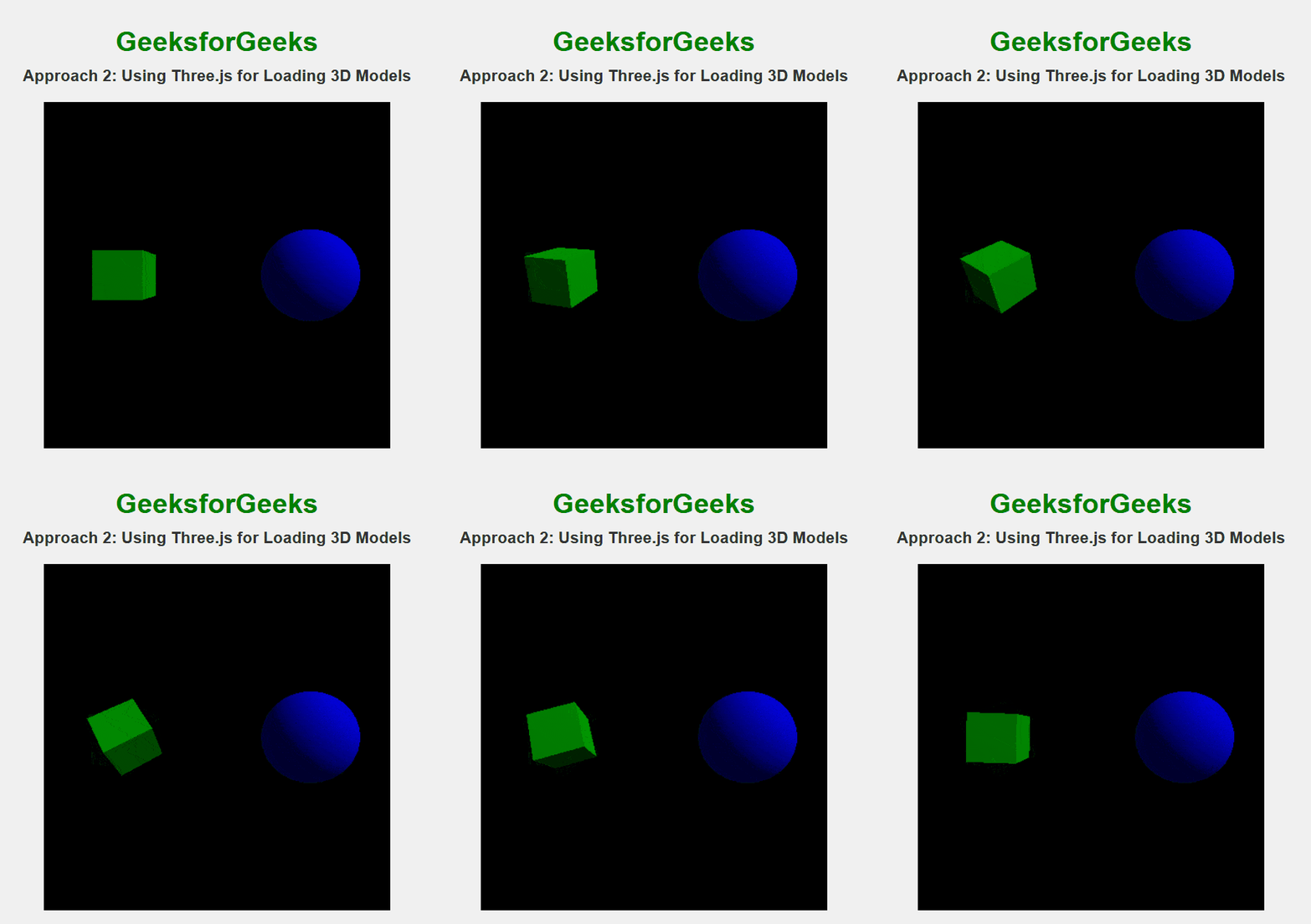
In this approach, we are using Three.js to create a 3D scene with basic geometric shapes—a cube and a sphere. We set up a scene, camera, and renderer, and apply materials with specific properties to the shapes. Lighting is added for illumination, and an animation loop is implemented to continuously rotate the objects, creating a dynamic and interactive visual effect.
Example: The below example uses Three.js for Loading a 3D Model.
Output: