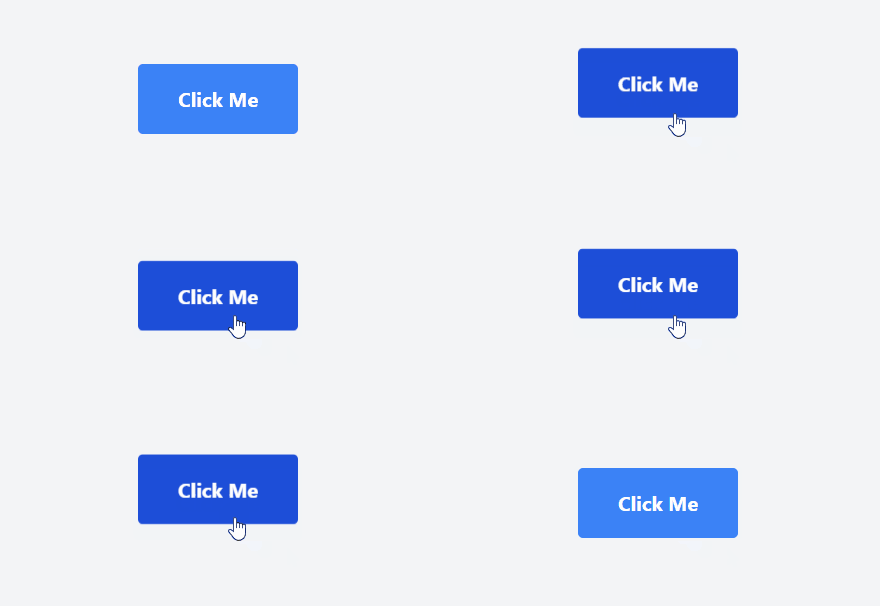
It refers to the technique of implementing animations that respond to user clicks, utilizing the Tailwind CSS for styling and layout, and JavaScript for adding dynamic behavior to the elements. This enhances user engagement and improves the overall user experience of the websites.
Using Tailwind Classes
- Animation Class: Added Tailwind CSS utility class animate-bounce to the button element which creates a bouncing effect when clicked.
- JavaScript: Utilized JavaScript to add and remove the animation class. The class is added on click, triggering the animation, and removed after 500ms, ensuring the animation only occurs once per click.
Example: The below code uses Tailwind classes with JavaScript to animate the button on click.
Output:
👁 fosiGIF
Using Anime.js library
- JavaScript Animation Library: Included the Anime.js library via CDN to enable advanced animations.
- Enhanced Animation: Expanded the animation by incorporating additional properties such as rotate. The button now rotates by 1 turn during the animation sequence.
- Anime.js Configuration: Defined multiple scale values to create a more dynamic scaling effect. The button scales up to 1.2 times its original size smoothly over 400ms, then returns to its original size.
Example: The below code uses Anime.js library to animate the button on click.