|
VOOZH | about |
|
VOOZH | about |
Migrating from Webpack to Vite is a process that allows you to transition from a traditional bundler (Webpack) to a modern front-end build tool (Vite). Vite offers faster build times, better development server performance, and built-in support for modern JavaScript features like ES modules. In this article, we'll guide you through the steps required to migrate a Webpack-based project to Vite, ensuring compatibility while leveraging Vite's improved performance and development experience.
To migrate from Webpack to Vite, we start by removing Webpack dependencies and installing Vite along with any necessary plugins (depending on the framework used). We then modify the package.json scripts to replace Webpack with Vite commands. After that, we adjust the index.html file and update the asset imports to fit Vite's module system. Finally, we run the app in development mode and verify the migration using the build and preview commands.
Before we dive into the migration, let’s understand the steps:
Step 1: Create a project using the below command
npm create vite@latest migrate-webpackStep 2: Run the following command to install Vite and other necessary dependencies:
npm install vite @vitejs/plugin-react --save-devStep 3: Install any other packages using below command
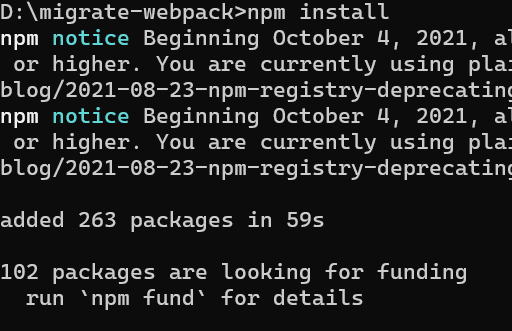
npm installStep 4: Remove Webpack and Install Dev Tools and remove unnecessary Webpack dependencies:
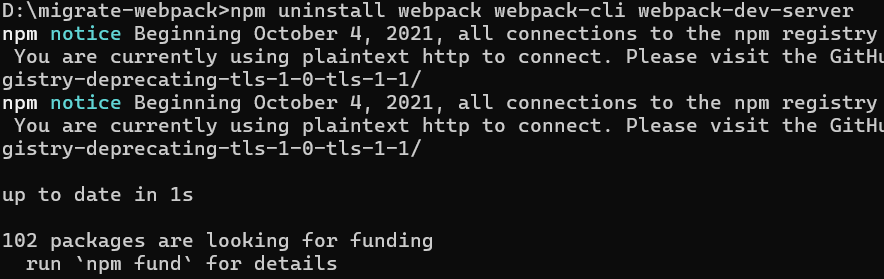
npm uninstall webpack webpack-cli webpack-dev-server"dependencies": {
"react": "^18.3.1",
"react-dom": "^18.3.1"
}
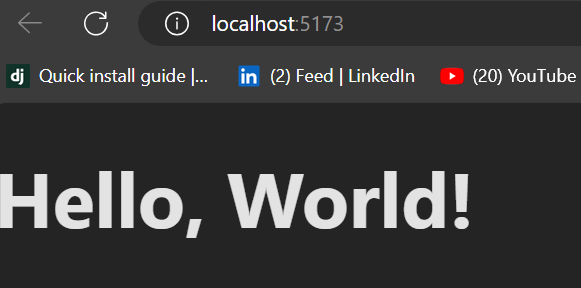
Example: After running npm run dev, Vite will start a local development server, and you should see your app with the "Hello, World!" text rendered.
Output :
Migrating from Webpack to Vite simplifies your development workflow, especially for projects using modern frameworks like React. Vite offers faster builds, quicker HMR (hot module replacement), and a more straightforward configuration. By following these steps, you’ve successfully migrated a Webpack project to Vite and learned how Vite’s simplified approach speeds up your development.