|
VOOZH | about |
|
VOOZH | about |
Removing a class name from an HTML element using JavaScript is often used to dynamically modify the styling or behavior of an element based on user interactions, events, or other conditions. The operation can be achieved using classList property, that allows you to add, remove, or toggle classes.
paragraph.classList.remove('custom-background');
paragraph.classList.toggle('custom-background');
Table of Content
To remove a class name from an element with JavaScript. First style the paragraph with background color. The JavaScript function removeBackgroundColor is defined inside the <script> block. This function is triggered when the button is clicked (onclick="removeBackgroundColor()"). The remove() is called on classList to remove a specified class. It retrieves the paragraph element with the ID myParagraph and removes the class custom-background from it.
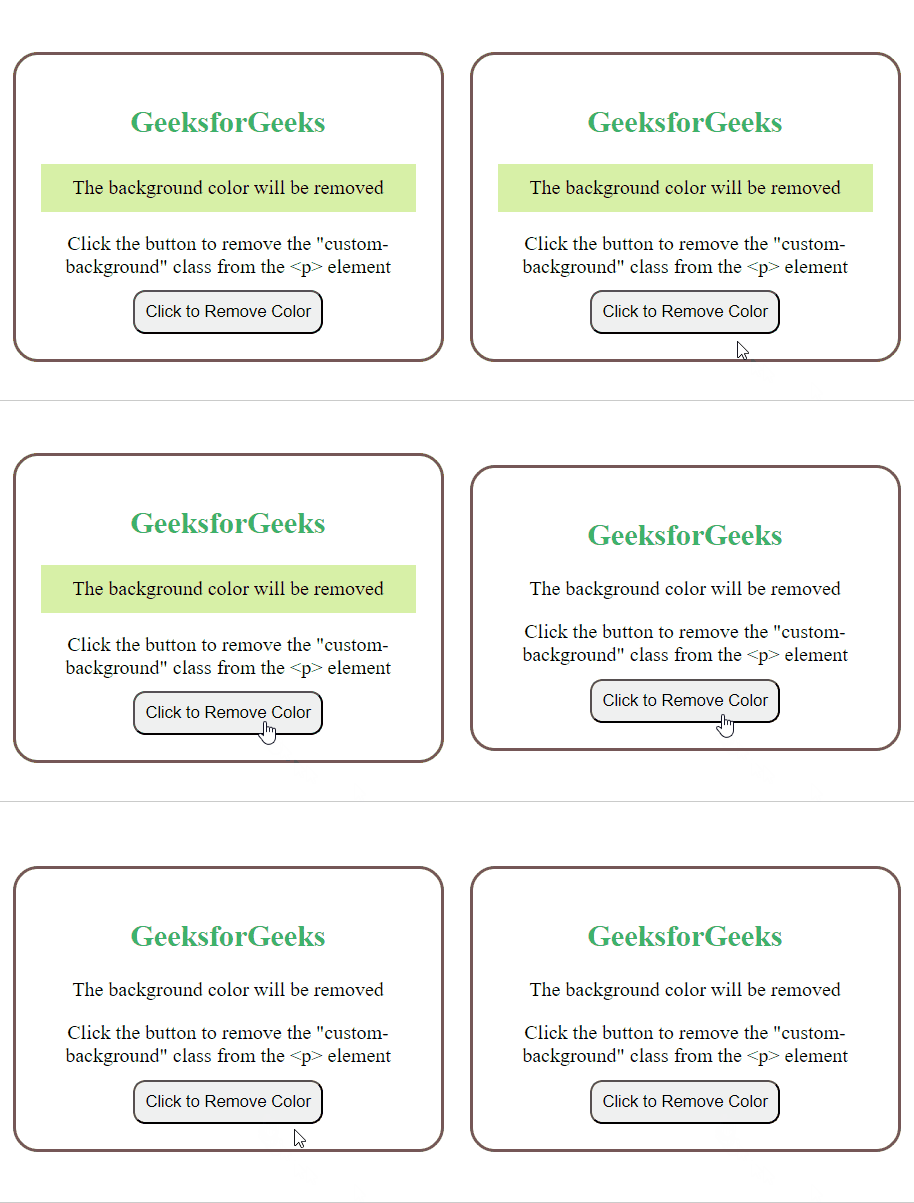
Example: Illustration of removing class from paragraph element.
Output:
To remove a class name from an element with JavaScript. First style the paragraph with background color. The JavaScript function removeBackgroundColor is defined inside the <script> block. This function is triggered when the button is clicked (onclick="removeBackgroundColor()"). The toggle() is called on classList to remove and add a specified class. It retrieves the paragraph element with the ID myParagraph and removes the class if present and add if not present.
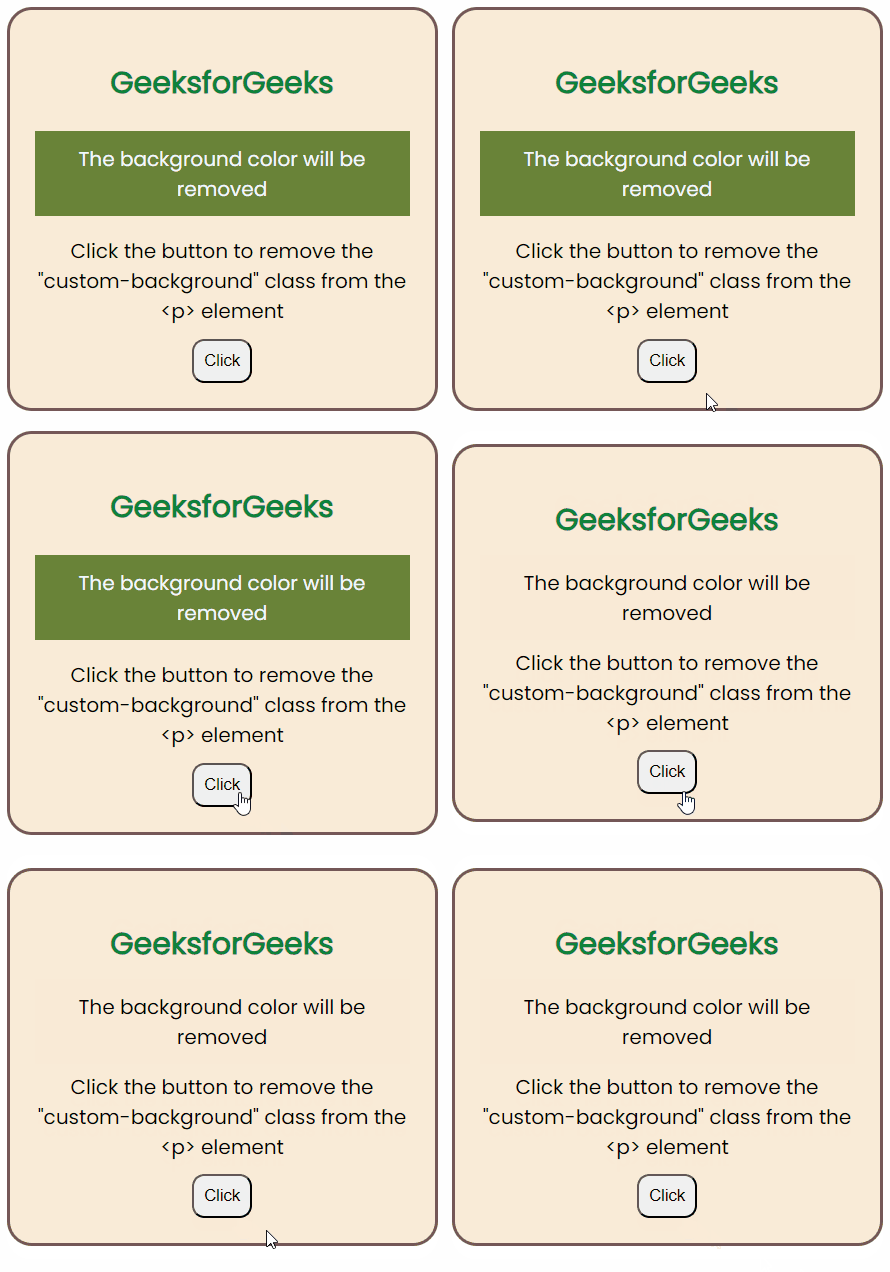
Example: Illustration of removing a class name from an element with JavaScript using toggle method.
Output: