|
VOOZH | about |
|
VOOZH | about |
WebGL Rendering Loop is important for creating dynamic, interactive graphics on the web. By continuously rendering frames, it allows for smooth animations and real-time updates.
In this article, we will explore two different approaches to setting up a basic WebGL rendering loop :
Table of Content
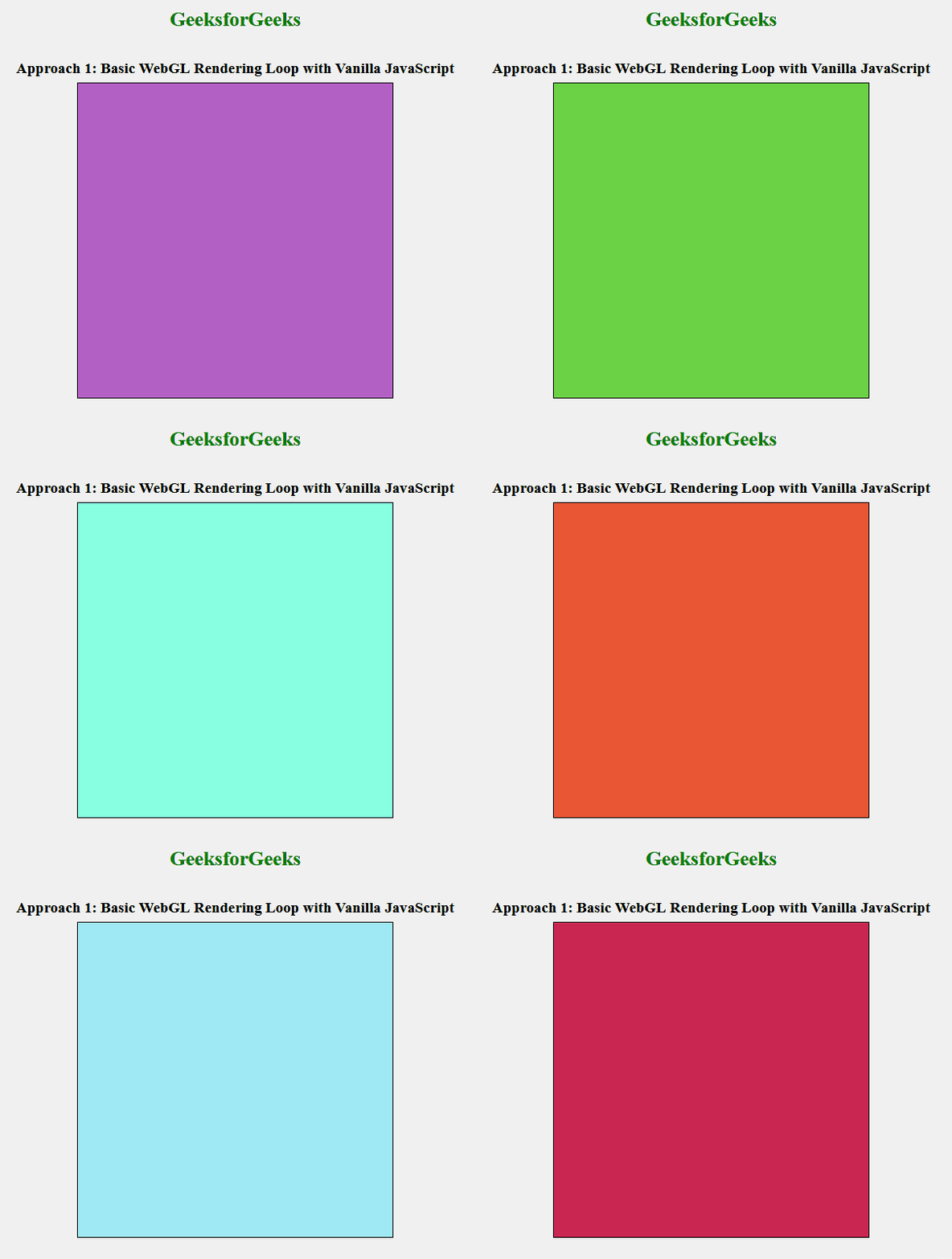
In this approach, we are using vanilla JavaScript to create a basic WebGL rendering loop. The loop continuously clears the canvas with a random color on each frame using the requestAnimationFrame method, which ensures smooth and efficient rendering.
Example: The below example uses a Basic WebGL Rendering Loop with Vanilla JavaScript.
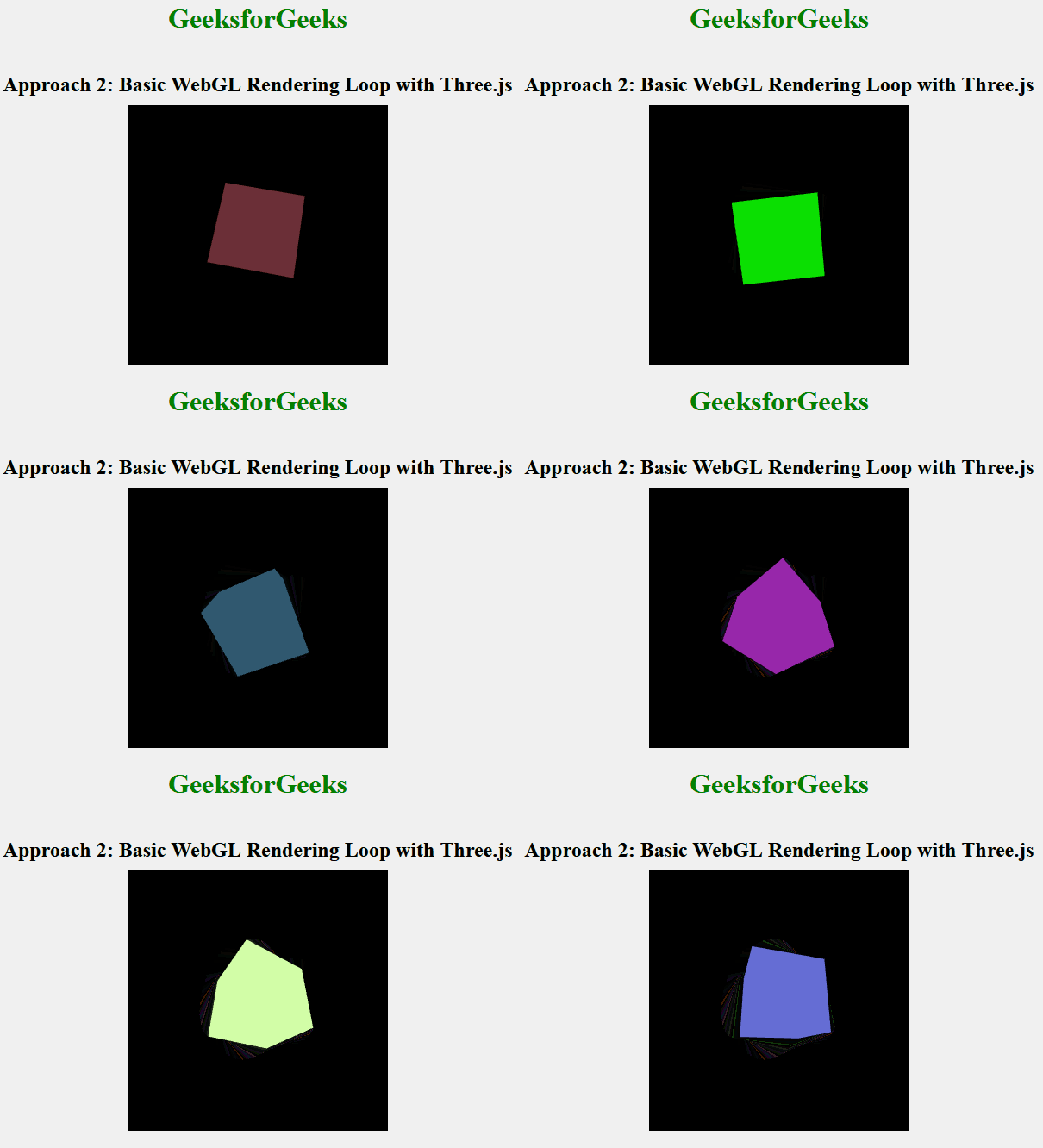
In this approach, we use the Three.js library to set up a basic WebGL rendering loop. We create a scene, camera, and renderer, and then add a rotating cube to the scene. The cube's color changes continuously in the rendering loop, creating a dynamic visual effect.
Example: The below example uses a Basic WebGL Rendering Loop with Three.js.